
If Google can’t reach a page, that page has little chance to show up in search. That is why crawlability matters so much, even on small sites.
The good news is that crawlability is easier to understand than it sounds. We mostly need clear links, a sensible site structure, and no technical roadblocks. Once we fix those basics, search engines can do their job more easily.
What crawlability means, and what it does not
Search engines use crawlers, which are automated bots that request pages and follow links. Crawlability is simply how easy it is for those bots to move through our site and read the pages we want found.
A simple analogy helps. Our website is a building. Internal links are hallways. A blocked page is a locked door. An orphan page, which means a page with no internal links pointing to it, is a room with no hallway at all.

When people talk about crawlability SEO, they usually mean improving those paths so search bots can find important pages without getting stuck or wasting time.
We also need to separate three terms that often get mixed together. Crawling is discovery. Indexing is when Google stores a page in its database. Ranking is where that page appears in results. A page can be crawled and still not rank well. It can even be crawled and not indexed.
Crawlability gets a page through the door. It does not guarantee rankings.
That point matters even more in 2026. Google’s recent core update did not change crawling basics, but it kept pushing harder on original, focused, useful content after discovery. So crawlability is a foundation, not the finish line. For a beginner-friendly outside explanation, Yoast’s guide to what crawlability means is a helpful reference. We should also keep a clean sitemap in place, and this XML sitemap guide 2026 shows how that supports discovery.
Common crawlability problems beginners hit first
Most crawlability issues are not exotic. They are basic site problems that pile up over time.
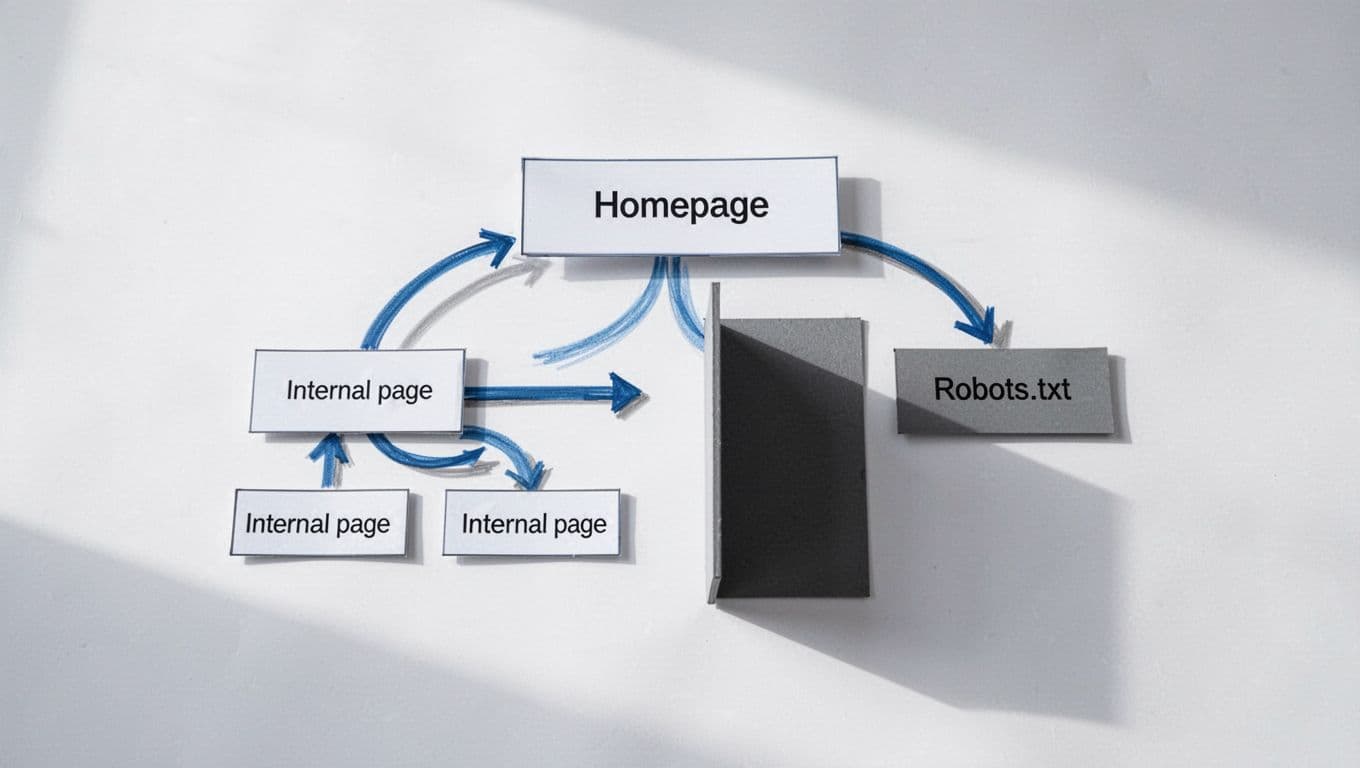
One of the biggest problems is weak internal linking. If an important service page is buried deep in the site, Google may take longer to find it. Another common issue is orphan pages. If nothing links to them, crawlers may miss them entirely.
Then there is robots.txt. This file tells bots where they should not crawl. Used well, it helps. Used carelessly, it can block key pages or folders by mistake. If we need a plain-English refresher, this robots.txt SEO guide makes the crawl versus index difference much clearer.
Other problems are more mechanical. Broken internal links send crawlers to dead ends. Redirect chains waste crawl time. Server errors, such as 5xx errors, can make Google back off because the site looks unstable. Duplicate URLs caused by filters, tracking parameters, or messy navigation can also create clutter, especially on stores and large blogs.
Heavy JavaScript can add trouble too. If essential links or content appear only after scripts load, crawlers may not see the full page right away. That does not mean JavaScript is bad. It means our most important paths should stay easy to access.
A few warning signs usually show up first:
- New pages take too long to appear in Search Console.
- Important URLs are marked as blocked or broken.
- Old redirected URLs still sit in menus, sitemaps, or internal links.
If we want a broader outside checklist, Bruce Clay’s article on common crawl issues and fixes is worth reading.
How to check crawlability with Google Search Console and basic audit tools
We do not need expensive software to get started. Google Search Console is free, and it covers the basics well.
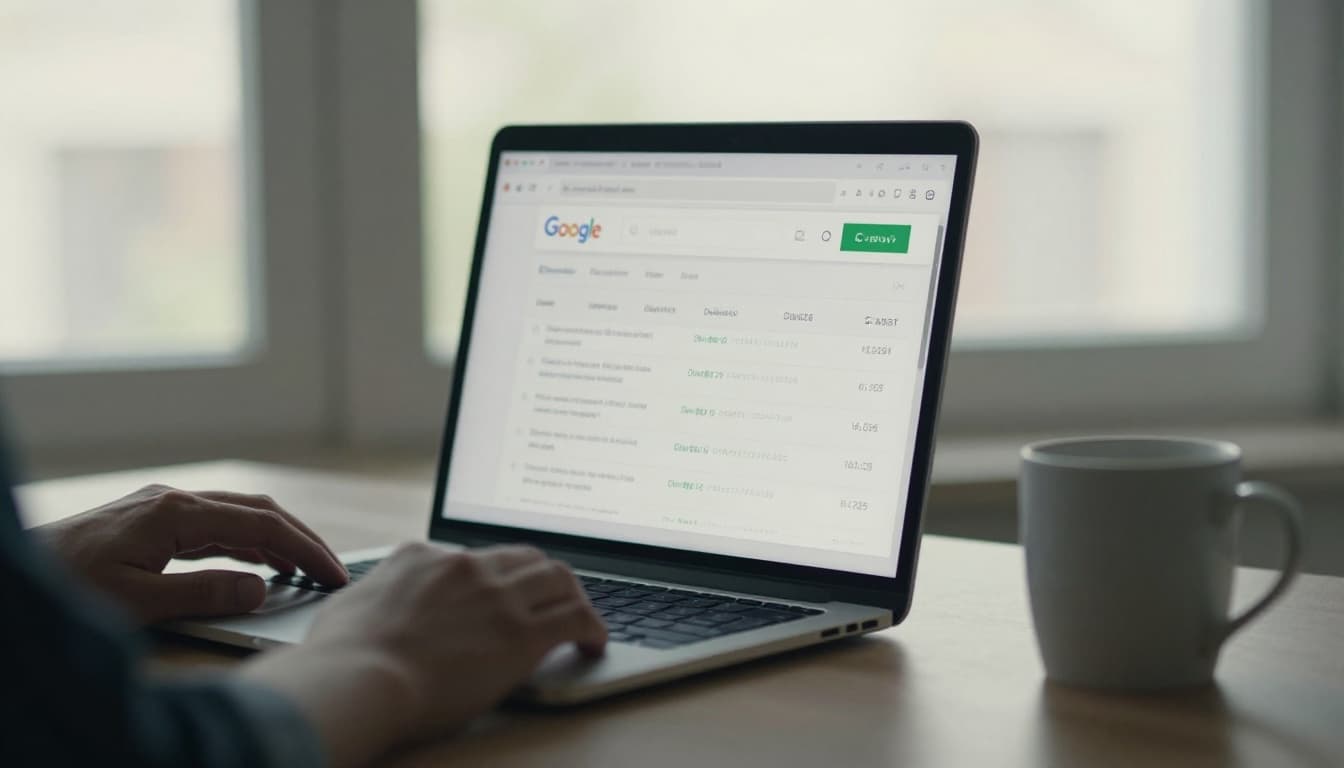
First, use URL Inspection on an important page. This shows whether Google can access the page, when it was last crawled, and whether a live test works right now.
Next, check the Pages report. Look for patterns like Blocked by robots.txt, Not found (404), Server error (5xx), or Discovered, currently not indexed. That last one is not always a crawl problem, but it is still a useful clue.
Then review the Sitemaps section. We want a clean sitemap that lists only the URLs we actually want crawled and indexed, not redirects, deleted pages, or thin junk.
After that, open Crawl Stats. This report helps us spot spikes in redirects, server issues, and unnecessary requests. If a small site shows lots of errors, that is usually a sign to clean up technical clutter.
Basic audit tools help too. Screaming Frog and Sitebulb can crawl our site the way a bot would. They are great for finding broken links, orphan pages, long redirect chains, and pages buried too deep in the structure. If we want a simple next-step framework, our technical SEO checklist for small business sites pairs well with this process, and Crawl Compass has a useful outside technical SEO checklist for 2026.
From there, the fixes are usually practical. Add internal links to important pages. Remove broken links. Keep navigation clear. Trim junk from the sitemap. Make sure important content is visible in the HTML. Group related pages into clear topic clusters so Google can understand the site, not only access it.
Crawlability is the floor, not the ceiling. When search engines can reach our best pages cleanly, we give them a fair chance to evaluate the content.
From there, rankings depend on what they find. In 2026, that still means useful pages, clear topic focus, and content worth indexing.