
A contact page looks simple, but it carries a lot of weight. When someone lands there, they are usually ready to call, visit, or send a form. If the page is vague, slow, or missing key details, we lose a lead that was already close.
For local businesses, contact page SEO is not an extra task. It is part of the trust-building work that helps people and search engines confirm who we are, where we are, and how to reach us. When that page is done well, it feels like a clear path, not a dead end.
Why the contact page matters more than most business owners think
Our contact page often gets ignored because it does not feel like a sales page. That is the mistake. People who reach it are already showing intent, and search engines use it as one more signal that our business is real and locally relevant.
A strong contact page supports the same foundation as local SEO basics, because it ties the website to a real place, a real phone number, and a real business identity. It also lines up with what Google wants to see from local businesses, which is clear contact information and easy ways to reach us. Search Engine Land has a useful breakdown of the perfect local business contact page, and the big idea is simple, less friction means more action.
For a local shop, service company, clinic, or agency, the contact page is often the last checkpoint before a call. If we make that checkpoint easy, we improve both visibility and conversions.
What a strong local contact page should include
The exact setup changes by business type. A brick-and-mortar location does not need the same layout as a service-area business, and a multi-location brand has its own needs.
Brick-and-mortar and service-area pages need different details
| Business type | What we should show | Why it matters |
|---|---|---|
| Brick-and-mortar location | Street address, hours, map, parking or entrance note, phone number, form | Helps people visit with confidence |
| Service-area business | Service area, phone number, email, quote form, cities served, no fake office address | Keeps the page honest and useful |
| Hybrid business | Address, service area, appointment details, directions, contact options | Covers both visitors and callers |
A page like this works best when the facts match everywhere. Our business name, address, and phone number should be identical on the website, the Google Business Profile, and the rest of our listings. If one page says one thing and another page says something different, trust starts to slip.
We should also connect the contact page to the rest of the site. If we have location pages, the contact page should support them. That is why optimizing location pages for local SEO matters here. The contact page should not sit alone. It should move people toward the right branch, the right service, or the right next step.
Mobile-first design that gets the call
Most local searches happen on phones, so the contact page has to work on a small screen first. That means large tap targets, short forms, and a clear action near the top of the page.
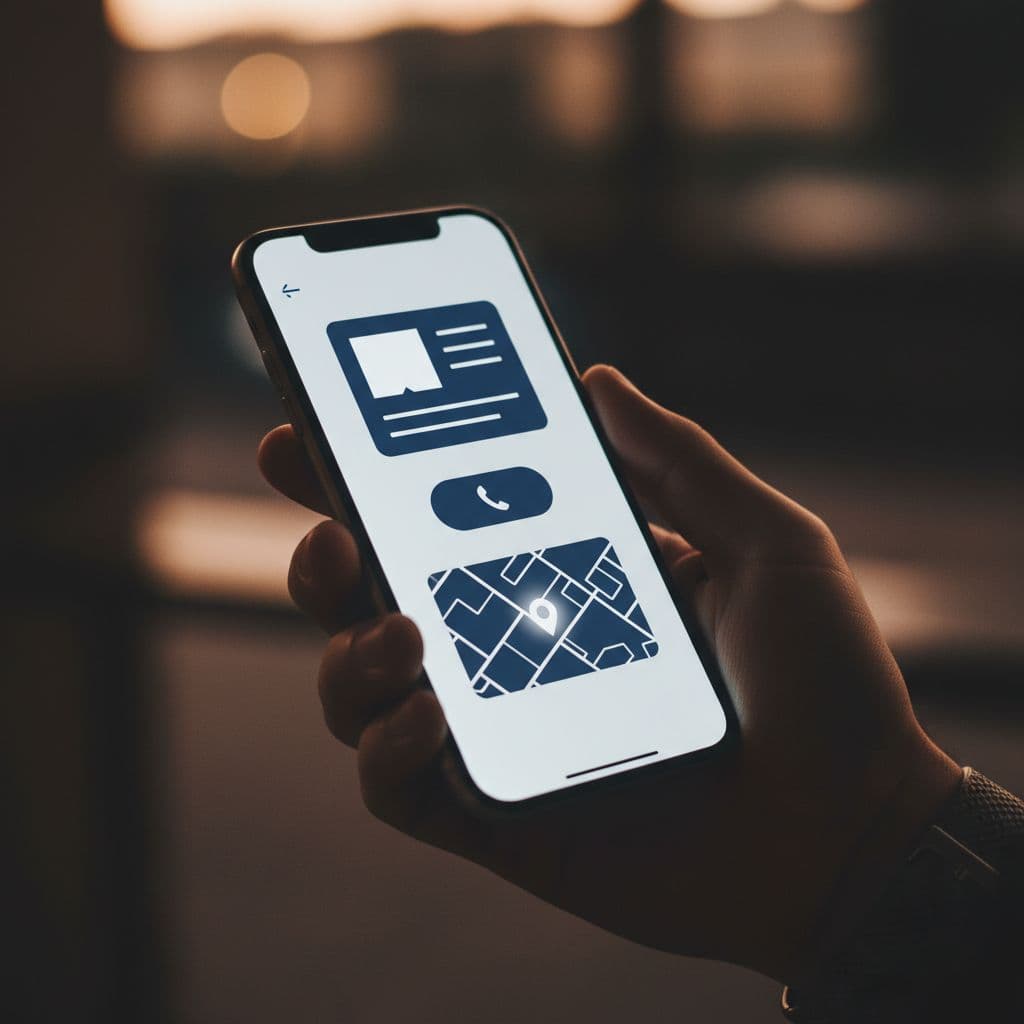
The main action should be obvious. We can use "Call now," "Get directions," or "Book an appointment," but we should not crowd the page with five equal buttons. One strong path is better than three weak ones.
If people have to hunt for the phone number, the page is already asking for too much work.
A mobile-friendly contact page also keeps the form short. Name, phone, email, and a short message are usually enough. If we ask for too much, people back out. On a phone, every extra field feels bigger than it looks on desktop.
Speed matters here too. A contact page with heavy graphics, auto-play media, or giant image files can slow the user down at the exact moment they want to act. That is a bad trade. The page should load fast, stay clean, and make the next step feel easy.
LocalBusiness schema, maps, and trust signals
Search engines need structure, not guesswork. That is where LocalBusiness schema helps. It gives search engines a clearer picture of our business name, address, phone number, hours, and category.
For a practical reference, schema and map guidance shows how markup and an embedded map work together on a contact page. The map helps people, but the written details still matter. We should never hide the address inside an image or rely on the map alone.
Trust signals belong on the page too. Real photos of the office, storefront, team, trucks, or service area help people feel they are dealing with a real business. If we have a license number, association badge, or a few strong testimonials, those can help as long as they are real and current. If we have holiday hours or seasonal changes, we should publish them clearly.
For businesses with FAQs, FAQPage schema can support questions about parking, appointment policy, walk-ins, service radius, or payment types. That gives people quick answers and reduces back-and-forth before the first call.
Contact page checklist for local businesses
Here's a quick checklist we can use before we publish or refresh the page.
- Our business name, address, and phone number match every other trusted place online.
- Our hours are current, including holiday hours and temporary closures.
- The primary call to action is easy to see on mobile.
- The map points to the correct location.
- Our service area is written in plain language if we do not serve customers at a storefront.
- The contact form is short and works well on a phone.
- Parking, entrance, or landmark notes are included when they help visitors.
- The page includes real photos or other proof that the business is active.
- FAQs answer the questions people ask most often before they call.
If we can check every box without hesitation, the page is in good shape. If we cannot, we have found a place to improve.
When the page needs to send people deeper into the site, our local service page optimization work should pick up from there. The contact page is the handoff point. It should point people toward the right service, not leave them guessing.
Common mistakes that weaken contact page SEO
A lot of weak contact pages fail for the same reasons. The problems are usually simple, which means they are usually fixable.
- The phone number changes from one page to another.
- A service-area business uses a fake storefront just to fill space.
- The form asks for too much before the first contact.
- The page has a map, but no clear written address or directions.
- Hours are missing, outdated, or buried too far down the page.
- The design looks fine on desktop and breaks on mobile.
- The copy says almost nothing beyond "Contact us."
Those issues slow people down and make the page feel unfinished. A contact page should not feel like a wall. It should feel like the shortest route to a real conversation.
A contact page that earns trust fast
The best contact pages do three things well. They confirm the business, reduce friction, and give people one clear next step. That is the heart of contact page SEO for local businesses.
When our name, address, phone number, map, hours, and trust signals all line up, the page starts doing real work. It supports rankings, but it also supports revenue. That is the part that matters most.
If we remember the question that every visitor is asking, who are we, where are we, and how do they reach us, the answer should be easy to find in a few seconds.