

Your best service article can look anonymous in a few seconds. Author page SEO gives readers a clear answer to a basic question: who wrote this, and why should they trust the guidance?
For a small business, that person may be the owner, a licensed professional, a local marketer, or the team that manages your content. A complete profile won't push a weak page to the top of Google, but it can support trust, clarify content ownership, and help search engines connect work to a real source.
You don't need a large newsroom or a large budget. You need accurate details, consistent links, and a page people can verify.
Why Author Page SEO Matters to Small Businesses
Search visitors often decide whether to stay before they read a full page. A clear author name and profile give your content a human source, which matters when you publish advice about money, health, repairs, legal topics, or other decisions with real consequences.
Article pages and author pages do different jobs
An article page answers a topic-related question. It may explain how to choose a plumber, prepare for a tax appointment, or compare website hosting options.
An author page explains who created that guidance. It should show the person's role, experience, connection to the business, and a list of relevant work. Think of the article as the conversation and the author page as the name tag at the table.
Every article doesn't need a different profile. If one business owner writes most of the content, one well-maintained author page is better than dozens of thin pages with a name and nothing else.

Trust depends on details readers can verify
Readers don't need a long life story. They do need enough context to understand why the author can speak about the subject.
An HVAC contractor can write about seasonal maintenance. A local SEO specialist can explain Google Business Profile updates. A business owner can share practical experience with customer service or pricing. The connection should be obvious, honest, and easy to check.
We see stronger results when businesses use real names, real roles, and useful bios. Avoid invented expertise, stock biographies, or vague lines such as "passionate marketing professional."
Build a Profile That Feels Real and Useful
A useful profile page gives visitors the facts without making them hunt. Keep the page focused on the author, then connect that person to the business and the content they publish.
Start with details people can check
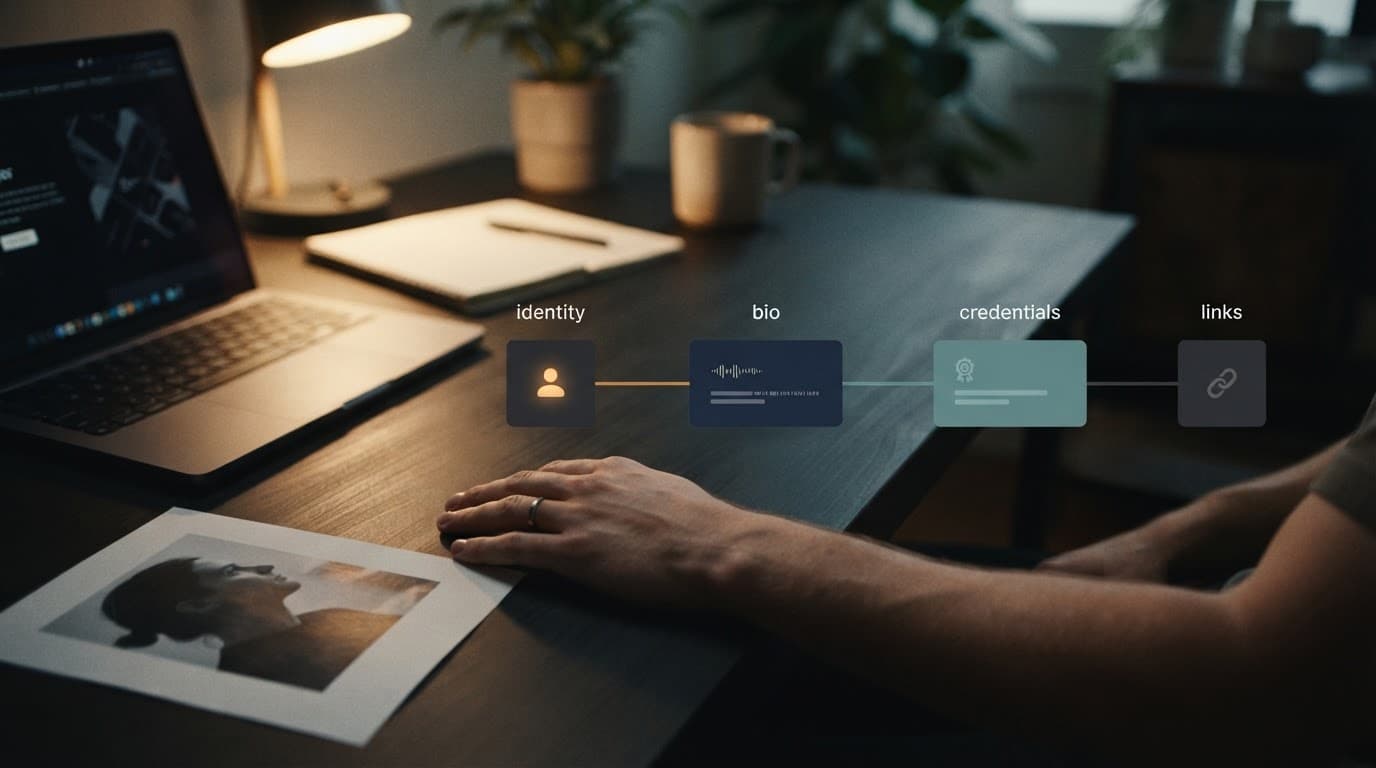
Include the author's full name, role, professional photo, and relationship to the company. If the person has a license, certification, degree, or years of direct work that matters to the topic, include it.
Add a brief description of the subjects they cover. For example, a local business owner may write about service areas, customer questions, and the work their team performs each day.
You can also link to a professional LinkedIn profile, a licensing board listing, or a speaker profile when those pages add proof. Don't add social links only because every other site does. Each link should help visitors confirm who the author is.
Show experience without padding the page
A strong bio is often 80 to 150 words. Explain what the person does, how long they have worked in the field, and why they write for your site.
Keep personal details private unless they relate to the business. A family history, unrelated hobbies, and a long career timeline can distract from the page's purpose.
If your company publishes content as a group, say so clearly. Google supports organizations as article authors, but don't use a company name to hide who is responsible for advice that needs an individual source.
Connect Authors to the Content They Create
Publishing a profile isn't enough. Readers and search engines need a clear path between the article and the person behind it.
Place a consistent byline on every eligible article
Use the same author name on the article byline, author page title, page URL, and structured data. Small differences can create confusion. "Jane A. Smith" on one page and "Jane Smith, Marketing Team" on another may look like two different people.
Place the byline near the article title or publication date. Link the author's name directly to the profile page. Don't hide that link in a footer, author archive, or a page visitors rarely see.
Google's Article structured data documentation describes author.url as a link that uniquely identifies the author. An internal bio page is a practical choice when it is complete and public.
Keep ownership and topical scope clear
An author page can list recent posts, but it shouldn't become a random blog archive. Show the articles that fit the person's experience and give each title a useful destination.
Link back to the business About page when it explains the author's role. A local service business can also link to its service areas or main services when those pages support the author's background.
Good author page SEO creates clear connections. The profile supports the article, and the article supports the profile. Neither page should exist only to hold links.
Use Structured Data Without Overpromising Results
Structured data is code that gives search engines extra context about a page. It is helpful, but it isn't a shortcut to better rankings.
Add Article and ProfilePage markup where it fits
On an article, use Article markup with the author's name and a unique author URL. That URL should point to the author's profile page, not a category archive or generic Contact page.
On the author profile, ProfilePage markup can help identify the page as a profile focused on one person or organization. Google's ProfilePage markup guidance says the page must be accessible to Google and not blocked by robots.txt, noindex, or a login wall.
Don't add ProfilePage markup to every staff directory, team photo page, or tag archive. The page should clearly focus on a single person or business profile.
Test markup, then focus on the content
Use Google's Rich Results Test after you publish or update markup. Fix critical errors, then use Search Console's URL Inspection tool to confirm Google can crawl the page.
Google's structured data overview explains that markup helps Search understand content and may qualify pages for certain search features. It does not guarantee a rich result or a ranking increase.
Schema can clarify who created a page. It can't make thin, outdated, or copied content trustworthy.
Follow a Low-Cost Author Page SEO Process
A small team can complete this work without buying a new platform or hiring a large content department. Start with the authors already visible on your site.
Work through six practical tasks
- List every published author and find the articles attached to each name. Remove duplicate spellings and outdated bylines first.
- Choose one official profile URL for each real author. Keep it short, permanent, and easy to understand.
- Gather proof before writing the bio. Confirm titles, credentials, years of experience, and the person's actual responsibilities.
- Create a focused author page with a photo, short bio, business connection, and selected articles. Use headings that make the page easy to scan.
- Update article bylines so each one links to the correct profile. Review older high-traffic posts before trying to update every page on the site.
- Check the page manually. Open it on mobile, confirm the links work, test the markup, and make sure the page is indexable.
Many WordPress themes create author archives automatically. Don't assume an archive page is a complete profile. If it only shows a name and a post list, build a dedicated page and link the byline to it instead.
Avoid Thin Profiles and Keep a Final Checklist
The biggest problem isn't missing schema. It is publishing a profile that looks unfinished or makes claims the business can't support.
Profiles that don’t help readers
A page with a name, a generic stock photo, and one sentence does little for trust. The same is true for copied bios across several employees or profiles with no link to published work.
Don't turn an author page into a sales page either. A brief call to action is fine, but the main job is to identify the author and explain their experience. Keep promotional copy on your service and landing pages.
Review author pages when a staff member changes roles, earns a new credential, leaves the company, or stops writing. Old information can weaken an otherwise reliable website.
Final author page checklist
Before publishing, check that each profile has the basics in place:
- The author is a real person or clearly identified organization connected to your business.
- The name, job title, photo, and bio are accurate and current.
- The bio explains relevant experience in plain language.
- Every eligible article has a visible byline linked to the right profile.
- The profile includes selected posts that match the author's knowledge.
- The profile page has one permanent URL and can be indexed.
- Article markup uses the same author name and profile URL shown to visitors.
- ProfilePage markup is tested when it is appropriate for the page.
A Clear Author Is Better Than an Empty Byline
Strong content still matters most. Your articles need to answer real questions, use accurate business details, and give visitors a clear next step.
Author page SEO supports that work by making content ownership easier to understand. Keep your author profiles honest, useful, and connected to the articles they create.







