
When a site needs maintenance, the worst move is often silence. Search engines can handle short downtime, but they need the right signal.
For 503 status code SEO, the goal is simple: tell crawlers the site is temporarily unavailable, then give them a clear hint about when to come back. If we send that message cleanly, we protect crawl behavior and avoid turning a planned outage into an indexing problem.
The details matter here. A 503 is not a bandage for every outage, and it is not a hidden way to park a page. It works best when we treat maintenance like a short, planned event with a clear start, finish, and recovery path.
What a 503 tells search engines
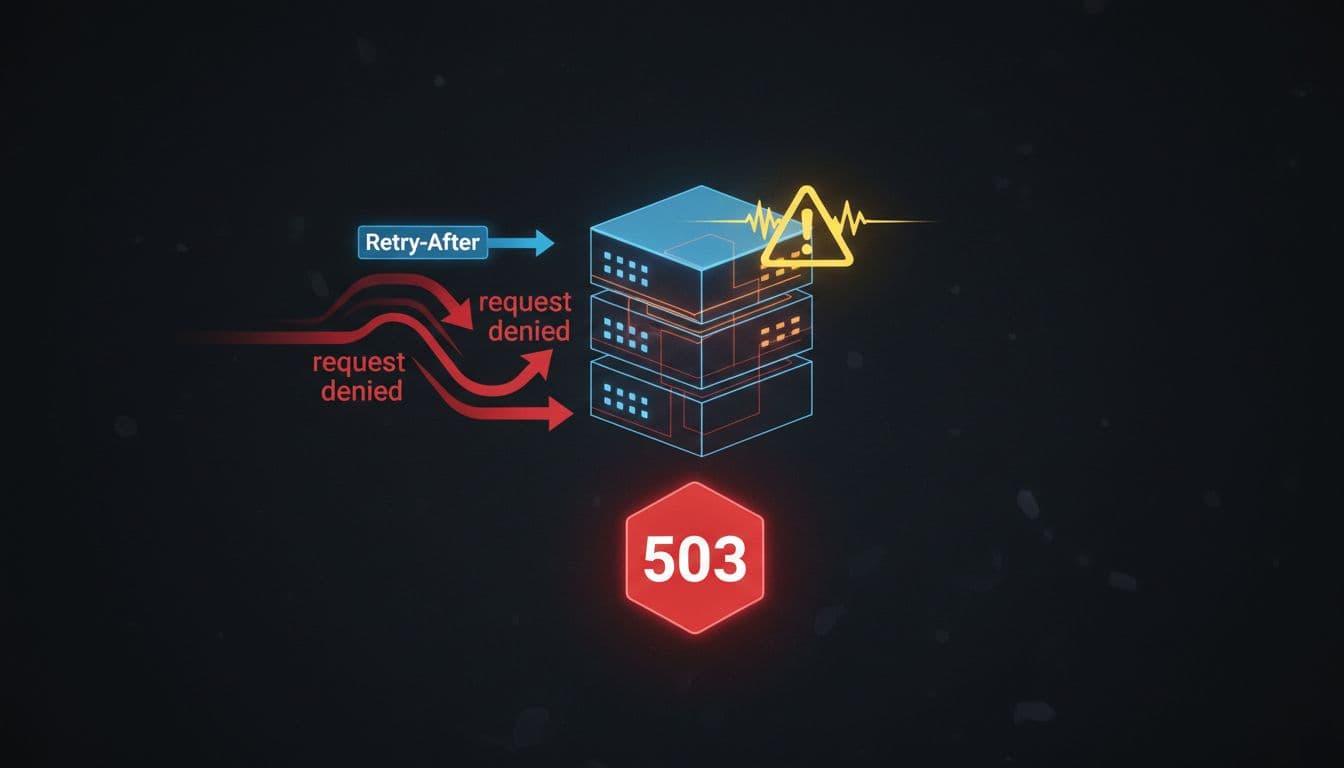
A 503 means the server is temporarily unavailable. That is the key word, temporary. It tells search engines that the page is not gone, and it is not moving somewhere else.
That is why 503 is the right code for maintenance windows, server overload, and short service interruptions. It gives crawlers a better story than a broken page, and a better story than a fake success response.
Here is the simplest way to think about the common responses:
| Situation | Best response | Why it fits |
|---|---|---|
| Planned maintenance | 503 with Retry-After | The outage is temporary |
| Server overload | 503 with Retry-After | The service may recover soon |
| Page moved forever | 301 | The old URL should pass users onward |
| Page removed for good | 404 or 410 | The content is not coming back |
The rule is clean. If the content will return, we use 503. If it will not, we use a different status code.
If the outage is temporary, the response should sound temporary.
A 503 without Retry-After is still better than a fake 200, but the header gives crawlers a better clue. It tells them when to check again instead of guessing.
How 503 affects SEO during short maintenance windows
Search engines are usually fine with brief outages when the signal is correct. Tech Edition's summary of Google's view on short 503s makes that point clearly, short, infrequent downtime is usually manageable when we handle it the right way.
Yoast's 503 maintenance guidance adds the part many teams miss. The Retry-After header tells crawlers how long to wait before they try again. It is a hint, not a timer, so we should think of it as guidance, not a promise.
That matters because maintenance is rarely one-size-fits-all. A one-hour update is different from a half-day migration. A short outage usually gives crawlers enough room to back off and return later. A long outage, or repeated outages, creates more risk because search engines keep seeing unavailable pages instead of usable content.
So what does Google need in that moment? Not a story, just a clear signal. We want to say, "This page is down for now, come back later," not, "This page is broken," and not, "This page has vanished."
If the maintenance also involves hosting or DNS changes, we plan that layer too. Our DNS settings for SEO guide covers the timing side, including how TTL settings affect propagation during a move.
A maintenance checklist that keeps the site safe
Before we take the site down, we should treat the maintenance window like a small launch. The better we plan it, the less cleanup we need later.

- Pick the maintenance window early.
We want the outage to happen when traffic is lower, and when the team is ready to watch it. - Serve a real 503 response on the affected URLs.
If the whole site is unavailable, sitewide 503 is fine. If only one section is down, keep the signal limited to that section. - Add a reasonable
Retry-Afterheader.
If we know the work will take three hours, we should not leave crawlers guessing for three days. Give them a realistic time or date. - Keep the maintenance page simple.
The page should load fast and return a 503 itself. A bloated maintenance page creates more problems than it solves. - Do not block the site in
robots.txtjust to hide the outage.
Blocking crawl access is not the same thing as telling crawlers the site is temporarily unavailable. - Monitor crawl behavior during and after the outage.
We should watch server logs, error spikes, and crawl stats reports after the site comes back. That helps us see whether bots backed off and returned cleanly. - Restore normal responses as soon as the work is done.
The site should return to 200 status codes as soon as it is live. Leaving a 503 in place too long turns a temporary fix into a search problem.
A small note here helps too. If maintenance is part of a larger launch or migration, we do not treat DNS like an afterthought. We plan the outage, the changeover, and the recovery together.
Common 503 mistakes that hurt SEO
Most maintenance problems come from trying to make downtime look nicer than it is. Search engines do not need a polished disguise. They need the right status code.

Here are the mistakes we should avoid:
- Returning 200 with a maintenance message.
That tells crawlers the page is fine when it is not. - Redirecting everything to the homepage.
That creates a poor user experience, and it muddies the signal. - Using a redirect when the page is not really available somewhere else.
If the page is simply down for maintenance, a redirect is the wrong tool. - Leaving the 503 in place after the site is live again.
This one sounds obvious, but it happens more often than we think. - Skipping
Retry-Afterwhen we know the outage window.
The header is one of the easiest ways to make the response more useful. - Hiding the outage with robots blocking.
That does not fix crawl understanding. It only hides the problem.
The biggest SEO mistake is confusion. If the site is back but still serving a maintenance response, crawlers get mixed signals. If the site is live but returns a 200 maintenance page, crawlers get the wrong signal. Either way, the result is unnecessary cleanup.
When 503 is not the right response
A 503 is for temporary unavailability. That is the line we should keep in mind.
If a page is gone for good, we should use the right removal signal instead. Our 404 vs 410 status codes guide explains when a missing page should be treated as temporary, and when it should be treated as permanently gone.
If a URL has a permanent new home, we should use a redirect instead of a 503. That is a different job. The page is not unavailable, it has moved.
This is where teams sometimes mix up maintenance and migration. They are not the same thing. Maintenance means "back soon." A permanent move means "here is the new place." A retired page means "this one is done."
Conclusion
A clean maintenance window should feel boring, and that is a good thing. We want search engines to see a temporary outage, a clear return time, and a normal response when the work is finished.
That is the heart of 503 status code SEO. When we use the code the right way, pair it with a sensible Retry-After header, and avoid fake redirects or soft success responses, we protect visibility without making maintenance harder than it needs to be.
Temporary downtime happens. What matters is the signal we send while it does.