Guessing at SEO is like driving with fogged-up windows. Google Search Console clears a big part of that view.
For beginners, it answers the first questions that matter. Are our pages indexed, which searches bring impressions, and where is Google having trouble with the site? In 2026, that matters even more because search results can swing fast, especially around broad updates.
Let’s start with the few parts of Search Console that pay off quickly.
Set up Google Search Console the simple way
Before we chase rankings, we need clean setup. If we want full data across every version of a site, a Domain property is usually the best pick. If we only want one area, such as a subfolder or a test site, a URL-prefix property can work.
A simple setup looks like this:
- Add the site as a property.
- Verify ownership, often through DNS or an HTML tag.
- Submit the XML sitemap.
- Check that Google can inspect a live URL.
If we want extra screenshots, this practical 2026 setup walkthrough and this step-by-step tutorial for beginners both line up well with what new users see today.
One small warning helps here. Google changes labels now and then, so the exact menu names may shift. Still, the core jobs stay the same, search performance, indexing, sitemap status, and page issues.
The reports worth checking first every week
The first stop is usually the Search results report, which sits inside the broader Performance area. This is where we see four beginner-friendly numbers:
| Report area | What it tells us | First action |
|---|---|---|
| Clicks | Visits from Google Search | Find pages gaining or losing traffic |
| Impressions | How often pages appear | Spot topics Google already connects to us |
| CTR | The share of impressions that became clicks | Improve weak titles and descriptions |
| Average position | A rough ranking average | Use it as context, not a promise |
Search results is also where some accounts now show an AI-powered setup button or banner. If it appears, we can type a request in plain English, such as “mobile clicks in the US for the last 28 days,” and let Search Console build the filter. That saves time, especially for beginners.
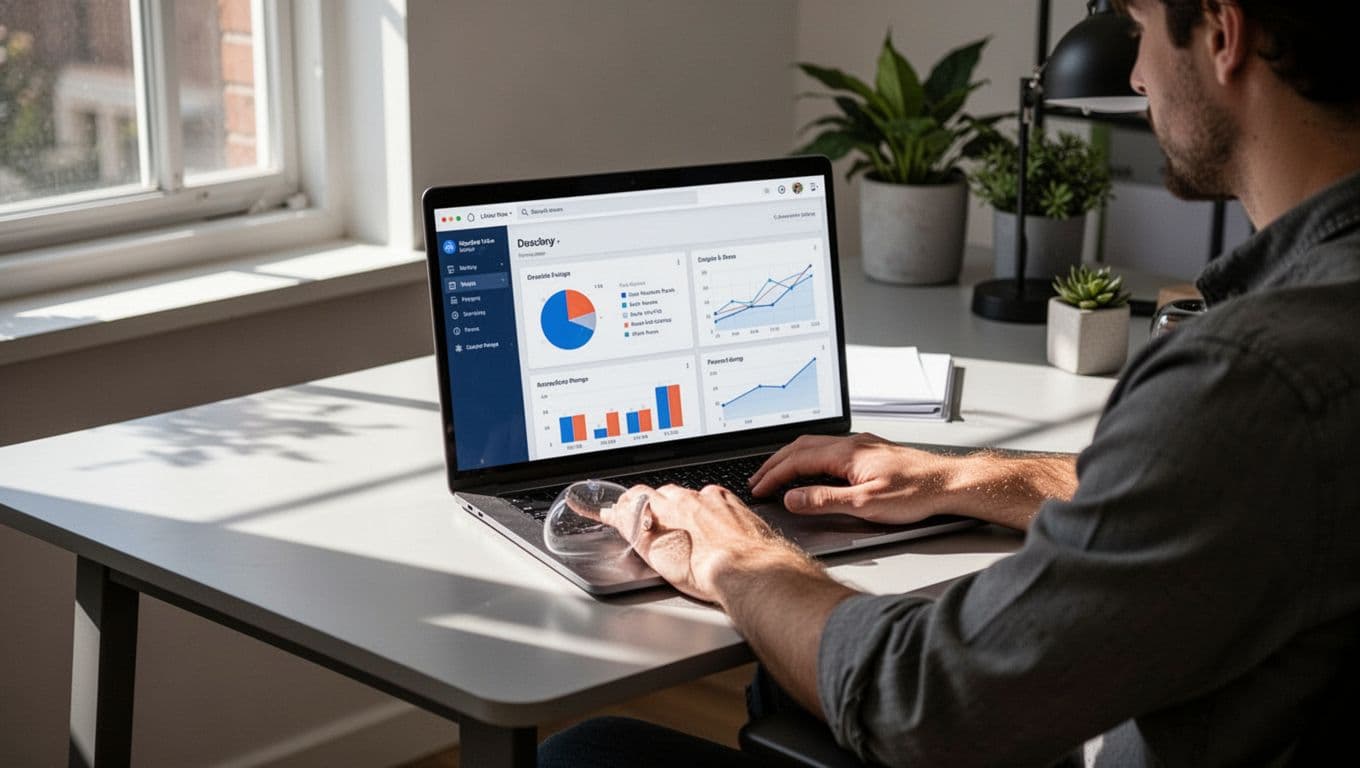
Next, check Page indexing. Indexing means Google has stored a page so it can appear in search. If an important page is excluded, we should inspect that URL and look for thin content, duplicate pages, noindex settings, or weak internal links.
Then review Sitemaps and Core Web Vitals. A sitemap helps Google find pages faster. Core Web Vitals shows speed and page stability, mainly on mobile.
Don’t judge the site from one noisy day. Trends beat snapshots.
That matters right now. Google’s March 2026 core update began in late March, so early April data can still look shaky. Waiting until mid-April gives us a cleaner read.
How to turn Search Console data into simple SEO fixes
The best part of google search console is not the charts. It’s the next move those charts suggest.
When a page gets lots of impressions but few clicks, the snippet often needs work. We can rewrite the title, tighten the meta description, and match the search intent better. If we want a deeper look at titles and snippets, this guide to improve SEO click-through rate is a good next step.
Sometimes Search Console shows queries we never planned for. That’s useful. If a page gets impressions for related questions, we can expand the content, add a better subheading, or build a new article around that topic. Pairing those ideas with a guide to free keyword research tools makes planning much easier.
Other times, a page ranks around positions 8 to 15 and stalls there. That doesn’t always call for a full rewrite. Often, it needs stronger support from nearby pages. Clear contextual links can help Google and readers understand why the page matters, which is why internal linking for SEO beginners belongs in the same workflow.
A simple rule works well: if we see a pattern twice, we act on it. If we only see it once, we watch it a little longer.
Common beginner mistakes to avoid in 2026
Most beginners don’t fail because Search Console is hard. They fail because they read too much into the wrong numbers.
First, don’t obsess over average position. It’s a blended number, not a fixed spot. AI Overviews, maps, videos, and other search features can also change what people click, even when rankings stay close.
Second, don’t only look at site-wide totals. Filter by page, query, device, and country. A page can look weak overall but perform well on mobile, or rank well in one country and poorly in another.
Finally, don’t treat excluded pages as automatic errors. Some excluded URLs are fine. Focus on the pages that matter to the business.

If we want more context on newer 2026 features, including AI-based report setup and broader visibility tracking, this complete 2026 Search Console guide is a solid companion read.
Google Search Console works best when we treat it like a dashboard, not a crystal ball. We check the core reports, spot a pattern, and make one useful change at a time.
That’s the win for beginners in 2026. Open Search Console today, review Search results and Page indexing, and fix one page before doing anything else.