
A misleading Google Business Profile can push a legitimate business out of local search results, but Google Maps spam reporting only works when the complaint is tied to a clear policy violation. A vague accusation about a competitor usually won't help.
We recommend treating each report like a small case file. Capture the listing, record the exact problem, collect reliable proof, and use the reporting route that matches the violation. Start with the evidence before you submit anything.
Key Takeaways
- Use "Suggest an edit" for inaccurate public information on a single listing.
- Use Google's Business Redressal Complaint Form for serious, misleading, or repeated profile violations.
- Report review spam through the review itself, not through the business information form.
- Collect URLs, screenshots, dates, location proof, and public records before filing.
- Report facts tied to Google's policies, never a competitor simply because they rank above you.
What Counts as Google Maps Spam?
Google Maps spam is business information or content that misleads searchers, breaks Google's Business Profile rules, or gives an unfair advantage in local results.
Common examples include a business name packed with service keywords, a fake address, duplicate listings, or a profile for a business that doesn't exist. A listing might also use a phone number or website that sends customers to another company, a lead-generation page, or a harmful destination.
The key question is simple: What is inaccurate, and what proof can show it?
A business ranking above yours isn't proof of spam. Neither is a profile with more reviews, a better category, or a stronger position in the map pack. Reporting based on frustration can waste time and may damage your credibility.
We look for a direct connection between the profile and the rule it may violate. For example, "This competitor is outranking us" is not a useful complaint. "The profile name includes five service terms that don't appear in the company's real-world name" gives Google something reviewable.
Google's official guide to reporting a business on Google Maps explains that inaccurate information and inappropriate content may require different forms. That distinction matters because the wrong route can send a valid complaint into the wrong review process.
Choose the Right Reporting Route
Google provides more than one way to report a problem. Pick the route based on the type and size of the violation.
Suggest an edit for basic listing errors
Open the business listing in Google Maps, select "Suggest an edit," and choose the information that needs correction. Depending on the device and listing, Google may show options such as the business name, address, phone number, hours, category, or location.
This route fits a single, easy-to-document error. Examples include:
- The business moved and the old address is still listed.
- The phone number belongs to a different company.
- The listing shows a business as open when it has permanently closed.
- The map pin is placed at the wrong building.
Add a short explanation based on observable facts. Avoid emotional language and claims you can't prove. A useful edit might say, "The listed address is a residential property, and the business has no customer-facing location there." Attach evidence when Google provides that option.
Use the Business Redressal Complaint Form for serious violations
The Business Redressal Complaint Form is better suited to spam, fraud, misleading business details, and patterns involving several profiles. It commonly covers violations related to the listing's title, address, phone number, or website.
Use this route when the problem is more than a routine correction. It can fit cases such as keyword-stuffed names, fake locations, duplicate profiles, nonexistent businesses, or a network of listings using the same misleading details.
The form generally asks for your name, email address, the affected organization, the profile's public Google Maps URL, the type of content involved, and an explanation. It may also allow attachments or a spreadsheet for multiple listings.
A strong complaint gives Google a fact to verify, not a conclusion to accept.
Report review spam through the review
Review violations follow a separate process. Open the review, select the three-dot menu, and choose the option to report or flag it. Then select the reason that best matches the issue, such as spam or inappropriate content.
This route is appropriate for reviews that appear promotional, unrelated to a customer experience, copied across businesses, or posted by someone connected to a competitor. Don't use the Business Redressal Complaint Form as the default route for one suspicious review.
Negative-review extortion also has a separate merchant reporting process. Save the messages, demands, contact details, review links, and screenshots. The more complete the record, the easier it is to show that the reviews are connected to an extortion attempt.
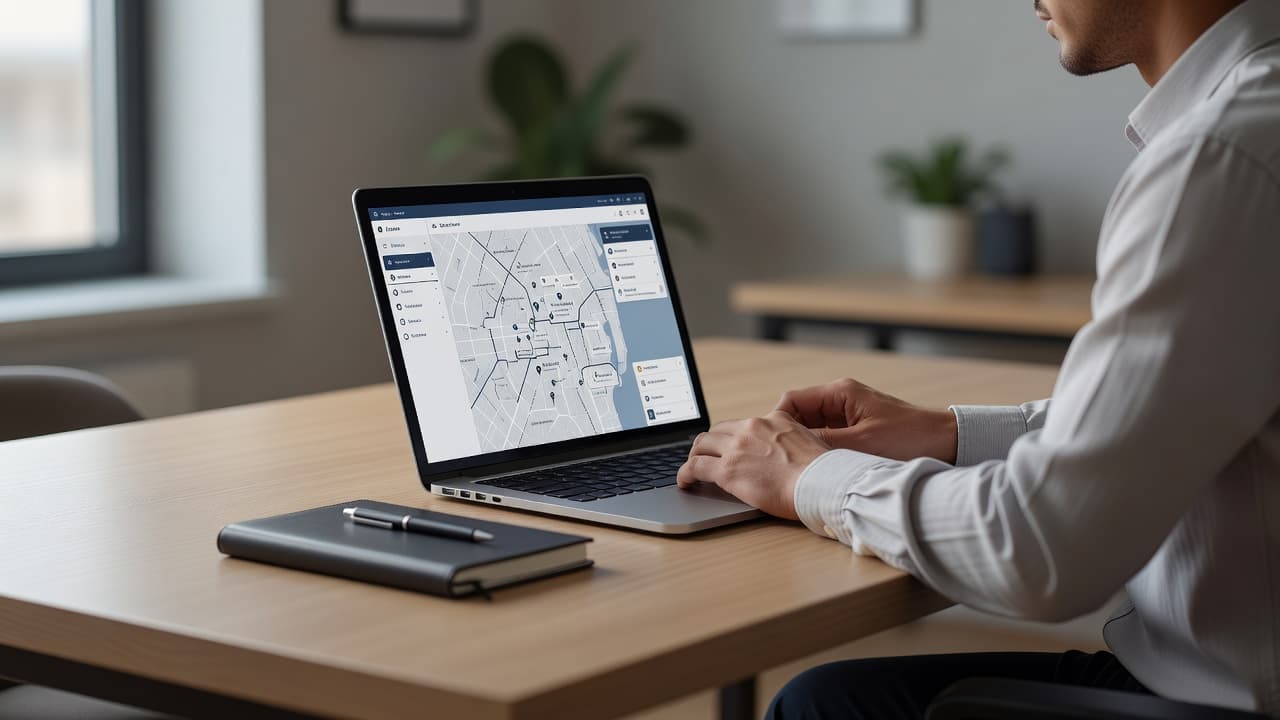
Build a Documentation Checklist Before Reporting
Good documentation turns a complaint into a reviewable report. We recommend saving evidence before making an edit or contacting the business owner.
Start with the public listing. Copy its full Google Maps URL, then capture the business name, address, phone number, website, category, and profile ID if it is visible. Take screenshots that show the entire listing and separate screenshots that make the suspected violation easy to see.
Record the date and time of every capture. Listings can change after a complaint, and a dated record shows what appeared when you reported it.
Use primary sources whenever possible. A state Secretary of State record, professional license database, official business website, property record, or Street View image is more useful than an unverified comment on social media. Third-party directories can support a pattern, but they shouldn't be your only proof.
This table keeps the evidence organized:
| Evidence to collect | What it should show | Helpful source |
|---|---|---|
| Google Maps URL | The exact listing being reported | Public listing page |
| Full-page screenshot | Name, address, phone, website, and category | Google Maps |
| Date and time | When the violation was visible | Your report log |
| Name evidence | Real-world name versus keyword-stuffed profile name | Official website, signage, license record |
| Address evidence | Whether the location is valid and customer-facing | Street View, licensing record, property records |
| Phone or website evidence | Whether details redirect, impersonate, or belong to another business | Call record, destination page, official website |
| Duplicate evidence | Several listings representing one business | Maps URLs and matching details |
| Review evidence | Review text, profile, date, and suspicious pattern | Individual review page |
| Communication evidence | Extortion demand or threats tied to reviews | Emails, messages, screenshots |
For an address complaint, Street View can show a home, vacant lot, unrelated business, cemetery, or a virtual-office location. That doesn't prove every service-area business is invalid. A service-area business may not display its address to customers, so focus on whether the profile follows Google's rules for that business type.
Write a Complaint Google Can Verify
The explanation field is where many reports become weak. Keep it factual, organized, and easy to check.
Use this structure:
- Identify the listing and paste its public URL.
- State the exact information that appears inaccurate or misleading.
- Name the relevant policy issue in plain language.
- Explain how your evidence supports the claim.
- List the attached files and what each one shows.
For example:
The profile name is "Smith Roofing Emergency Roof Repair Denver." The company's official website and state registration identify the business as "Smith Roofing LLC." The added service and city terms appear only in the Google profile name. The attached screenshots and registration record show the difference.
That format is stronger than saying, "This company is spam and should be removed."
If you report multiple listings, group them only when they share a clear pattern. Create a spreadsheet with one row per listing, including the Maps URL, violation type, evidence links, and a short explanation. For a small number of profiles, list each URL in the form if that option is available.
Keep cloud evidence accessible. If you use a Google Drive folder, give reviewers permission to open it and label files clearly. Use names such as listing-1-name-evidence.png and listing-1-address-record.pdf, rather than random camera filenames.
Google's process is policy-based, not competitor-based. A complaint about a rival should show a violation that would still matter if the profile were not competing with you.
Avoid Weak or Unethical Spam Reports
Spam reporting shouldn't become a way to attack businesses you dislike. Don't report a profile because it has better rankings, more reviews, or a category you would prefer to use.
Don't submit edited screenshots, fake reviews, false claims, or evidence taken out of context. Don't ask customers or staff to mass-report a legitimate listing. Repeated submissions with no new information can make the process less useful for everyone.
Be careful with address complaints. A business may operate from a home, visit customers at their locations, or use a shared workspace under rules that differ by business type. An address that looks unusual deserves research, not an automatic removal request.
The same standard applies to reviews. A negative review isn't automatically spam. Customers can leave honest criticism, even when the business owner disagrees with it. Report the review when you can connect it to a defined violation, such as unrelated promotion, fake engagement, harassment, or extortion.
The Google Maps reporting guidance is the best starting point when you're unsure which form to use. Older tutorials may describe buttons or form fields that have changed, so check the current Google instructions before submitting.
Track the Report and Follow Up Carefully
Save your submission date, case number, profile URL, violation type, and attached evidence. If Google sends a confirmation email, keep it with the rest of the record.
Don't file the same complaint every day. Give Google time to review it, then check whether the listing changed. If the problem remains, review your original evidence and decide whether you have new, stronger information.
For a group of related listings, note each profile's status separately. One listing may be corrected while another remains unchanged. A simple spreadsheet prevents duplicate reports and keeps your follow-up organized.
If the form or edit tool doesn't resolve a serious issue, use the Google Business Profile support options available through the affected account. The local search community's discussion of redressal form limits also highlights an important point: not every complaint belongs in that form.
A respectful follow-up should identify the original report, explain what remains unresolved, and add new evidence only when it changes the case. It shouldn't repeat the same accusation in stronger language.
Conclusion
Effective Google Maps spam reporting starts with documentation, not the submit button. Capture the listing, verify the facts with reliable sources, and match the issue to "Suggest an edit," the Business Redressal Complaint Form, review reporting, or the merchant extortion route.
We recommend writing every complaint so a reviewer can check it without guessing what you mean. Clear evidence and accurate policy references give legitimate reports the best chance of being understood and acted on.