
A page can look sharp and still feel frustrating. If the main image loads late, buttons lag, or content jumps around, people leave fast.
That is where core web vitals come in. They measure how a page feels to real visitors, not only how it looks in a mockup. They matter for search, but they are only one signal among many.
Let’s make the topic simple, so we can spot problems faster and fix the right ones first.
What core web vitals actually tell us
Core web vitals are Google’s user experience checks. They focus on loading, responsiveness, and stability. In other words, they ask a simple question: does the page feel smooth?
Google still uses these signals in 2026, and the standards have not changed. It looks at the 75th percentile of real user visits. That means most visitors need a good experience, not only the lucky ones on a fast device.
Still, we shouldn’t treat them like a magic switch. Strong scores help, especially when two pages are close in quality. Yet rankings also depend on relevance, content, links, intent, and clean indexing. Our page can be fast and still miss the mark if it doesn’t answer the search.
If we want the wider picture, our guide on how search engines work shows how crawling, indexing, and ranking fit together.
Great Core Web Vitals can support SEO, but they don’t replace useful content or clear site structure.
A good comparison is a storefront. Content is what people came to buy. Core web vitals are the door, lights, and checkout line. If the door sticks, the room flickers, and the line stalls, some people walk away before they see what we offer.
Google also groups data around real page patterns. So, if one template is slow, the issue often spreads across many URLs. That is good news for beginners because one smart fix can improve a whole section of the site.
LCP, INP, and CLS in plain English
These three metrics are the current standard, and INP has fully replaced FID since March 2024.
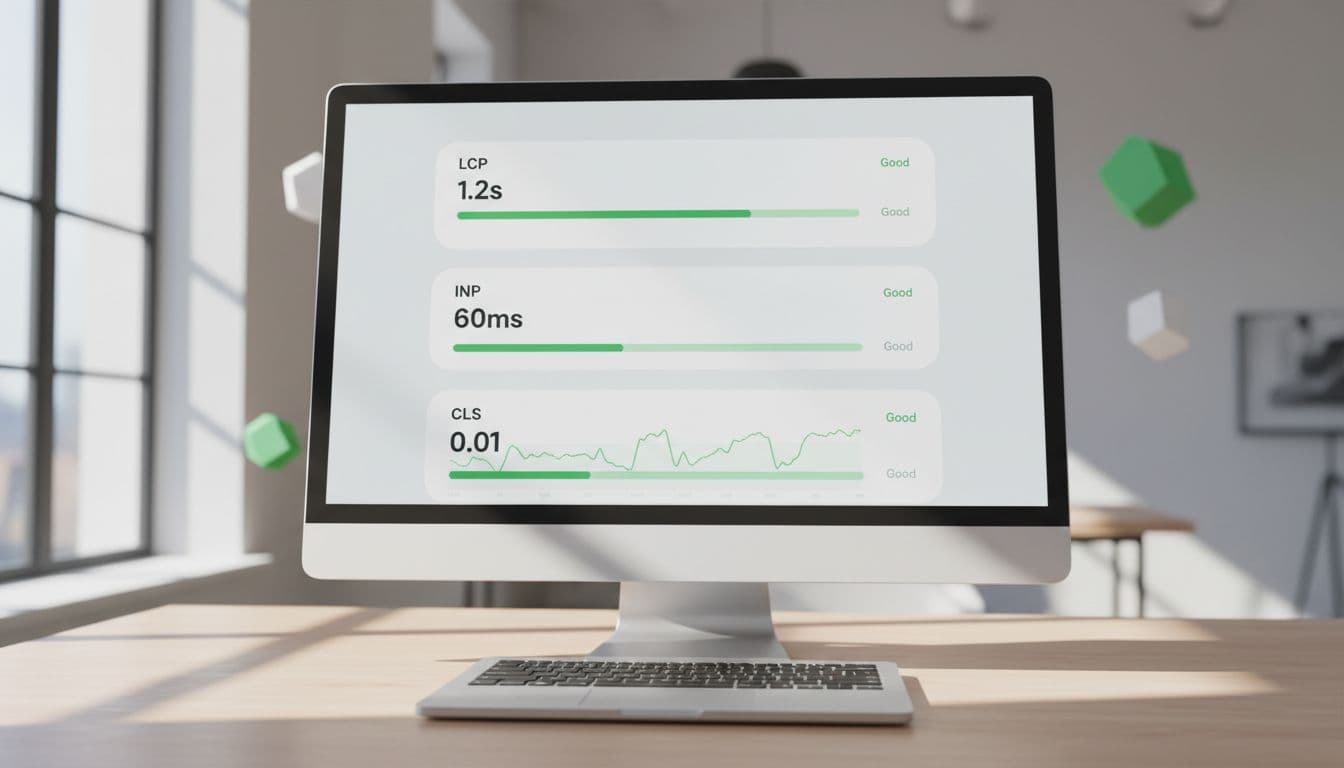
Here is the quick benchmark table we use.
| Metric | What it measures | Good score | Common problem |
|---|---|---|---|
| LCP | How fast the main content appears | Under 2.5 seconds | Huge hero images, slow server, heavy theme |
| INP | How fast the page reacts to clicks or taps | Under 200 milliseconds | Too much JavaScript, bloated plugins, chat widgets |
| CLS | How much the layout shifts while loading | Under 0.1 | Images without set size, ads, popups, font swaps |
A page only passes core web vitals when all three are good. Also, LCP is still the hardest one for many sites to pass on mobile.
LCP is about the first big impression
Largest Contentful Paint tracks when the biggest visible item loads. That is often a hero image, headline block, or featured video. If that piece appears late, the page feels slow, even when smaller items already loaded.
Think of LCP as the moment the stage curtain opens. Visitors don’t care that the lights are on backstage. They care when the main scene appears.
INP measures how quickly the page reacts
Interaction to Next Paint checks what happens after someone clicks, taps, or types. If the page hesitates before it updates, INP gets worse. A sticky menu, slow filter, or laggy add-to-cart button are common examples.
This metric is more useful than old FID because it looks at overall interaction quality, not only the first input. For a simple outside refresher, this 2026 guide to LCP, INP, and CLS explains the same benchmarks in plain language.
CLS tracks visual stability
Cumulative Layout Shift measures surprise movement on the screen. We’ve all seen it. We try to tap a button, then an image loads and pushes everything down.
That jumpy feeling hurts trust. It also causes mistakes, especially on mobile. So, low CLS is less about speed and more about calm, stable pages.
Beginner-safe ways to improve your scores
First, fix the obvious weight on the page. Large hero images, sliders, auto-play video, and too many third-party tools often hurt performance more than people expect. A faster host and good caching also help because LCP starts with server response, not only page design.
If we want a broader cleanup plan after this article, our technical SEO checklist for small businesses pairs page speed work with crawl and indexing basics.
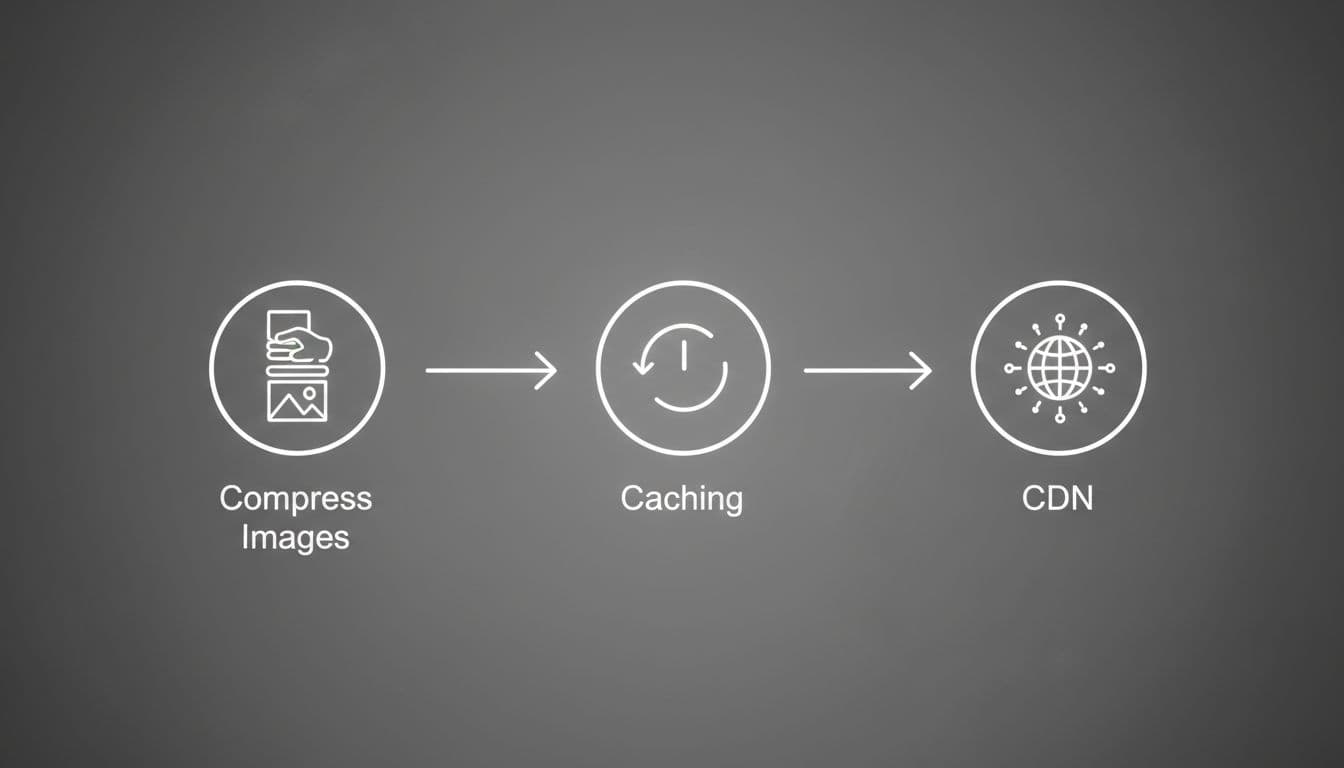
Here is a quick checklist we can use without getting too technical:
- Compress large images, and serve modern formats like WebP or AVIF.
- Keep the above-the-fold area simple, especially on mobile.
- Remove unused plugins, apps, tags, and scripts.
- Turn on page caching, and use a CDN if traffic comes from many locations.
- Set image and video dimensions, so the layout doesn’t jump.
Next, pay attention to JavaScript. Heavy scripts are a common reason INP gets worse. Cookie banners, chat tools, heatmaps, and fancy animations all compete for browser time. If a script doesn’t support leads, sales, or user needs, it’s often better to trim it.
Fonts can also cause trouble. When custom fonts load late, text may shift. So, keep font choices lean, preload the most important font if needed, and avoid loading many weights.
For measuring, start with PageSpeed Insights. It shows lab data, and sometimes real user data too. Then use Google Search Console’s Core Web Vitals report to spot patterns across groups of pages. Lighthouse helps when we want to test a single page during changes. If we want another outside walkthrough, this 2026 optimization guide breaks down common fixes in simple steps.
Search Console is useful because it groups similar URLs. If one blog template loads a heavy author box or ad setup, many posts may share the same warning. That helps us fix the pattern instead of hunting page by page.
Also, don’t chase a perfect 100. Passing the thresholds matters more than squeezing out tiny gains that users won’t notice.
Slow, jumpy pages lose trust before our message has a chance to work. Better core web vitals won’t fix weak content, but they do remove friction that hurts both rankings and conversions.
If we remember one thing, let it be this: make the page easy to see, easy to use, and easy to trust. That is the real point behind the metrics.