

Most service pages lose the deal before the first call. The cause is usually a pricing page that hides too much, says too little, or makes people guess.
In 2026, pricing page SEO is about clarity, crawlable copy, and a clean path to contact. That matters for agencies, home services, legal, medical, consulting, and B2B firms, because buyers want a fast answer before they reach out.
We are not trying to make the page flashy. We are trying to make it useful, easy to compare, and easy to trust. First, we need to understand what searchers expect. Then we can decide how to show prices without slowing down leads.
Why pricing pages matter more in 2026
Search intent around pricing is blunt. People are comparing options, not reading a brand essay. If our page does not answer cost, scope, and next steps, it often gets skipped.
The stronger pages in 2026 give more choice, not more clutter. We see tiered plans, starting prices, outcome-based packages, and clear rules around what is included. That is a good shift for service businesses, because the page can work like a guide instead of a maze.
If we want a quick visual reference, pricing page best practices from Figma show how hierarchy and comparison blocks help buyers make a decision. The lesson is simple. The goal is not to be the cheapest. It is to be the clearest.
A pricing page also does more than help conversion. It gives search engines more text to understand, more internal structure to read, and more signals about the service itself. When the page is thin, hidden inside images, or vague about the offer, it has less chance to perform well.
What searchers expect when they land here
When the page opens, we need the answer in seconds. What is the service, what does it cost or start at, and what happens if we want to move forward?
That sounds simple, but many pages bury the answer under company history or a long sales pitch. For service businesses, that hurts. A homeowner looking for a roof repair, a patient looking for a cash-pay visit, or a B2B buyer comparing agencies is not browsing for fun.
We should keep the first screen tight, then support it with text that search engines can read. Clean headings, package names, and visible FAQs all help. So does a page that loads quickly and does not fight the browser. Good managed WordPress hosting plans can help keep that foundation steady when traffic grows.
If we add FAQs, they should answer real objections. How long does it take? What is included? What changes the price? Those questions matter because they lower friction. They also give us more useful text for search without stuffing the page with filler.
A page titled only "Pricing" is thin. A page titled "SEO Pricing for Home Services" or "Consulting Packages and Starting Rates" tells searchers more before they even click.
When to show full prices, starting prices, ranges, or quotes
We do not need one pricing model for every service. We need the model that matches how predictable the work is.
Here is a simple way to think about it.
| Pricing model | Best fit | Good page signal | Watch out |
|---|---|---|---|
| Full price | Fixed-scope services | Clear package, clear CTA | Scope must stay tight |
| Starting price | Custom work with a common baseline | "Starts at" plus scope notes | The baseline can confuse if it is too low |
| Range | Jobs with variable complexity | "Usually $X to $Y" and examples | A wide range weakens trust |
| Quote only | High-complexity or high-risk work | Intake form, proof, FAQs | Feels like a locked door if it is the only option |
If the work is fixed, publish the number. If the work is repeatable but not identical, use a starting price or a range. If the work depends on many variables, quote-based pricing is fine, but it still needs context.
For example, a local SEO agency can publish package tiers. A home services company can show diagnostic fees or trip charges. A B2B consultant can show project starting prices. A law firm or medical practice may need quote-based pricing for the final total, but a consultation fee or baseline range still helps buyers know what to expect.
A quote-only page can still rank, but it should never feel like we are hiding the ball.
Partial pricing is the middle path for many service businesses. We show the base offer, then common add-ons, then a range for special cases. That works well when we sell both standard and custom work. It also keeps the page honest without locking us into one number that does not fit every job.
Some teams now use AI-assisted intake to speed up quoting, but the page still needs plain language. The form can be smart. The page still has to be clear.
Designing a page that ranks and converts
This is where pricing page SEO meets conversion design. The layout needs to feel calm and make the next step obvious.
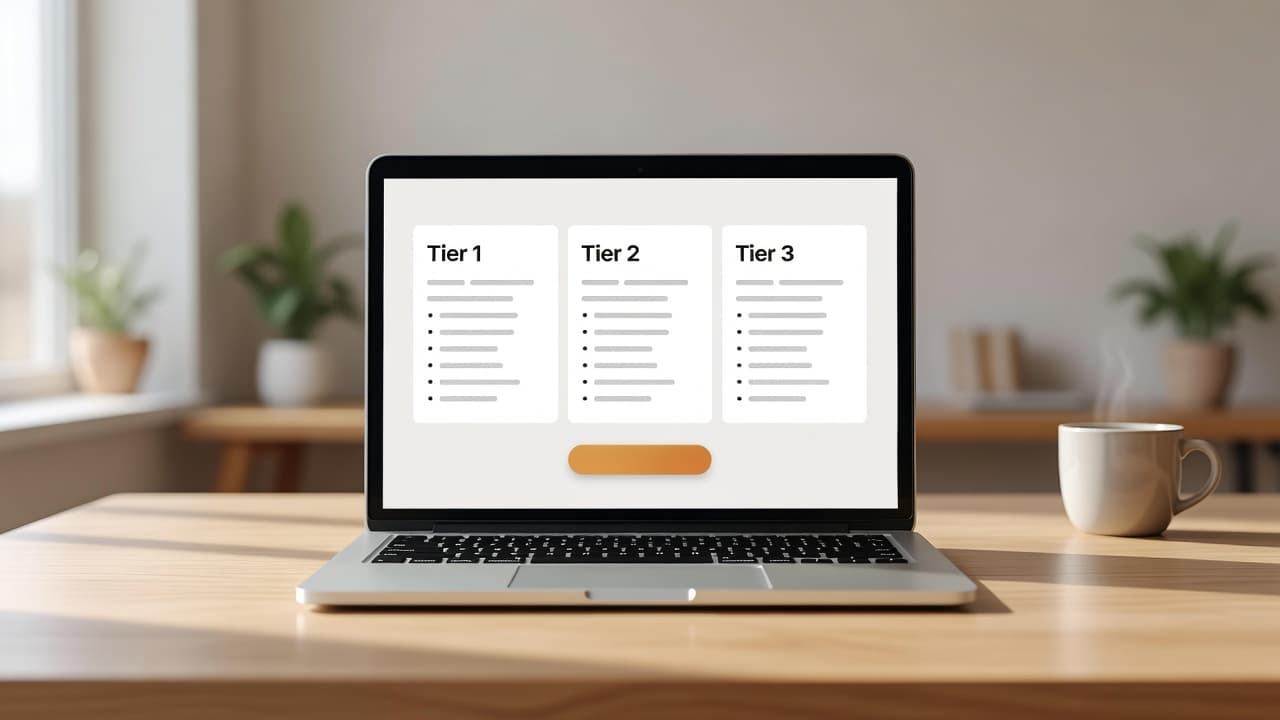
We can think of the page like a good front desk. The visitor should know where to stand, who to ask, and what comes next.
For layout ideas, Mailchimp's pricing page examples and tips show how a plain layout can still guide action. The best pages keep the structure simple and the decision points easy to spot.
A strong service pricing page usually needs these pieces:
- A short opening block that names the service and the buyer.
- One comparison block with tiers, starting prices, or ranges.
- One trust block with reviews, response times, or guarantees where they fit.
- One FAQ block that handles the price objections we hear most.
- One next step that is short and easy, like a call, quote request, or consultation booking.
We should also keep the content crawlable. Use text, not images, for prices. Keep the markup clean. Add service and FAQ schema only when the questions are real. If the site is weak on speed or security, that can affect trust too, so secure web hosting solutions are worth checking before we polish the final layout.
This is also a good place to keep the language plain. We do not need clever labels that say little. "Starter", "Growth", and "Premium" work when the features are obvious. If the names are vague, the page becomes a guessing game.
A simple pricing page SEO checklist
Before we publish or refresh a page, we can run this quick check:
- We state the service in the first screen and avoid vague labels.
- We show a real price, a starting price, or a range whenever the service model allows it.
- We explain what is included, what changes the price, and what is extra.
- We keep the page in text, with clear headings and internal links to related service pages.
- We add proof, FAQs, and one clear next step.
- We test the page on mobile and confirm it loads fast.
If the page is quote-based, we still give the visitor something useful. A consultation fee, a sample range, or a short explanation of pricing factors can keep the page from feeling empty.
If a page fails two or more items on this list, we usually know where to start. The fix is not more copy. It is more clarity.
What strong pricing pages do now
Strong pricing pages do not hide the answer. They make the answer easier to trust.
In 2026, the pages that work best are clear, crawlable, and honest about how the service is sold. When we choose the right pricing model, keep the text readable, and reduce friction, we help both rankings and leads.
If a visitor can see what they get, what it costs, and how to move forward in a few seconds, the page is doing its job. That is what good service page SEO looks like now.







