
An expired SSL certificate can turn a healthy site into a hard stop overnight. Search visibility takes a hit, but the bigger problem is that people cannot get through the door.
We need to separate the direct SEO damage from the knock-on effects. The certificate issue hits crawling, indexing, trust, and conversions in different ways, and recovery works best when we fix them in order. Here's how we handle it.
What an expired SSL certificate does to visitors and search engines
When the certificate expires, the browser usually reacts first. Visitors see a warning, the padlock disappears, and the site starts to feel unsafe before the content even loads. For a store, a lead form, or a login page, that is enough to stop the session.
It helps to think of it like a shop with the lights on and the front door locked. Everything inside may still be fine, but traffic can't come in. That is where the secondary damage starts. People abandon forms, skip checkout, and stop clicking through pages. Those behaviors do not belong to the certificate alone, but they are triggered by it.
For a broader look at the trust side of the problem, how expired or weak SSL certificates hurt SEO and trust gives a clear summary.
In 2026, certificate lifespans are shorter, so missed renewals are easier to hit. That makes monitoring more important, not less. Chrome is also pushing HTTPS more aggressively, which means an expired certificate is harder to hide and faster to notice.
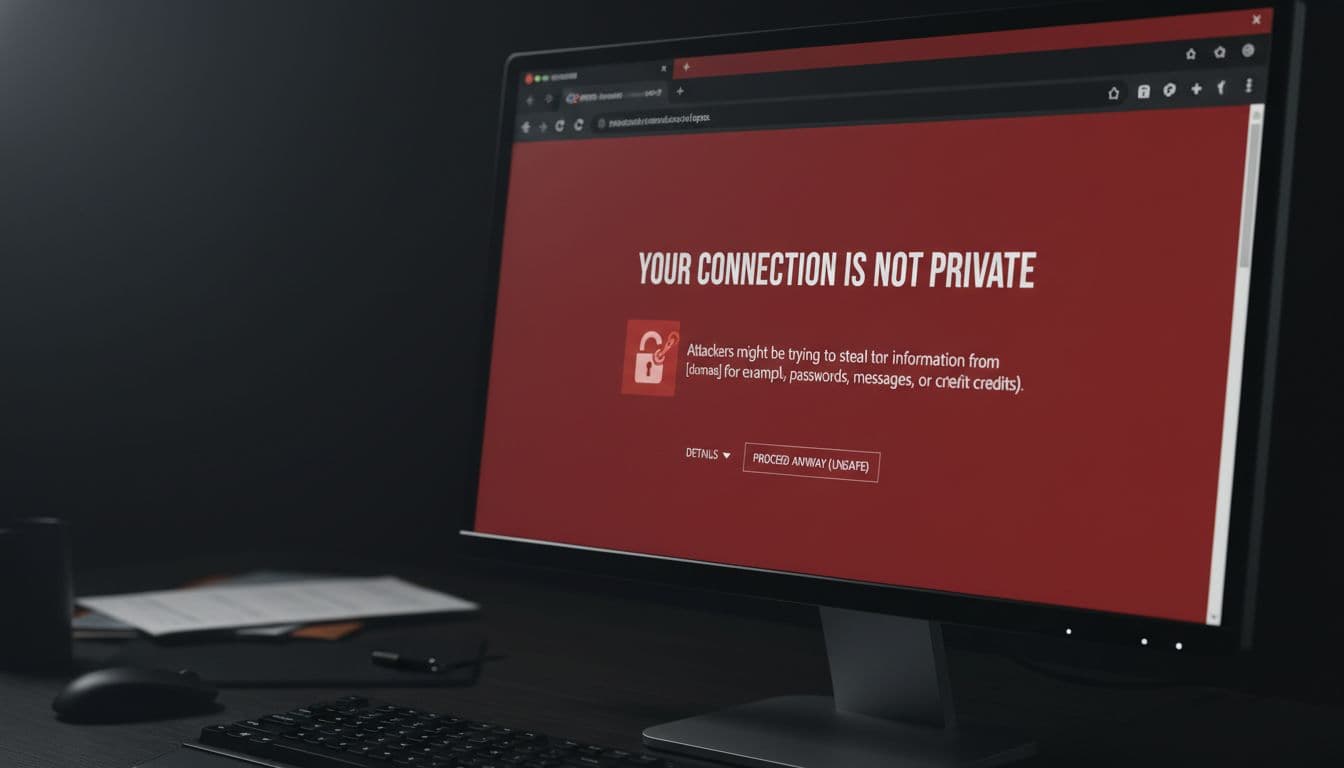
Direct SEO damage vs. secondary fallout
We should split the damage into two buckets. One is what search engines can detect. The other is what users do after they hit the warning.
| Problem | Direct SEO effect | Secondary impact |
|---|---|---|
| Expired cert | Crawling and indexing can slow or stall | Visitors hit warnings and leave |
| Mixed content | Secure pages still look incomplete | Images, forms, or embeds break |
| Redirect mismatch | Search engines may not settle on one URL | Link equity and crawl effort split |
| Canonical, hreflang, sitemap mismatch | Signals point to the wrong version | Recovery takes longer |
Direct effects are about discovery and cleanup. If Google cannot fetch the secure page cleanly, it may delay reprocessing the URL or keep the older version in play longer than we want. That is where rankings can slip, but the root issue is still access and consistency.
Secondary effects are about behavior. If people bounce fast, skip checkout, or avoid a login page, those signals pile up quickly. Broken redirects can make it worse. A redirect that depends on the secure host may fail before it reaches the destination, which leaves users stuck and crawlers confused.
We recover faster when we treat certificate renewal as the first fix, not the whole fix.
The hidden problem is broken consistency. A site can be live and still send mixed signals through old canonicals, stale internal links, or a redirect that still points at HTTP. That is why the cleanup matters as much as the renewal.
Recovery steps, in the right order
The fix works best when we move in a sequence. If we skip ahead, we waste time and keep the site half-broken.
- Confirm the expiration. Check the browser warning, the hosting control panel, and the certificate status at the source. If a CDN or load balancer is in front of the site, check those certificates too. A certificate can be valid for one host and wrong for another, so we check the names on the cert as well.
- Renew and install the certificate correctly. Replace the full chain, not only the leaf certificate. Then reload the server and test the origin response again. This is the step that stops the warning, but it is not the last step.

3. Verify HTTPS across all versions. We need the secure version, the non-secure version, and every major hostname to land in one place. That includes the http and https versions, www and non-www, and any active subdomains. If the site still splits between versions, our WWW vs non-WWW SEO fix keeps the preferred version clean. 4. Fix mixed content, canonicals, hreflang, sitemaps, and internal links. If any asset still loads over HTTP, the page can still look unsafe. Fonts, images, scripts, and embeds are common offenders. Our resolve HTTPS mixed content guide covers the usual trouble spots. Then update canonicals, hreflang tags, XML sitemaps, navigation, and in-content links so every signal points to the secure URL. 5. Test redirects. Every old HTTP version should move once to the final HTTPS page. No loops. No long chains. If the redirect status is wrong, use our permanent vs temporary redirects guide to pick the right pattern and keep the handoff clean. 6. Monitor indexing and rankings. Watch Search Console, server logs, crawl stats, and your rank tracker over the next few weeks. Search and traffic trends should start to stabilize after the warning is gone, but the final recovery depends on clean re-crawling. With shorter certificate lifespans in 2026, automatic renewal and alerting are safer than a single calendar reminder. For a practical reference, SSL certificate monitoring best practices for 2026 is worth bookmarking.
The order matters. A fresh certificate without clean redirects is only half a repair. A clean redirect plan without HTTPS consistency leaves the same old problem in a new place.
CMS, hosting, and CDN traps that slow recovery
WordPress is often the easiest place to miss a detail. Old HTTP links hide in theme files, page builders, image blocks, and plugins. After renewal, we clear cache, resave permalinks if needed, and check any hard-coded asset paths. If the warning stays around, the issue is usually mixed content, not the certificate itself.
Shared hosting and cPanel setups bring a different problem. The certificate may renew, but the wrong virtual host is still attached to the domain, or the DNS record still points at the old server. When renewal itself fails, DNS validation can be the quiet blocker. That is where an essential DNS records guide helps us check the basics before we guess.
CDN and reverse proxy setups need both sides verified. The origin certificate can be valid while the edge certificate is expired, or the reverse can happen. That is when warnings come and go based on where the request lands. It feels random to the site owner, but it is usually just a split between layers.
For SEO teams, the practical test is simple. Open the preferred HTTPS version, then inspect the source URLs, canonicals, and redirect path. If the site still points users or crawlers toward HTTP, recovery will drag. We should also purge any cached HTTP assets, because a CDN can keep serving stale files after the certificate is fixed.
Conclusion
An expired certificate is not only a security problem. It is an access problem, a trust problem, and a cleanup problem. That is why the recovery needs order, not guesswork.
Once the certificate is renewed, the real work is making the whole site agree on one secure version. Clean HTTPS, clean redirects, clean canonicals, and clean internal links give us the best shot at getting traffic and rankings back on track.
When the warning disappears, the site is not fully fixed until the rest of the HTTPS stack is clean too.