
You run a local coffee shop or repair service. Customers find you through Google searches every day. But do you know which searches bring in real buyers, not just browsers?
GA4 SEO reports give you that clarity. We see small businesses waste time chasing vanity metrics like total visits. Instead, focus on what ties organic traffic to sales. These reports show engagement and conversions from search.
We'll walk you through the key ones. First, let's set up access so you can start today.
Why Track SEO with GA4 in 2026
GA4 shifted from pageviews to events. This matters for small businesses because it tracks user actions better. Organic search drives 68% of online experiences. Yet many owners miss how it links to revenue.
We recommend checking GA4 weekly. New 2026 updates like the Conversion Attribution Analysis Report credit organic search for sales, even if ads close the deal. Predictive Audiences spot likely buyers from search traffic.
For your plumbing service, this means seeing if "emergency leak repair" queries lead to bookings. Simple tweaks follow. Track trends to adjust content or ads.
Google Tag Diagnostics fixes tracking issues automatically. Tests show 7% better accuracy. No more guessing if data is off.
Accessing Your GA4 SEO Reports
Log into GA4 at analytics.google.com. Select your property. Go to Reports in the left menu.

First, click Acquisition. Then User acquisition or Traffic acquisition. Filter for "organic search" under Session source/medium. This pulls GA4 SEO reports on search traffic.
Next, Engagement reports. Pages and screens show top landing pages from search. Add comparisons for month-over-month growth.
To customize: Explorations tab. Create a free form report. Drag "Session source/medium" to rows. Add "Conversions" or "Revenue" to values.
Here's a quick checklist:
- Verify GA4 tag with DebugView.
- Enable enhanced measurement.
- Set up key events like form submits.
- Export to Sheets for your team.
For bounce rates from search, check our GA4 bounce rate metrics guide. Low bounces mean search visitors stick around.
These steps take 10 minutes. You get data that guides site changes.
Top GA4 Reports for SEO Performance
Focus on these four reports. They matter most for decisions.

Traffic Acquisition Report. Filter organic search. See sessions, users, and engagement rate. For a bakery, spot if "gluten free cakes near me" beats broad terms.
Engagement Overview. Tracks average engagement time. Over 30 seconds? Good sign. Pair with pages report to fix weak spots.
Conversions Report. Links search to goals. Set up purchase or lead events first. New attribution shows organic's full role.
Pages and Screens. Top entries from search. Optimize high-traffic pages for conversions.
See GA4 reports small businesses should use for more examples. We use these for clients. A local gym saw 20% booking lifts after tweaking top pages.
Checklist for review:
- Compare organic vs paid.
- Watch 7-day purchase probability (68% accurate).
- Note trends in new vs returning users.
- Test one change per report insight.
These build visibility. Organic grows steadily.
Metrics That Matter for Your Business
Skip sessions alone. Look at engagement rate first. Above 60%? Search works.
Key event rate counts form fills or calls. For service pros, tie to revenue per user.
New predictive metrics forecast buys. Focus efforts there.
For keyword rankings, monitor positions in SEO ranking reports. GA4 pairs with tools for full views.
Example: Your auto shop gets "brake repair" traffic. Check if it converts higher than "car maintenance." Promote winners.
Revenue from organic shows true value. 2026 updates make this clear.
GA4 Limits and Pairing with Search Console
GA4 misses keyword details. It groups as "(not provided)." No impression or click data.
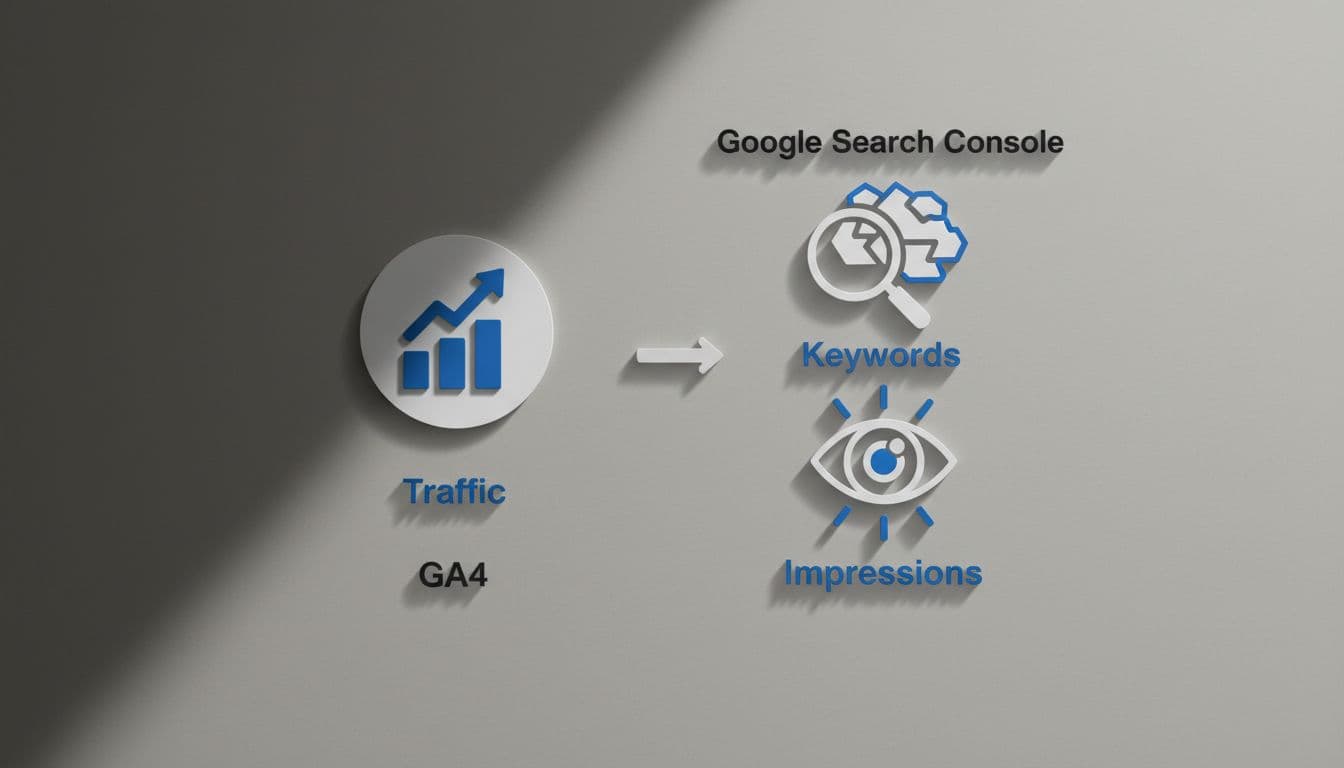
Use Google Search Console for queries and impressions. Note: Data was off since May 2025. Cross-check with GA4 traffic.
GA4 excels at behavior post-click. Console shows pre-click.
Together: Full picture. Console for opportunities, GA4 for outcomes.
Key Takeaways for SEO Success
GA4 SEO reports turn search data into action. Start with acquisition and engagement views. Track conversions and predict buyers.
Pair with Search Console. Review monthly. Small changes boost local visibility.
We help set this up. Your business deserves traffic that sells. Check your reports today.