
Lost visitors rarely convert, and crawlers don't like guesswork. That's why breadcrumbs SEO still matters in 2026.
Those small links near the top of a page can do more than look tidy. When we use them well, they help people move up a site, give search engines more context, and support a cleaner internal link path. The key is simple, breadcrumbs work best when the site structure already makes sense.
What breadcrumbs SEO means in practice
Breadcrumbs are a secondary navigation trail. They show where a page sits inside the site, usually in a path like Home > Blog > Technical SEO > Breadcrumbs SEO Explained.
The most useful version for SEO is the hierarchy-based breadcrumb. It reflects the page's place in the site, not the visitor's click history. That matters because search engines can read those links as part of the site's structure.
For people, breadcrumbs reduce friction. If we land on a deep product page, we can jump back to the parent category without hunting through the menu. On mobile, that small shortcut often saves a back-button chain.
For search engines, each breadcrumb link adds context. A page about trail shoes linked through Home > Shoes > Running Shoes > Trail Shoes sends a clearer signal than a lonely product page with no parent path. This is one reason Semrush's guide to breadcrumbs still treats them as a practical SEO and UX feature.
Still, breadcrumbs are not a rescue plan for weak architecture. If the site has messy categories, duplicate paths, or thin hub pages, breadcrumbs will only mirror that confusion.
Breadcrumbs help people move up a site, but they can't fix a confusing category system.
In other words, we should treat breadcrumbs like hallway signs. They help people once the building is laid out well.
Simple breadcrumb trails for real site types
A clean trail moves from broad to specific. Here are a few simple examples that work well.
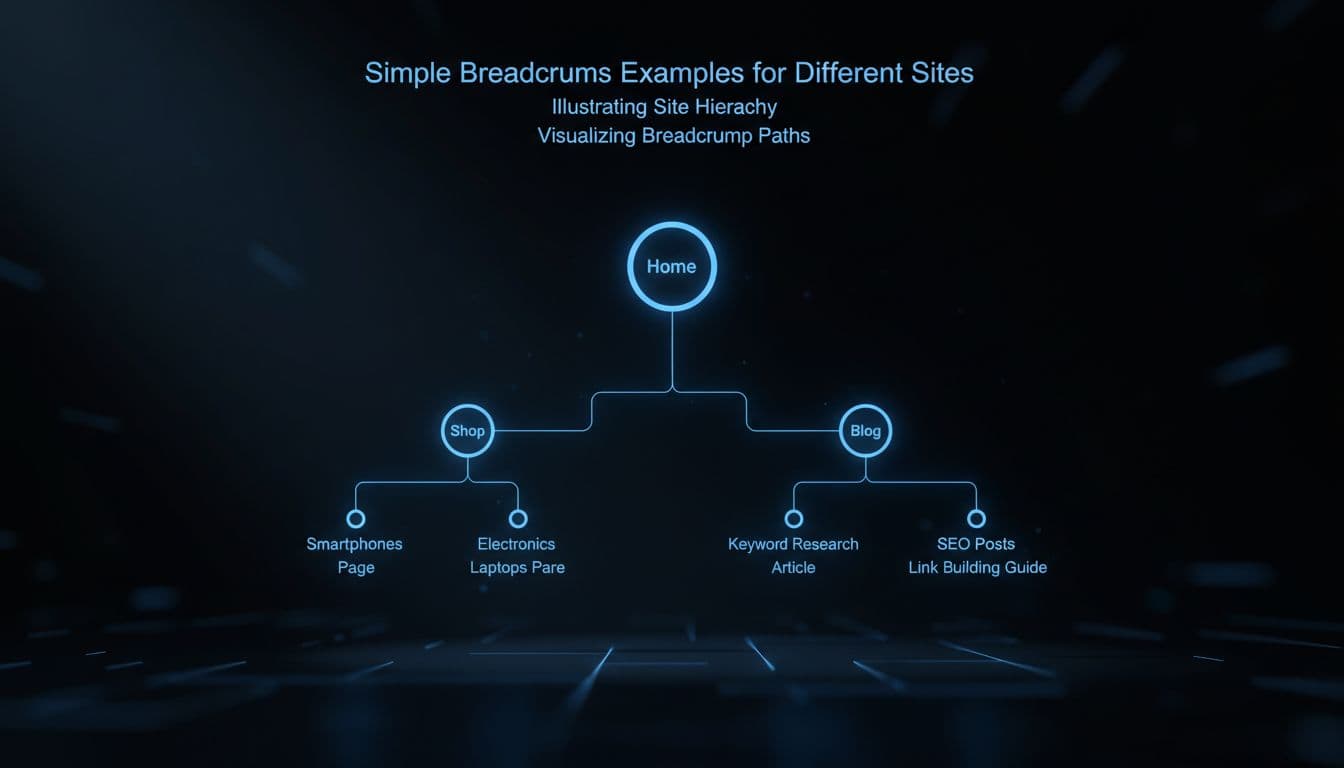 Electronics and Blog > SEO posts, with glowing blue lines on dark background and cinematic lighting." />
| Site type | Good breadcrumb trail |
|---|---|
| E-commerce store | Home > Shoes > Running Shoes > Men's Trail Shoe |
| Blog | Home > SEO > Technical SEO > Breadcrumbs SEO Explained |
| Local service business | Home > Services > Roofing > Roof Repair |
| Learning site | Home > Courses > SEO Basics > Lesson 4 |
The pattern is easy to spot. Each level is a real parent page, and each label tells us something useful. That's what we want.
Problems start when we force fake levels into the path. A trail like Home > Products > Items > More Items > Product adds clicks but not meaning. The same goes for dead breadcrumb text that isn't linked. If a crumb appears, it should usually lead somewhere helpful.
We also want one primary trail per page template. If a product fits five categories, pick the path that best matches search intent and site logic. That keeps signals cleaner and makes the page easier to understand. Our own guide to internal linking strategies for SEO pairs well with this, because breadcrumb links work best as part of a wider internal link plan.
As SEO Automata's take on breadcrumbs and site architecture points out, real sites are not neat pyramids. They are networks. Breadcrumbs help organize that network, but only when the main categories are strong.
Why breadcrumbs help crawling, context, and users
Search engines crawl by following links. Because of that, breadcrumbs can give deep pages another route back to parent sections. A product page can point to Running Shoes, then Shoes, then Home. That creates a cleaner path for both bots and humans.
This matters most on larger sites. Stores, documentation centers, and content-heavy blogs can bury useful pages fast. Breadcrumbs make those pages feel less isolated. They also add internal linking context, because the anchor text on each crumb names the parent topic.
However, we shouldn't confuse help with replacement. Breadcrumbs do not replace strong navigation, category pages, or related links. They also don't replace a good sitemap. If we want the full picture, our XML sitemap creation guide explains how sitemaps support discovery alongside internal links.
In 2026, the best practice is still to keep important pages within a few clicks, use clear parent categories, and make the breadcrumb trail match the visible site hierarchy. If a page sits six levels deep for no good reason, adding breadcrumbs won't flatten the structure. We need to fix the structure itself.
A good test is simple. If we remove the breadcrumbs, does the page still sit in a logical place? If the answer is no, the site needs work before the breadcrumbs do.
Breadcrumb schema markup without the jargon
Breadcrumb schema markup is extra code that labels the trail for search engines. Most sites use BreadcrumbList structured data, often in JSON-LD. In plain English, it tells search engines, "this page lives here, under these parent sections."
Search engines may use that data to understand page relationships, and they may show a cleaner path in search results instead of a messy URL. The display can vary, so we shouldn't expect a visual change every time. The real win is clearer structure data.
The rules are straightforward. The markup should match the visible breadcrumb trail. Each step should use the right URL. The order should run from top level to current page. We also shouldn't mark up fake crumbs that users can't see.
If we want an outside reference, this breadcrumb schema guide explains the format well. For a broader site audit view, our BreadcrumbList schema implementation tips show how breadcrumb markup fits into technical SEO work.
The simple takeaway
When we land deep on a page, breadcrumbs give us a map back up. That small path helps users, supports crawlability, and adds context through internal links.
The strongest version of breadcrumbs SEO is simple. Build a clear structure first, then let breadcrumbs reinforce it. If the path makes sense to us at a glance, it usually makes more sense to search engines too.