Closing a location is never only an operations decision. A Google Business Profile closure can affect calls, driving directions, branded searches, customer trust, and the local signals tied to your website.
The right action depends on one question: will this business return at the same location under the same identity? A temporary closure and a permanent closure look similar at first, but they need different SEO steps.
Start by choosing the status that tells customers the truth.
Google Business Profile Closure: Temporary or Permanent?
Google gives profile owners options to mark a location temporarily or permanently closed. The wording and buttons can change as Google updates Business Profile management, but the current paths are generally found under Edit profile and Hours. Google's official closure instructions outline both choices.
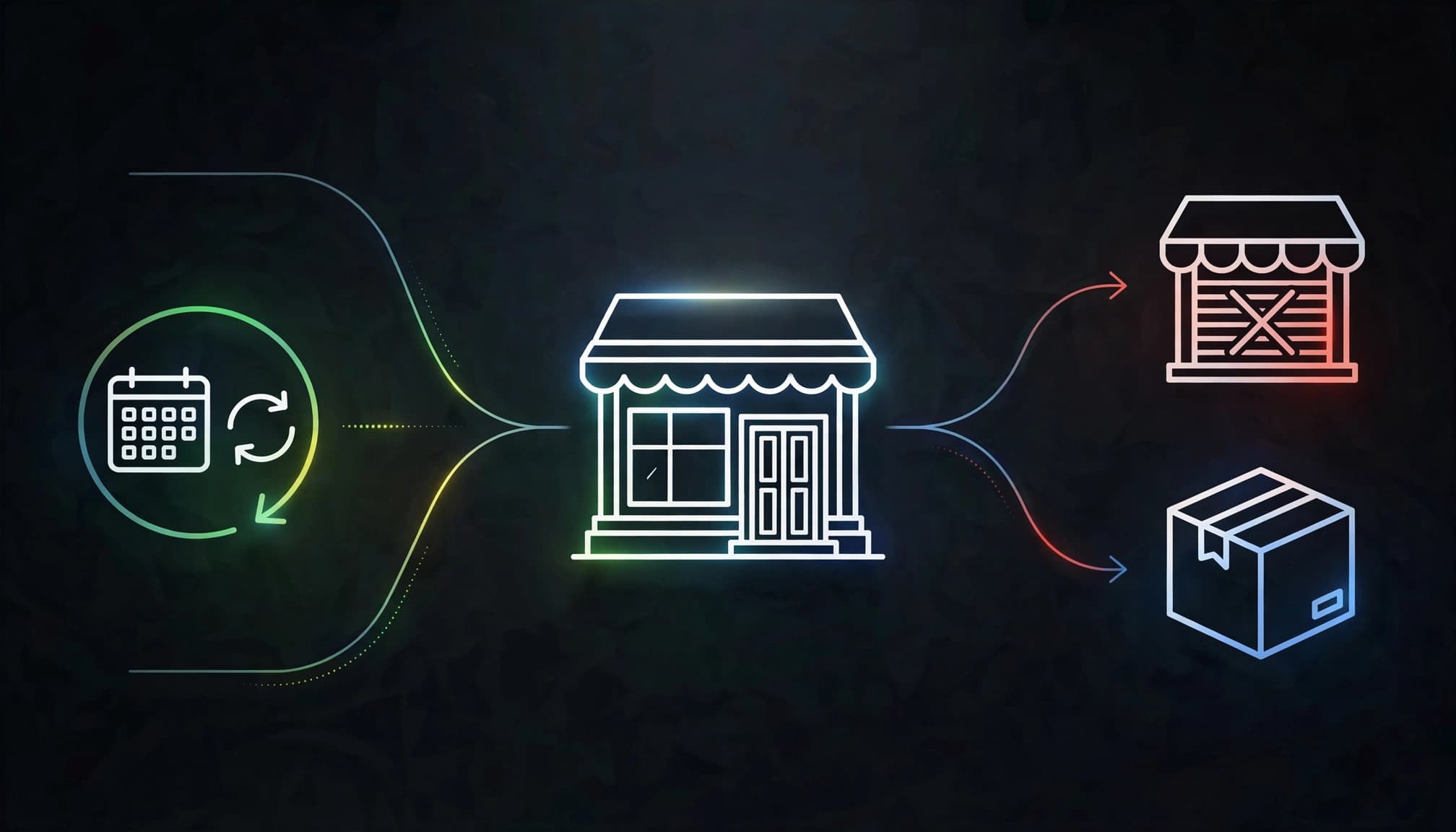
A closure status isn't a way to hide bad news. It is a customer-facing update. When the profile, website, and listings disagree, people waste time and may not come back.
Here is the quick decision summary.
| Business situation | Best profile action | Main SEO focus |
|---|---|---|
| Short renovation, seasonal pause, emergency shutdown | Mark temporarily closed | Keep the profile and website ready for reopening |
| Business has ended at this location and will not return | Mark permanently closed | Help customers find final information and clean up listings |
| Business moved to a new address | Create or update the valid location record | Protect location signals and update citations |
| Brand changed into a different business | Use the correct profile approach for the new entity | Avoid misleading customers or creating duplicates |
When temporarily closed is the right choice
Use temporary closure when the business will reopen with the same name, same core services, and same location. A restaurant closing for a kitchen rebuild, a seasonal business taking its annual break, or a shop recovering after storm damage may fit this category.
The profile can stay connected to its reviews, history, photos, and local relevance. That matters because starting over later creates unnecessary work.
When permanently closed is the right choice
Use permanent closure when the location is finished for good. This status helps prevent a common customer problem: someone sees the listing, calls, drives over, and finds an empty storefront.
A permanently closed profile may still appear in Search or Maps with a closed label. That is normal. It provides useful historical information, especially when people search the old business name.
A closed label may not feel helpful, but it is usually better than sending customers to a business that no longer exists.
Steps for a Temporary Closure
A temporary closure should be handled like a pause button, not a disappearance. Keep the business identity intact and give customers a clear route to current information.
Update the Google Business Profile first
Sign in with the account that owns the profile. Open the location, choose Edit profile, go to Hours, and select the temporary closure option. Save the change and check the public listing in Google Search and Maps.
For multi-location businesses, Google may offer bulk actions in Business Profile Manager. Check each location before applying a bulk update. One branch may be closed while another remains open.
Then save screenshots of the live profile and record the closure date. We do this because it makes later troubleshooting much easier if an update does not display as expected.
Keep customers informed outside Google
Your profile is not the only place customers look. A simple closure notice on your website, voicemail, email auto-reply, social profiles, and booking system prevents confusion.
Use a short, honest message. Share the expected reopening date only when you can stand behind it. If the date is uncertain, say the location is temporarily closed and direct people to an email address, online form, or another active branch.
Use this temporary closure checklist:
- Mark the location temporarily closed in the Google Business Profile.
- Add a visible website notice on the homepage and location page.
- Pause online booking slots and update recorded phone messages.
- Tell current customers about appointments, orders, warranties, or service requests.
- Update only listings that display current hours or closure status.
- Set a calendar reminder to review every update before reopening.
If you operate more than one location, an accurate location page SEO strategy helps each branch tell the same story as its matching Business Profile.
Website and Citation Updates During a Closure
A closed Google listing cannot carry the whole communication load. Your website is still the place where you control the message, explain next steps, and guide visitors toward a real person.
Keep the location page live when reopening is planned
Do not delete or noindex a location page because of a short shutdown. Keep its URL, local content, contact details, and service information in place. Add a clear notice near the top of the page.
If the business offers remote service, delivery, another office, or a nearby location, explain that option plainly. Do not pretend the closed office is open. A customer who finds conflicting hours on a phone is unlikely to keep digging.
Check the page on mobile. Google uses the mobile version of pages for indexing, and most local customers are checking directions or hours from a phone.
Update the listings people actually use
For a short closure, start with the listings that send real customers: Apple Maps, Bing Places, Yelp, Facebook, industry directories, chambers of commerce, and appointment platforms. Search your brand name, address, and phone number to find lingering records.
Keep the business name, address, phone number, URL, and closure message consistent. Small differences create friction. A profile that says "temporarily closed" beside a directory listing with open hours makes the business look unreliable.
For a move rather than a full shutdown, use the steps in our guide to preserve local rankings after relocating. A move has its own rules, and old address data can remain online long after the trucks leave.
How to Handle a Permanent Closure
A permanent closure needs a clean finish. The goal is not to erase every trace overnight. The goal is to stop bad customer experiences while keeping business information accurate.
Mark the profile permanently closed
Open the Business Profile, go to Edit profile, select Hours, then choose the permanent closure option. Review the public result after saving.
Google may take time to process edits, and profile controls can look different across Search, Maps, and Business Profile Manager. Check the live result before assuming the change worked.
Do not confuse permanently closing a profile with removing management access. Removing profile content and managers from your account is a separate action. It does not replace a proper public closure update when customers can still find the listing.
Don’t recreate a closed business for visibility
A permanently closed business should not be recreated as a new profile to regain map visibility. That can create a duplicate, confuse customers, and risk profile suppression.
Google's duplicate profile guidance explains that duplicate listings may not show in Search or Maps. One legitimate business at one location should have one accurate, authoritative profile.
There is an important exception. If the original business truly moved or changed into a different business identity, Google says not to reopen the old closed profile just because the location or name changed. Create the proper new business record instead. Keep the old location marked closed if it no longer operates there.
That distinction matters. A new address is not a reopening. A new business name with new ownership may not be the same business either.
Protect Customers and Business Records
Permanent closure does not mean every digital record needs to vanish. Some records should remain available, while others need a direct update.
Give customers a final, useful answer
Keep a brief closure page or homepage notice live for a reasonable period. Explain whether the business has closed, moved, merged, or transferred services. Include only contact options that still work.
If you sold prepaid services, memberships, gift cards, products with warranties, or ongoing contracts, customers need a clear path for support. Handle that message before removing forms, email accounts, or phone lines.
Also review your structured data. Remove old opening hours, service-area claims, and LocalBusiness details that say the business is active. Our local business schema guide can help you check whether page markup still matches the real-world status.
Clean up citations without creating chaos
Prioritize high-visibility citations first. Google, Apple, Bing, Yelp, Facebook, major industry platforms, local associations, and data providers deserve attention before small directories.
Where a directory offers a "closed" or "moved" option, use it. Do not create a second unmanaged listing and hope the old record fades away.
For a business that has fully ended, update its main website and listings with the same facts. This is less glamorous than publishing a new page, but it protects the people who still search months later.
Reopening After a Temporary Closure
Reopening can bring a burst of calls and return visits. It can also expose stale hours, broken booking links, and old closure notices. Treat the return date as a small local SEO launch.

Mark the business open and verify details
Google's reopening instructions say you can switch the profile back to open with main hours. When Google processes that update, the closed label is removed from Search and Maps.
Before you save, review every field:
- Confirm regular and special hours.
- Check the street address, map pin, phone number, and website link.
- Restore booking, ordering, and messaging options that are active again.
- Review service areas, categories, and attributes for accuracy.
- Publish a short update if your profile has access to posts.
Avoid announcing a reopening before staff, inventory, phone coverage, and the website are ready. A missed call on reopening day is still a missed opportunity.
Measure recovery with the right numbers
Watch Business Profile calls, direction requests, website clicks, bookings, and messages. Then compare those actions with website leads and sales records.
In Google Search Console, review clicks, impressions, click-through rate, and average position for the location page. Do not treat average position as one fixed rank. Search results change by device, searcher location, intent, and search features.
Calculate CTR using total clicks divided by total impressions. Do not average a set of page-level percentages. A page with 2,000 impressions should carry more weight than a page with two.
We also compare like-for-like periods when possible. A holiday reopening, a seasonal business, or a new competitor can change demand faster than any profile edit.
Common Google Business Profile Closure Mistakes
The mistakes usually come from rushing. A little planning protects both local visibility and customer trust.
Leaving old information in place
A closure update is incomplete if your homepage says "Open today," your profile says closed, and Yelp lists last year's hours. Check the customer path from search result to phone call.
Treating a move as a closure-only problem
A move needs address updates, revised location pages, map-pin checks, redirects when URLs change, and citation cleanup. Closing the old profile is only one part of the work.
Removing the profile too soon
Do not remove your management access before you have documented the profile, updated closure status, and handled customer-facing details. If something is wrong later, you want a clear record and the ability to respond.
Final Thoughts
A Google Business Profile closure is an accuracy project first and an SEO project second. Temporary closures should preserve a real business that is coming back. Permanent closures should stop customers from following outdated information.
The best next step is simple: make Google, your website, citations, and customer messages agree. Accurate local information protects trust now and makes the next business change easier to manage.
Frequently Asked Questions
Does a temporarily closed profile lose its reviews?
No. A temporary closure does not normally erase the profile's reviews, photos, or business history. Keep ownership of the profile, then reopen it when regular operations return.
Can a permanently closed Google Business Profile be reopened?
Sometimes, yes. Google allows owners to mark a closed location open again when the business returns. However, if the profile was closed because the business moved or changed names, Google advises creating the proper new business rather than reopening the old record.
How long does it take for Google to show a closure update?
It can appear quickly, but timing varies. Check the public profile in Google Search and Maps after saving. If an accurate update does not appear or the profile keeps reverting, use Google Business Profile support with screenshots and account details.
Should a permanently closed business website stay online?
Often, yes, at least for a period of time. A simple closure page can answer customer questions, support warranty requests, and explain a move or successor business. Remove outdated booking forms, hours, and active-service claims.