
A potential customer may see your storefront in Google Images before they ever visit your website. If the photo is missing, slow, blurry, or unrelated to the page, you lose part of that first impression.
Google Image SEO helps local businesses make their photos easier to understand, access, and display in search. It can support website visibility and customer trust, but it doesn't guarantee Google Maps or local pack rankings. The work starts with useful images, accurate business information, and a page that gives every photo the right context.
Key Takeaways
- Use original photos of your location, team, products, services, and completed work.
- Give each image a descriptive filename, useful alt text, and relevant page context.
- Compress photos without making them blurry, then test mobile loading speed.
- Keep Google Business Profile images current, realistic, and properly sized.
- Don't use fake geotagging, repeated city names, hidden text, or keyword-stuffed image data.
Why Google Image SEO Matters for Local Businesses
Local search is visual. People want to see what a restaurant looks like, whether a dental office feels comfortable, or what a contractor's finished work looks like before they call.
A strong image can answer those questions quickly. A restaurant can show its dining room and popular dishes. A roofing company can show completed roof repairs. A retail shop can show real products on the shelf instead of relying on generic manufacturer photos.
Google Images also needs context. Search engines don't understand every photo the way a person does. They use the image file, the page where it appears, nearby text, alt text, captions, and other signals to determine what the image shows.
That means uploading a photo is only one part of the job. The image should sit on a page that clearly matches its subject.
For example, a photo named IMG_4821.jpg on a general homepage gives Google little information. A photo named downtown-cincinnati-dental-exam-room.jpg on a page about your dental office gives much stronger context, as long as the image accurately shows that room.
We don't recommend forcing a location into every filename. The goal is clear description, not repetition. If the image shows a real exam room in Cincinnati, the location may fit naturally. If it shows a generic product, adding a city name may be misleading.

Image SEO can support local visibility in several ways:
- More useful image results can introduce your business to new searchers.
- Strong photos can improve the quality of your website pages.
- Original images can help customers understand your services before contacting you.
- Proper image markup can help search engines connect photos with your business.
- Fast-loading images can improve the experience on mobile devices.
The important distinction is simple. Image SEO supports your local search strategy, but it doesn't replace local SEO fundamentals. Your Google Business Profile, reviews, business details, location signals, service pages, links, and customer experience still matter.
Build an Authentic Image Library Before Optimizing Files
The best starting point is a useful collection of real business photos. You don't need hundreds of images. You need enough variety to answer common customer questions and support important website pages.
A local restaurant should consider photos of the exterior, dining room, bar, menu items, staff, private dining area, and special services such as catering. A contractor should photograph tools, work in progress, completed projects, materials, and clear before-and-after views.
Dentists can use photos of the waiting room, treatment rooms, equipment, staff, and office entrance. Patient privacy comes first. Don't publish identifiable patient photos without written permission, and don't show private medical information on screens or paperwork.
Retail shops have plenty of useful subjects. Photograph the storefront, interior layout, product displays, seasonal collections, fitting rooms, and staff assisting customers. Product photos should show the actual products you sell, not only images downloaded from a supplier.
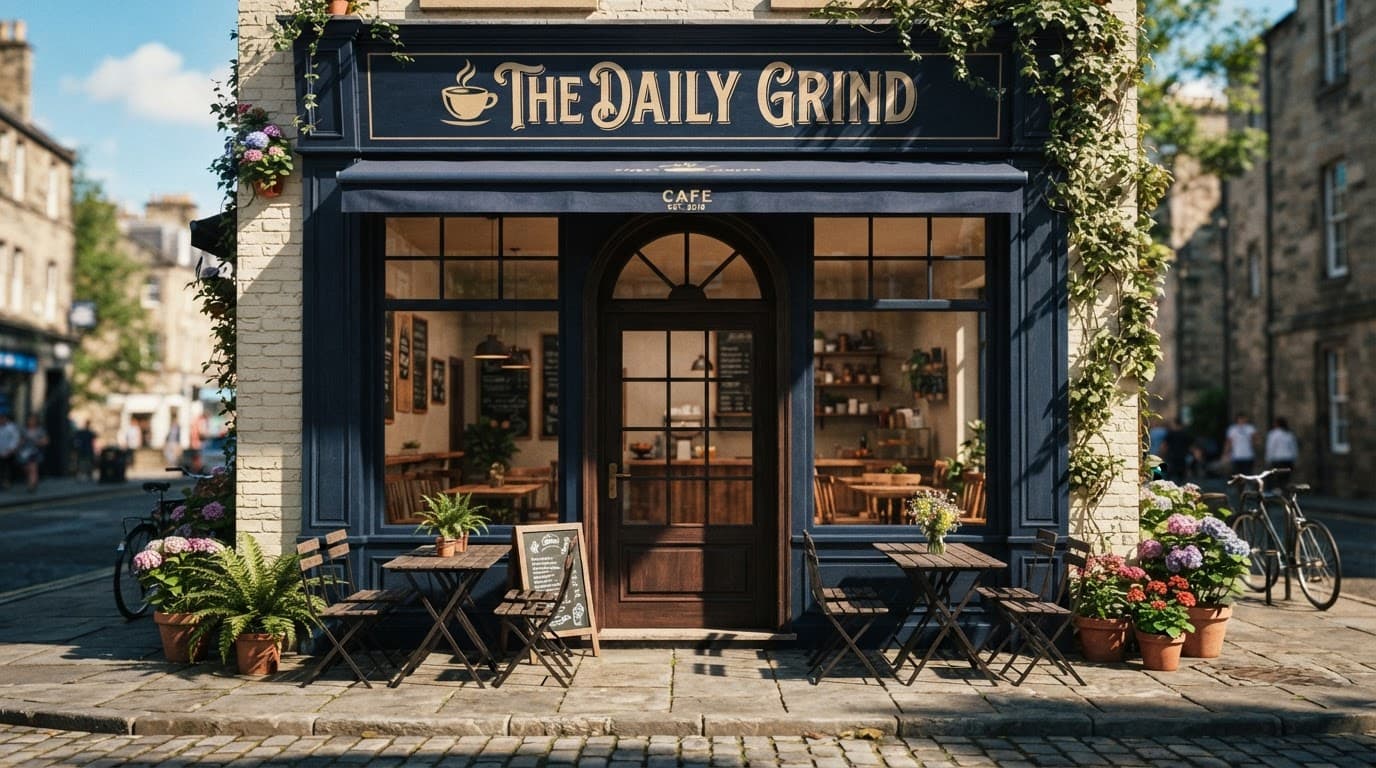
Try to capture photos in good light and keep the setting clean. Customers should be able to recognize the place when they arrive. An exterior photo with visible, accurate storefront details is more useful than a heavily edited image that looks like an advertisement.
Stock photography creates a different problem. A stock image of a smiling dentist may look polished, but it doesn't show your office. It can't help a visitor recognize your building or understand your team.
We recommend creating a simple photo schedule. Take exterior and interior photos during different seasons, update product displays when they change, and add completed projects as your team finishes them. Fresh content is useful when it reflects real changes at the business.
Before uploading an image, ask three questions:
- Does this photo show something a customer needs to understand?
- Does it accurately represent the business today?
- Does it belong on a specific page or profile section?
If the answer is no, the image may not deserve a place on your website.
Use Clear Filenames, the Right Format, and Practical Dimensions
Technical image optimization doesn't need to be complicated. Start with the basics.
Use a descriptive filename that explains the subject. Separate words with hyphens, and keep the name short. Examples include:
family-dentist-waiting-room.jpgcommercial-roof-replacement-florence-ky.jpgdowntown-cafe-patio.jpgwomen-spring-jackets-store-display.jpg
Avoid names such as DSC0048.jpg, photo1.png, or final-final-new.jpg. Those names may make sense on your computer, but they don't describe the image to search engines or future team members.
Google's Image SEO best practices recommend descriptive filenames and explain how image landing pages, page titles, metadata, and structured data work together.
For Google Business Profile photos, Google's current guidance supports JPG and PNG files between 10 KB and 5 MB. A square photo around 720 by 720 pixels is a practical target, with 250 by 250 pixels as a minimum. Profile and cover images may use different shapes, so check the crop before publishing.
Website images have more flexibility. Use the format your site handles well, such as WebP or AVIF, when it preserves quality and works across your setup. JPG remains useful for photographs, while PNG is better for some graphics and images that need transparency.
Resize an image before uploading it. A photo displayed at 800 pixels wide doesn't need to be uploaded at 5,000 pixels wide. Large originals create unnecessary download time, especially on mobile connections.
Compression should reduce file size without making the image blurry. Open the finished page on a phone and look at the image at normal viewing size. A small amount of detail loss is acceptable. A photo that hides the quality of a finished kitchen remodel is not.
The main image near the top of a page deserves extra attention. If it is the largest visible element, it can affect how quickly the page feels ready to use. Don't lazy-load the main image when it is needed immediately. Use lazy loading for photos lower on the page.
Responsive images also matter. Your website should deliver a smaller version to a phone and a larger version to a desktop screen. Most modern content management systems handle this when images are uploaded correctly, but it's still worth testing.
Write Alt Text for People, Not Search Engines
Alt text describes an image when someone can't see it. Screen readers may read it aloud, and browsers may display it when an image fails to load.
Good alt text is short, specific, and connected to the page. It should describe what is visible without adding claims the image can't support.
A useful example for a contractor's project page is:
"New asphalt shingle roof installed on a two-story home"
A weak version would be:
"best roofing contractor Cincinnati roof replacement roofing company"
The second example is keyword stuffing. It doesn't describe the photo, and it creates a poor experience for people using screen readers.
For a restaurant, alt text might say, "Wood-fired margherita pizza on a ceramic plate." For a retail shop, it could say, "Blue linen shirts displayed on a wall rack." For a dentist, "Bright dental treatment room with chair and overhead light" may be enough.
Decorative images don't need descriptive alt text. If an image adds no information, the alt attribute can be empty so assistive technology skips it. Don't stuff location names into decorative graphics.
Alt text is not a substitute for surrounding page content. A service page should explain the service in normal text. The image should support that explanation.
Captions can help when visitors benefit from extra context. A caption such as "Roof replacement completed on a ranch home in Fort Thomas" may be useful if the location is accurate and relevant. Don't add a caption only to repeat a keyword.
Keep image text readable when text is necessary. A graphic announcing a sale may be useful for customers, but important details should also appear as normal HTML text. Search engines and screen readers should not depend on text trapped inside an image.
Connect Images to Relevant Local Pages
An image has more value when it appears on the right page. A photo of a patio belongs on a restaurant's patio or private events page, not buried on a page about gift cards.
This page connection helps customers and search engines. Visitors can see proof that matches the service they are considering. Google can compare the image with the page title, headings, text, and business details.
Consider the following page structure:
- A restaurant's catering page includes food trays, delivery setup, and an event table.
- A contractor's bathroom remodeling page includes tile work, fixtures, and completed installations.
- A dentist's emergency care page includes the reception area and treatment space, without exposing patient information.
- A retail shop's clothing page includes real product displays and fitting-room photos.
The page title and heading should describe the same subject. Nearby text should explain what the photo shows. A caption can add useful details, but the surrounding copy shouldn't read like a list of city names.
LocalBusiness structured data can also help search engines understand business information. Google's LocalBusiness structured data documentation says image URLs must be crawlable and indexable, and the images must represent the marked-up content.
Use structured data carefully. Your business name, address, phone number, hours, and image should match the visible page and your real business information. Don't mark up images that belong to another business or add locations you don't serve.
A service-area contractor may have projects in several cities. That doesn't mean every project photo should be assigned to every city. Put the photo on the page where it belongs, describe the actual work, and use accurate service-area information.
We also recommend checking whether Google can access the image. Avoid blocking important image files in robots.txt, placing them only behind a login, or using a page that fails to load without JavaScript. Search Console can help identify indexing and page problems.
Improve Google Business Profile Photos Without Overdoing It
Your website and Google Business Profile work together, but they are not the same place. Uploading an optimized photo to your website doesn't automatically add it to your profile. Add important images directly to the profile as well.
A complete photo set usually includes:
- Logo and cover photo
- Exterior views from useful customer approaches
- Interior views
- Team photos
- Products or menu items
- Employees performing real work
- Service results and completed projects
A restaurant could upload the front entrance, dining room, signature dish, and patio. A contractor could show a branded vehicle, team members at work, and finished projects. A retail store could feature the entrance, interior displays, staff, and current products.
Keep images in focus, well lit, and realistic. Google's guidance emphasizes that business photos should represent reality. Avoid excessive filters, dramatic edits, fake skies, or images that make the building look different from the place customers will visit.
Cover photos often work best in a wide 16:9 shape. Google Business Profile posts commonly use a 4:3 image around 1200 by 900 pixels, while square profile images around 720 by 720 pixels are practical. Google may crop photos in different placements, so keep important subjects away from the edges.
Don't treat profile photos as a one-time task. Add new photos when the business changes, a project is completed, or a seasonal display is ready. The goal is not to upload random images every week. The goal is to keep the profile accurate and useful.
Image SEO can support profile engagement, but no photo guarantees a position in the local pack. Google uses many signals for local results, including relevance, distance, and prominence. A business can have excellent photos and still need better reviews, service information, or location relevance.
The photo should help a customer choose your business. That is the standard we use before worrying about another optimization detail.
Avoid Manipulative Geotagging and Keyword Stuffing
Local businesses often hear that adding GPS coordinates to image metadata will improve rankings. We don't treat EXIF geotagging as a required Google ranking factor. Google Business Profile guidance focuses on quality, accuracy, and representation, not fake location data hidden inside a file.
Don't add coordinates for a place where the photo wasn't taken. Don't edit metadata to make a project appear inside a city you didn't serve. That creates inaccurate information and can damage trust if customers notice the mismatch.
The same rule applies to filenames and alt text. One accurate location reference may help when it describes the image. Repeating "Cincinnati roofing contractor" across every file doesn't make the photos more relevant.
Avoid these practices:
- Renaming every photo with the same city and service phrase
- Hiding keywords in image pixels or CSS
- Adding invisible text to promotional graphics
- Using stock photos as proof of your actual location
- Uploading edited images that misrepresent the business
- Creating separate pages with nearly identical photos for every nearby city
- Adding schema for images that don't appear on the page
Google can understand natural language. Write for the customer who needs to identify a business, compare services, or decide whether to make contact.
A real photo of the correct storefront is more useful than a perfectly named photo that shows the wrong building.
Accessibility also protects you from bad optimization choices. When alt text describes the image honestly, it usually becomes clearer for both people and search engines.
Follow a Simple Google Image SEO Workflow
A repeatable process keeps image work manageable for a small team. We recommend handling new photos in this order.
1. Choose the page first
Decide where the image belongs before uploading it. Match a restaurant food photo to the menu or catering page. Match a contractor project photo to the service page that explains that work.
2. Edit for quality and privacy
Crop distractions, correct exposure, and remove private information from documents, screens, vehicle plates, or customer records. Keep edits realistic. Don't make a small office look like a large facility.
3. Rename the file
Use a short, descriptive, hyphenated filename. Include the subject and a location only when the location is accurate and useful.
4. Resize and compress
Set the image near the size it needs on the page. Compress it, then check the result on desktop and mobile. Keep the main image sharp because it may be the first visual a visitor sees.
5. Add alt text and nearby context
Describe the visible subject in plain language. Add a caption when it gives customers useful information. Make sure the page heading and body copy support the same topic.
6. Check the technical setup
Confirm that the image loads without errors, uses a secure URL, and isn't blocked from crawling. Test the page speed and check the mobile layout.
7. Add the image to Google Business Profile when appropriate
Upload the real business photo to the profile. Select the correct category when available, and check how the image appears after Google's crop.
8. Review results without expecting instant rankings
Use Search Console to inspect image indexing and page performance. Look at website engagement, calls, direction requests, and profile actions over time. Don't judge the entire strategy by one image ranking.
This process works for a small restaurant with a few new menu photos and for a remodeling company adding project photos every month. Consistency matters more than a large upload completed once.
Measure Visibility and Customer Response
Image results don't always produce a website click. Someone may see your storefront, remember the name, and later search for the business directly. That makes measurement less exact than tracking a form submission.
Still, several checks are useful. Search Console can show whether pages are indexed and which queries bring search traffic. Review page impressions and clicks for pages that contain new, original images. Compare performance before and after major image changes, but give the page enough time to collect data.
Analytics can show whether visitors land on service pages and move toward contact forms, phone links, booking tools, or directions. A restaurant can compare menu page engagement with reservation clicks. A contractor can watch quote requests after adding project galleries. A dentist can check whether office and service pages lead to appointment requests.
Google Business Profile performance can provide another view. Watch calls, website visits, direction requests, and searches for the business name. Photos may influence these actions without receiving a clear credit in a report.
Look for practical signs of improvement:
- Customers mention seeing the office or project photos
- Service pages receive more qualified visits
- Visitors spend more time viewing project galleries
- Product or menu pages lead to more calls or bookings
- Profile photos reflect the current business accurately
Don't replace a useful photo because it doesn't rank in Google Images after a few days. Image visibility depends on indexing, competition, page quality, query intent, and Google's presentation choices.
The strongest result is often simple. A searcher finds your business, recognizes the location, understands the service, and feels confident enough to contact you.
Conclusion
Google Image SEO gives local businesses another way to show what they do and where they work. Original photos, accurate descriptions, accessible alt text, fast pages, and a complete Google Business Profile create a stronger experience than generic stock images or repeated keywords.
Use images as proof, not decoration. Keep them realistic, connect them to relevant pages, and avoid fake geotagging or promises about local pack rankings. When a customer searches for your business, the right photo can make the difference between wondering and taking the next step.







