
A complete Bing Places optimization profile can put your local service business in front of customers who search through Bing, Microsoft Edge, Windows, and map results. The setup is free, but incomplete information can make your business harder to trust and harder to contact.
We recommend treating Bing Places like a business directory and a customer-facing landing page. Accurate details, the right service area, useful photos, and regular updates give local searchers better information before they call.
Key Takeaways
- Use your real business name, accurate contact details, and the most specific category available.
- Hide a residential address when customers don't visit that location.
- Complete every relevant field, including services, hours, photos, and business attributes.
- Connect the listing to the most relevant website page, not always the homepage.
- Check the profile quarterly and after major changes to your business.
Start With the Correct Bing Places Profile
Before creating a new listing, search Bing Maps and Bing search for your business. You may already have a profile that needs to be claimed. Creating another listing can lead to duplicates, conflicting information, and customer confusion.
Bing Places for Business is a free platform for managing business information across Bing search and maps. Microsoft introduced an updated Bing Places experience in 2025, with a stronger focus on making profile management easier for business owners. You can read the official Bing Places announcement for current platform details.
Claim the existing profile when possible. If the listing contains outdated information, update it after gaining access. If you find duplicate profiles, keep the most accurate listing and report or remove the others through the available support process.
Bing Places is generally intended for businesses with a physical location or a legitimate service area. A business that operates entirely online, without a local location or in-person service area, may not qualify.
Before you begin, gather:
- The exact business name used in the real world
- A local phone number
- The business website
- Current opening hours
- Service areas or the public address
- Exterior, interior, team, and service photos
- Business registration or verification details, if requested
Keeping these details nearby makes setup faster and reduces mistakes.
Bing Places Optimization Checklist for Business Information
Your business information should match across Bing Places, your website, Google Business Profile, and important directories. This is often called NAP consistency, meaning your name, address, and phone number are consistent everywhere.
Start with the business name. Use the real name customers see on your building, invoices, website, and business materials. Don't add extra keywords, cities, service lists, prices, or promotional claims.
For example, use "River City Plumbing," not "Best Emergency Plumber in Cincinnati, Cheap Rates." Keyword stuffing makes a listing look less trustworthy and can violate platform guidelines.
Use a local area-code phone number when you have one. A toll-free number may be useful for some companies, but a local number gives customers a clearer connection to the area you serve. The number should reach a real person or a reliable answering system during stated business hours.
Check the address carefully. Confirm the street number, suite number, city, state, and ZIP code. Then open the map view and move the pin if it doesn't sit on the correct building.
Your website link also deserves attention. If you have one location, the homepage may work well. If you have several locations, link each listing to its dedicated location page. A plumbing profile should also link to a page that helps visitors understand plumbing services, not a vague page with no local context.
A listing can show the right street address and still send customers to the wrong map pin. Always inspect the pin manually.
Choose Categories and Describe Services Clearly
The primary category helps Bing understand what your company does. Choose the most specific category that accurately describes your main service.
A heating contractor should choose a heating-related category instead of a broad home-services option when the more specific choice is available. A dental office should use a dental category rather than a general healthcare category. Review the available options carefully, because category names and choices can vary by business type or location.
Add secondary categories only when they describe real services. Extra categories can create confusion if they don't match the business. A landscaper shouldn't add tree service, paving, and snow removal unless those services are genuinely offered.
Write the business description for customers first. Explain what you do, where you work, and what makes your service useful. Keep the language natural.
A good description might mention:
- The main services offered
- The communities or counties served
- Whether appointments are required
- A useful specialty, such as emergency response or commercial work
- The type of customers served
Don't repeat the same keyword several times. "We provide residential HVAC repair and maintenance in Northern Kentucky" is clearer than a paragraph filled with repeated phrases such as HVAC repair, HVAC service, and HVAC contractor.
Complete every relevant field available in your account. Depending on the business type and location, Bing may provide fields for services, payment methods, accessibility, parking, languages, amenities, price range, and the year established.
These fields help customers decide whether to call. They also give Bing more accurate information to connect your profile with relevant searches.
Handle Service Areas and Residential Addresses Correctly
Service-area businesses need extra care. If you visit customers at their homes and don't receive customers at your address, don't display a residential address simply to appear more local.
Use a legitimate business address for verification when Bing requires one, then hide the address if customers don't visit there. Define the areas you actually serve instead. A home address shouldn't appear publicly when it isn't a customer-facing location.
Never use a PO box, virtual office, or mailbox store as a substitute for a real business location. Verification options may vary by business type and location, so follow the instructions shown in your Bing Places account.
Service areas should be realistic. List cities, neighborhoods, counties, or other areas where your team regularly works. Don't add every nearby city for extra exposure. A shorter list of genuine service areas gives customers a more accurate expectation.
For example, an electrician based in Florence, Kentucky, might serve Florence, Erlanger, Burlington, and Fort Thomas. Listing distant communities that the company rarely reaches can create poor customer experiences and weak lead quality.
Keep your service areas consistent with your website. If your profile says you serve three counties but your service pages mention only one city, customers may question the difference. Clear local pages can help explain where you work and which services are available in each area.
Add Photos That Help Customers Recognize You
Photos make a local profile more useful before a customer visits or calls. They also reduce uncertainty, especially for businesses that operate at customer locations.
Start with clear, current images. Add an exterior photo if customers visit your location. Include interior photos when they help people find the business. Service-area companies can show branded vehicles, equipment, team members, completed work, and appropriate service settings.
Useful photo types include:
- A recognizable exterior or entrance
- Staff members in work clothing
- Service vehicles or equipment
- Completed projects
- Products, rooms, or work areas
- Helpful accessibility or parking details
Use sharp, well-lit images that accurately show the business today. Avoid stock photos that could represent any company. Don't upload images with watermarks, misleading claims, or another business's branding.
A few good photos are better than a large collection of nearly identical images. Add new images when your location, team, vehicles, services, or work examples change. A monthly photo update can keep the profile active, but quality matters more than a forced schedule.

Verify the Listing and Review Every Detail
Bing may offer different verification methods depending on your business type, location, and account information. Options can change, so use the method shown in your profile rather than relying on an older tutorial.
Complete verification before judging the listing's performance. An unverified profile may not display fully or may not give you control over all business information.
After verification, review the public version of the listing. Check the name, category, phone number, website, hours, map pin, photos, services, and service areas. Don't assume the saved dashboard view matches what customers see.
Review hours deserve special attention. Add regular hours and update holiday closures, seasonal changes, emergency availability, and appointment-only periods. If a customer arrives at a closed office, the damage reaches beyond one missed visit.
Look for incorrect information that Bing may have collected from other sources. If the phone number, address, or category keeps changing, check your website and major business directories for conflicting details.
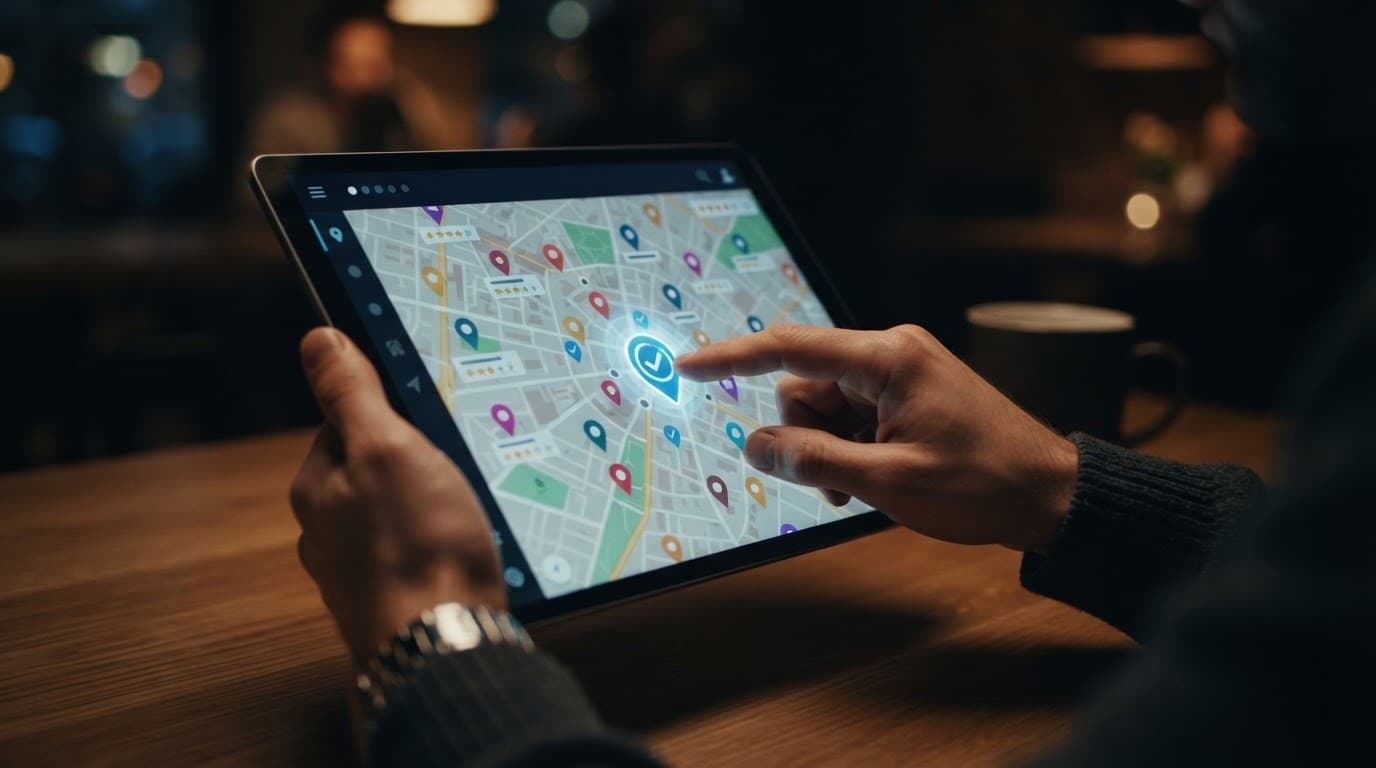
Build Trust With Reviews and Fresh Updates
Reviews can influence whether a searcher chooses your business. Monitor the review sources connected with your local presence, including platforms Bing may use for business information and customer feedback.
Respond to positive and negative reviews in a professional way. Thank customers for useful details. For complaints, acknowledge the concern and invite the customer to continue the conversation privately when personal information is involved.
Don't offer rewards for positive reviews or write reviews for your own company. Those shortcuts can damage trust and create problems across multiple platforms.
Keep the profile fresh when your business has something useful to share. Depending on the features available to your account, updates may include announcements, seasonal service information, new photos, or changes to business operations.
An update should help the customer answer a question. For example, a roofing company might explain that inspections are available after a local storm. A salon might mention holiday appointment hours. A repair company might clarify emergency service availability.
The goal isn't to post for the sake of activity. The goal is to keep the information customers need current and easy to find.
Connect Bing Places to a Strong Local Website
Bing Places works best when the listing and website support the same business information. Your website should clearly state what you offer, where you work, how customers can contact you, and when you're available.
Use a dedicated location page when you have multiple offices. Each page should contain unique information about that location, including its address, phone number, hours, services, directions, and nearby service area.
Service-area businesses should create useful service and location content without making dozens of thin pages. A page should answer real customer questions, not repeat a city name in every sentence.
Check the basics:
- The business name and phone number match the profile.
- The page loads well on mobile devices.
- Contact details are easy to find.
- Services have clear descriptions.
- Location pages provide original local information.
- Structured data matches visible business details.
- Forms and phone links work correctly.
Microsoft's SEO guidance for small businesses also emphasizes clear business information and a website foundation that supports search visibility.
Track Results and Audit the Profile
A Bing Places listing needs occasional maintenance. Set a quarterly review date, then check the profile after every major change, such as a new phone number, relocation, service expansion, ownership change, or holiday schedule.
Record useful performance information when it is available. Look for impressions, profile visits, website clicks, calls, and direction requests. Compare those actions with your website analytics and lead records.
Don't judge the listing only by rankings. A profile that produces calls and qualified inquiries is doing useful work, even if it doesn't appear first for every search.
Use a simple audit process:
- Search the business name on Bing and Bing Maps.
- Confirm the public listing matches the business.
- Check the map pin and service area.
- Test the phone number and website link.
- Review hours, categories, photos, and services.
- Look for duplicate or outdated listings.
- Record changes and check performance later.
For broader local SEO work, we also recommend reviewing your website's location pages, citations, and on-page information. Bing Places optimization is one part of local visibility, not a replacement for a reliable website or accurate business data elsewhere.
Conclusion
A strong Bing Places profile gives local customers the information they need before they contact you. Use the real business name, choose accurate categories, hide a residential address when appropriate, and keep hours, services, photos, and contact details current.
We recommend completing the profile in one focused session, then checking it every quarter. Small corrections can prevent missed calls, wrong directions, and lost trust.
The best Bing Places optimization work is practical and consistent. When the listing, website, and real-world business all tell the same story, customers have fewer reasons to hesitate.