
If our site looks polished on a laptop but trimmed down on a phone, Google notices. That’s the core idea behind mobile-first indexing.
In 2026, this isn’t a new setting we turn on. It’s Google’s standard way of reading websites, and it has been the norm for years.
Once we understand that Google looks at the mobile version first, the rest of the SEO fixes start to make sense.
What mobile-first indexing means now
Mobile-first indexing means Google primarily uses the mobile version of a page for indexing and ranking. In simple terms, Google’s smartphone crawler is the version that matters most.
That does not mean Google has a separate mobile index. It also does not mean desktop pages are useless. Google still has one main index, and desktop pages can still be crawled. But when mobile and desktop don’t match, the mobile page usually sets the tone.
Google says this clearly in its mobile-first indexing best practices. If we want the wider picture behind crawling and ranking, our guide on how search engines work in 2025 helps connect the dots.
A quick myth check helps here:
| Myth | Reality |
|---|---|
| Google ignores desktop completely | No, but it evaluates the mobile version first |
| A shorter mobile page is fine | Only if it still includes the important content |
| Mobile-first indexing is a 2026 update | No, there were no new April 2026 changes tied to it |
The simplest way to think about it is this: if desktop is the full store and mobile is the front door, Google walks through the front door first. If that door is blocked, slow, or missing key signs, rankings can slip.
What Google needs to see on our mobile pages
First, we want a responsive design. That means one page layout adjusts to fit different screens instead of running separate mobile and desktop versions. For most sites, responsive design is the cleanest path because content, links, and metadata stay aligned.
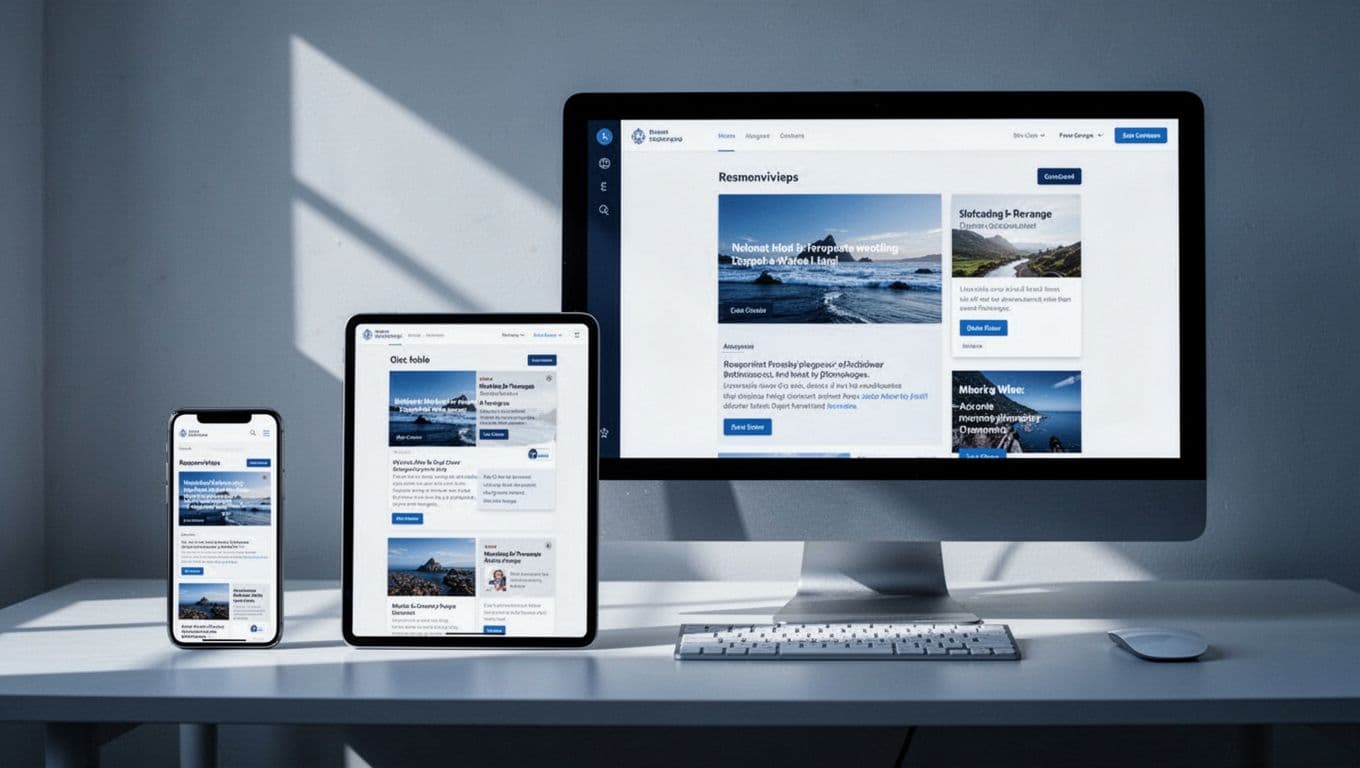
Next, we need content parity. If our desktop page has full service details, FAQs, reviews, and internal links, the mobile page should have them too. Hiding large chunks of text, stripping key headings, or removing product details can weaken the page because Google sees the lighter mobile version first.
Internal linking matters here as well. If important pages are easy to reach on desktop but buried on mobile, Google may treat them as less connected. Menus can collapse on small screens, but the links still need to be crawlable and easy to tap.
If key content or links disappear on mobile, Google may treat that stripped-down page as the version it knows best.
Media needs the same care. Images should scale well, load fast, and keep useful alt text. Videos should work on phones, not rely on broken embeds, and include captions or transcripts when helpful. That helps both usability and accessibility.
For a practical audit, our technical SEO checklist for small businesses is a good next step. We can also compare our setup against this current mobile SEO guide for 2026.
Speed, usability, and markup still shape results
A slow mobile site feels like a store with a stuck door. People leave, and Google notices the poor experience. That’s why mobile page speed still matters.
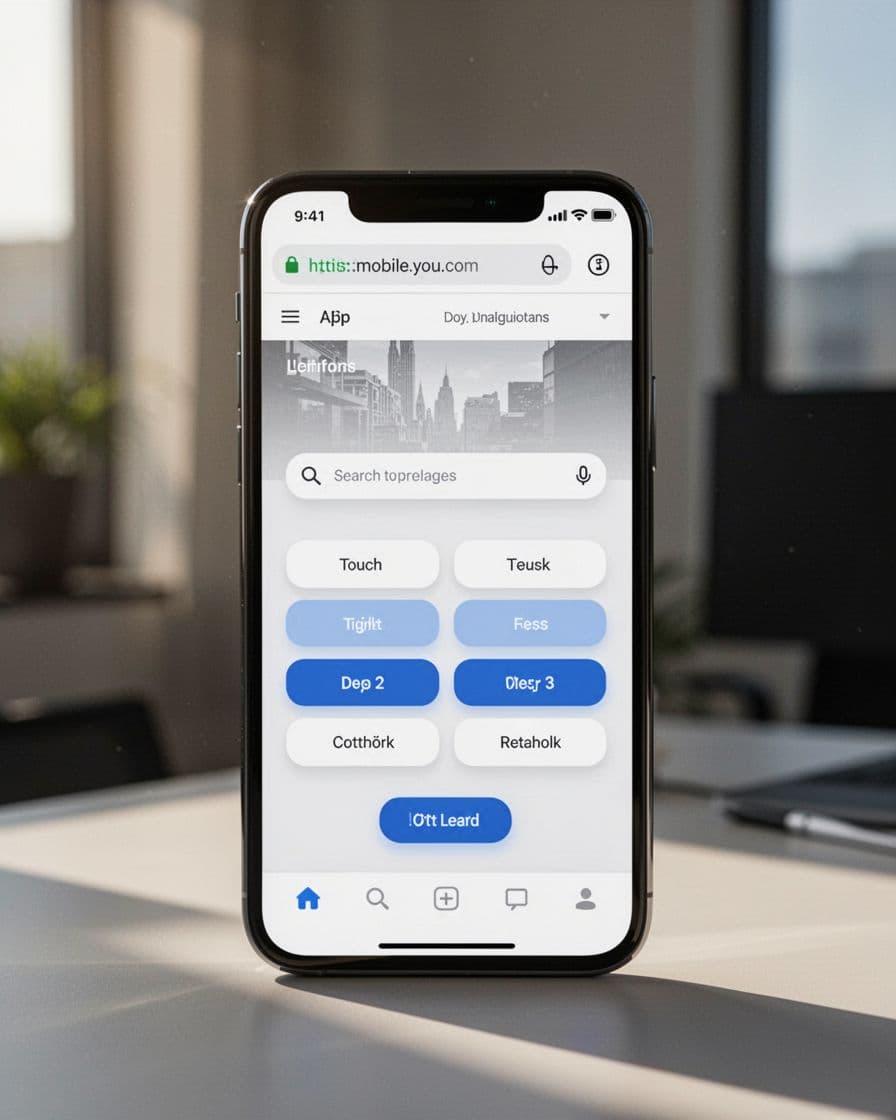
We can start with the basics. Compress images, trim bulky scripts, use fast hosting, and avoid pop-ups that cover the page. Google still cares about page experience on phones, so load time, touch response, and layout stability all affect how a page feels.
Usability is just as important. Buttons should be large enough to tap. Text should be easy to read without zooming. Navigation should stay simple. We also want to test on real phones, because a page can look fine in a desktop browser window and still break on an actual device.
Then there’s structured data, which is the code that helps Google understand a page. If our desktop page has product, review, breadcrumb, or business markup, the mobile page should match it. The same goes for titles, meta descriptions, canonicals, and robots rules. Mixed signals create confusion.
If pages get crawled but still don’t appear as expected, our SEO indexing guide 2026 explains where things often go wrong. For one more outside reference, this mobile-first indexing checklist is a useful cross-check.
A short checklist we can use today
- Use responsive design instead of a stripped-down mobile version.
- Keep the same key content on mobile and desktop.
- Make menus and internal links easy to reach on phones.
- Compress images and keep videos mobile-friendly.
- Match structured data and metadata across versions.
- Test speed and usability on real devices, not only in desktop previews.
Beginner FAQs
Does Google ignore our desktop site?
No. Google can still crawl desktop pages. The issue is that it primarily uses the mobile version to judge the page.
Do we need a separate mobile site?
Usually, no. A responsive site is simpler to manage and reduces mismatch problems.
What if our mobile page has less content?
That can hurt performance if the missing content is important. Shorter is fine only when the page still gives the same value and meaning.
The main idea to keep
Mobile-first indexing is simple once we strip away the jargon. Google looks at our mobile pages first, so those pages need the same substance, speed, and clarity we expect on desktop.
If we build mobile pages that are complete, fast, and easy to use, we’re not chasing a trend. We’re matching how Google already sees the web.