
A site can have the right content and still show the wrong page in search. Our US page appears in the UK, our Spanish page hides behind English results, and leads slip away without an obvious error.
That’s where hreflang tags help. They tell Google which version of a page matches a user’s language or region, so the right page has a better chance to appear. Once we strip away the jargon, the setup is much simpler than it sounds.
What hreflang tags do, and when we need them
Think of hreflang like a set of mailing labels. The pages may cover the same topic, but each label tells Google where that version belongs.
We use hreflang when we have:
- the same page in different languages
- the same language for different regions, like US and UK English
- a fallback page for users who don’t match any version
Hreflang does not make a weak page rank by itself. It helps Google pick the most suitable version. That matters when our content is similar across regions, or when spelling, pricing, shipping, or tone changes by country.
For example, an en-US product page and an en-GB product page can both be valid. Google says this directly in its localized versions documentation and its guide to multi-regional and multilingual sites.
If we only have one language and one audience, we usually don’t need hreflang at all. In that case, adding it creates extra work with no gain.
Hreflang, canonical tags, and language targeting are different
These three ideas often get lumped together, but they solve different problems.
Here’s the quick comparison:
| Item | What it tells Google | Typical use |
|---|---|---|
| Hreflang | Which alternate page fits a language or region | English US, English UK, Spanish |
| Canonical | Which URL is the preferred version of duplicate or near-duplicate URLs | Parameter URLs, filtered pages, copied paths |
| Language targeting | The broader country or language strategy of the site | Local content, currency, shipping, subfolders |
The biggest mistake is using canonical tags to replace hreflang. That backfires. If our US page canonicalizes to the UK page, we’re telling Google to prefer only one page. If those pages are real alternates, each one should usually point to itself canonically, then reference the other alternates with hreflang.
If we want a deeper look at that relationship, our guide on pairing canonical and hreflang tags helps clear up the duplicate URL side.
One more 2026 note matters here. Google still supports hreflang, but the old Search Console International Targeting report is gone. So we can’t rely on that old report as our main check anymore.
Simple hreflang examples we can copy
The core rule is easy: every page in the set needs the full set of alternate tags, including itself.

For US and UK English, a page head might look like this:
<link rel="alternate" hreflang="en-US" href="https://example.com/us/page/" />
<link rel="alternate" hreflang="en-GB" href="https://example.com/uk/page/" />
<link rel="alternate" hreflang="x-default" href="https://example.com/us/page/" />
That setup tells Google both pages are English, but aimed at different regions.
Now let’s say we have English and Spanish versions of the same service page:
<link rel="alternate" hreflang="en" href="https://example.com/en/services/" />
<link rel="alternate" hreflang="es" href="https://example.com/es/servicios/" />
<link rel="alternate" hreflang="x-default" href="https://example.com/en/services/" />
A few details matter here. We use lowercase language codes like en and es. We use uppercase region codes when we add a country, like US or GB. Also, we use full URLs, not relative paths.
If one page points to another with hreflang, the other page should point back.
That reciprocal link is one of Google’s strongest consistency checks.
How to implement hreflang tags step by step
For most small and mid-sized sites, HTML head tags are the easiest place to start.

- Pick your alternate pages first. Match true equivalents only, page to page.
- Choose one method, HTML tags, XML sitemap, or HTTP headers for files like PDFs.
- Add a full hreflang set on every page in the cluster.
- Give each page a self-referencing canonical, not a canonical to another region or language.
- Test the live pages, then roll the pattern out site-wide.
For larger sites, XML sitemaps are often easier to manage at scale. For audits, the Lighthouse hreflang audit is a helpful second check.
A short checklist keeps the setup clean:
- Use absolute URLs only.
- Keep codes valid, like
en-US,en-GB,es-ES. - Add self-referencing hreflang entries.
- Add reciprocal tags on every alternate page.
- Keep canonicals aligned with the page’s own URL.
When we review a broader site build, our technical SEO checklist including hreflang is a practical follow-up.
Troubleshoot common hreflang mistakes before they cost traffic
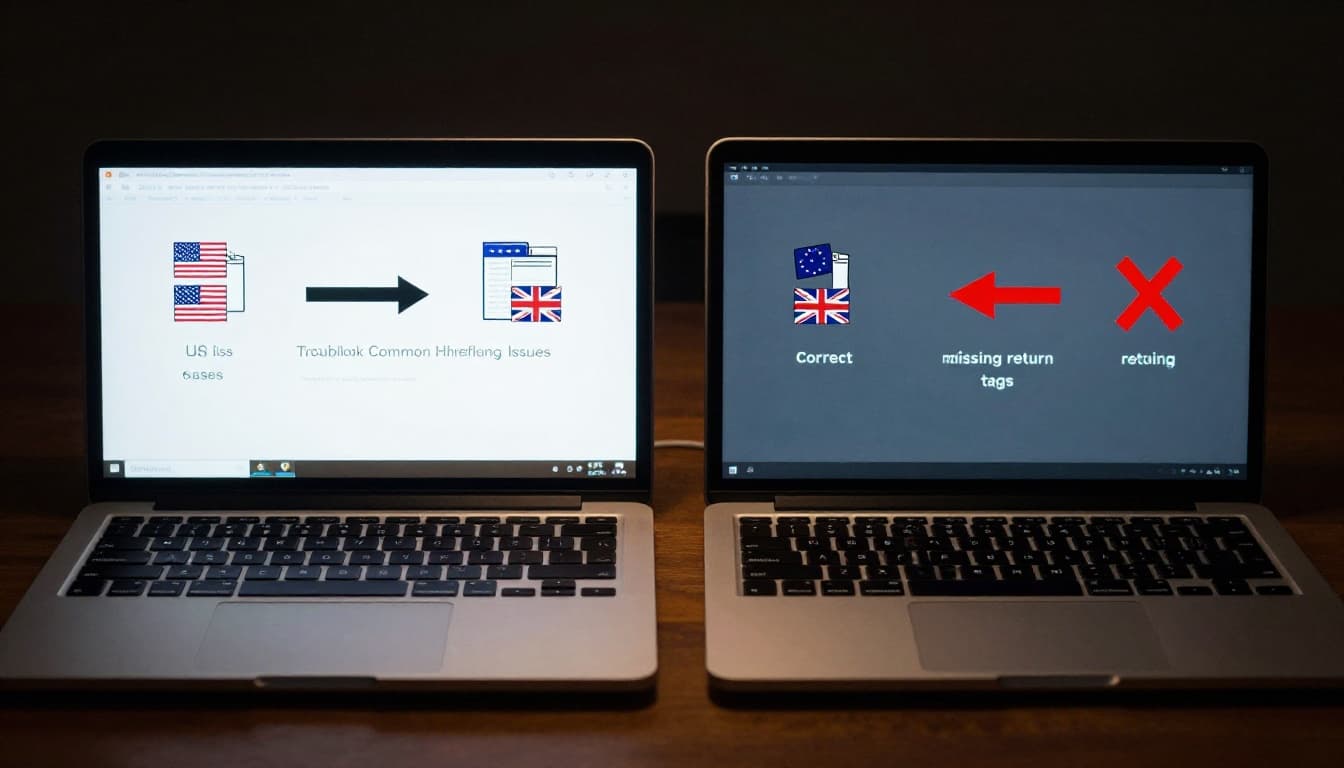
Reciprocal tags are missing
This is the classic break. Page A links to Page B, but Page B does not return the favor. Google may ignore the connection.
The language or region code is wrong
en-UK is wrong. en-GB is right. Small code errors can wreck the whole setup, so we need exact ISO language and country codes.
Self-referencing tags are missing
Each page should identify itself as part of the set. Without that self-reference, Google gets a weaker signal about the cluster.
Canonicals conflict with hreflang
This one hurts the most. If every alternate page canonicalizes to one master page, Google may treat the others as duplicates and skip them. Hreflang can’t fix a canonical that says, “ignore this page.”
A quick manual source check catches most of these issues fast. So does crawling a sample set before a full rollout.
Hreflang works best when the page group is consistent from top to bottom. If the tags, canonicals, internal links, and live URLs all agree, Google has a much easier job.
That’s the real win with hreflang tags. They don’t add magic, but they remove confusion. Start with one page cluster today, test it, then expand the pattern across the rest of the site.