Google Business Profile messaging is gone, but your local lead flow doesn’t have to disappear with it. The businesses that keep winning calls, quotes, and bookings are the ones that make contact easy after a customer finds them on Google.
Your profile is still a strong starting point. It needs a clear next step that sends people to a phone call, a booking page, or a fast website inquiry.
Key Takeaways
- Google removed Business Profile chat and call history on July 31, 2024. The feature can’t be turned back on.
- Customers can still contact your business through your phone number, website link, booking links, and other profile actions in Google Search and Maps.
- A website contact form, SMS workflow, live chat, WhatsApp Business, or booking tool can replace the old chat path.
- Pick channels your team can answer consistently. An unanswered message widget is worse than no widget.
- Track calls, forms, text conversations, and bookings as separate lead sources, then connect them to real sales or completed jobs.
What Changed With Google Business Profile Messaging
Google Business Profile messaging was never a system you owned. It was a Google feature, which meant Google controlled the inbox, data, and customer path.
That is why it makes sense to move more of your lead process onto channels connected to your own website, phone system, and customer relationship management tools.
Chat and call history ended in July 2024
Google removed chat and call history from Business Profiles on July 31, 2024. Businesses can no longer send or receive customer chats through the profile, and the call history area is no longer available.
Google confirms the full change in its notice about Business Profile chat and call history. Customers can still find businesses in Search and Maps, but the old message button is gone.
Google has not published a confirmed reason for ending the feature. Low use and spam concerns are common industry theories, but they are still theories.
Old records are no longer available
Google allowed businesses to export older chats and call history through Google Takeout until August 30, 2024. That deadline has passed, so don’t plan around recovering historical conversations now.
The reporting change also matters. The Performance API no longer includes the BUSINESS_CONVERSATIONS metric. If messaging data was part of an old reporting dashboard, remove it and focus on lead actions you can still measure.
Losing Google’s inbox does not lower rankings by itself. It removes one contact option, so the practical job is replacing that option with a better-owned lead path.
How Customers Can Still Contact You on Google
Google Search and Maps still put useful contact details in front of local customers. The difference is that a Google Business Profile now needs to lead somewhere you control.
A complete profile can show your business name, business hours, category, website, phone number, location or service area, reviews, photos, and available contact options.
Phone calls, website clicks, and booking links
Check the phone number visible on your profile. Don’t assume the call button changed back to an original number after messaging ended. Google doesn’t promise that automatic update.
Search your business name on a phone, tap the call action, and confirm it reaches the right team. Then test the website button. It should open a page built for the service or location the customer searched for.
Google also lets eligible businesses manage local action links, including booking and ordering links. Review Google’s instructions to manage local business links before adding one.
Automated calls are separate from messaging
Google may place automated calls or send texts on behalf of customers for certain requests, such as appointment bookings, price checks, availability questions, or wait-time updates. This is not the old Business Profile chat feature.
Businesses can control these options in profile settings. Google’s guide to automated calls and texts explains the available controls and opt-out choices.
Treat these calls as an extra contact route, not your primary booking system. Your own phone process, scheduling tool, and staff response still matter most.
Google Business Profile Messaging Alternatives That Generate Leads
The right replacement depends on how customers prefer to reach you and how quickly your team can respond. A plumber handling urgent calls needs a different setup than a salon that books appointments days ahead.
Website forms and live chat tools
For most local businesses, a short website form is the safest first replacement. Ask for a name, phone number, service needed, and preferred contact time. Keep it short enough for a customer standing in a driveway or sitting in a car.
Live chat tools such as Tidio, Intercom, and LiveChat can work well when someone is available to answer. They can capture leads after hours, but only if follow-up is prompt.
| Channel | Best fit | Response speed | Conversion potential | Typical cost | Setup effort | Customer-data ownership | Local-business fit |
|---|---|---|---|---|---|---|---|
| Contact form | Quotes and non-urgent service | Moderate | Strong | Low | Low | Strong | Excellent |
| Live chat tools | Questions before booking | Fast when staffed | High | Low to moderate | Moderate | Strong | Good with coverage |
| WhatsApp Business | Mobile-first customer communication | Fast | High for engaged audiences | Low to moderate | Low | Moderate | Best for familiar audiences |
| SMS with Twilio | Estimates and appointment updates | Fast | High for urgent needs | Usage-based | Moderate | Moderate | Excellent with consent |
| Booking tool | Scheduled services | Immediate confirmation | High when availability is accurate | Low to moderate | Moderate | Strong | Excellent for appointments |
A form should send confirmation to the customer and alert the person responsible for follow-up. We also recommend placing the same phone number and service details on your profile, contact page, and location pages.
SMS, WhatsApp Business, and social messages
Text messaging works well for service businesses that need photos, addresses, or fast estimate details. Twilio can support SMS workflows, but you need a clear process for consent, replies, and handoff to a real person.
WhatsApp Business, Twilio, Tidio, Intercom, LiveChat, Facebook Messenger, and booking platforms are third-party tools for customer communication, not Google features. Facebook Messenger can also help businesses with an active Facebook audience.
The downside is fragmentation. If leads arrive through forms, texts, WhatsApp, Facebook, and voicemail, someone on the customer service team needs to own the inboxes. Start with one primary channel and one backup channel, not five separate places to check.
Build a Simple Migration Plan
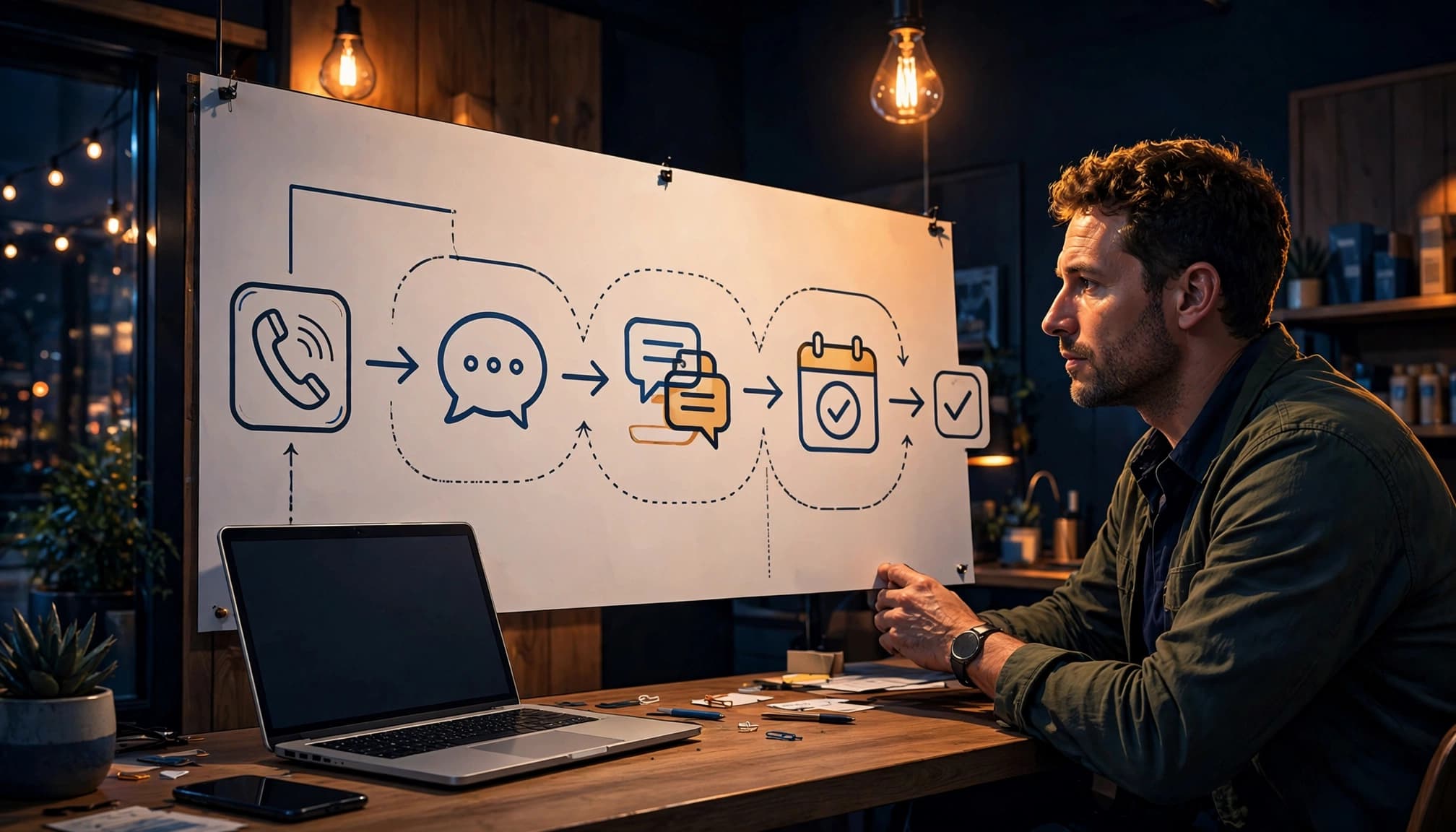
A good replacement process is less about adding software and more about removing friction. A customer should know what to do within seconds.
Audit the questions your old chats received
Look at email inquiries, voicemail notes, sales calls, and front-desk questions. Common patterns usually appear quickly: “Do you serve my area?” “Can I get an estimate?” “Do you have an opening this week?”
Build those answers into your website. A service page can explain coverage areas, pricing approach, scheduling expectations, and what happens after a quote request. Our local service page SEO guide can help turn those pages into stronger lead paths.
Then choose the best action for each need:
- Send urgent service requests to a direct call button.
- Send quote requests to a short form or SMS conversation.
- Use WhatsApp Business for photo-heavy quote requests when customers already use that channel.
- Send appointment requests to a booking page with current availability.
- Send general questions to live chat only when someone can respond.
Give every lead a clear owner
Assign responsibility to customer service before publishing a new contact option. Set response expectations for each channel, then monitor your response rate. Calls may need an immediate answer, form leads may get a reply within one business hour, and after-hours requests may receive automated responses that confirm receipt without replacing human follow-up.
Route leads into one shared inbox or CRM when possible. Get consent before sending text messages or continuing SMS conversations. Record the source as Google Business Profile, organic search, social media, referral, or paid advertising. That small detail tells you which channels bring qualified work instead of casual questions.
Our SEO lead attribution guide explains how to connect calls, form submissions, bookings, and quote requests to revenue.
Keep Your Google Business Profile Ready for Action
The profile still supports local search visibility and helps your business appear correctly in local search results. Messaging removal didn’t change the need for accurate business information.
Check the details customers see first
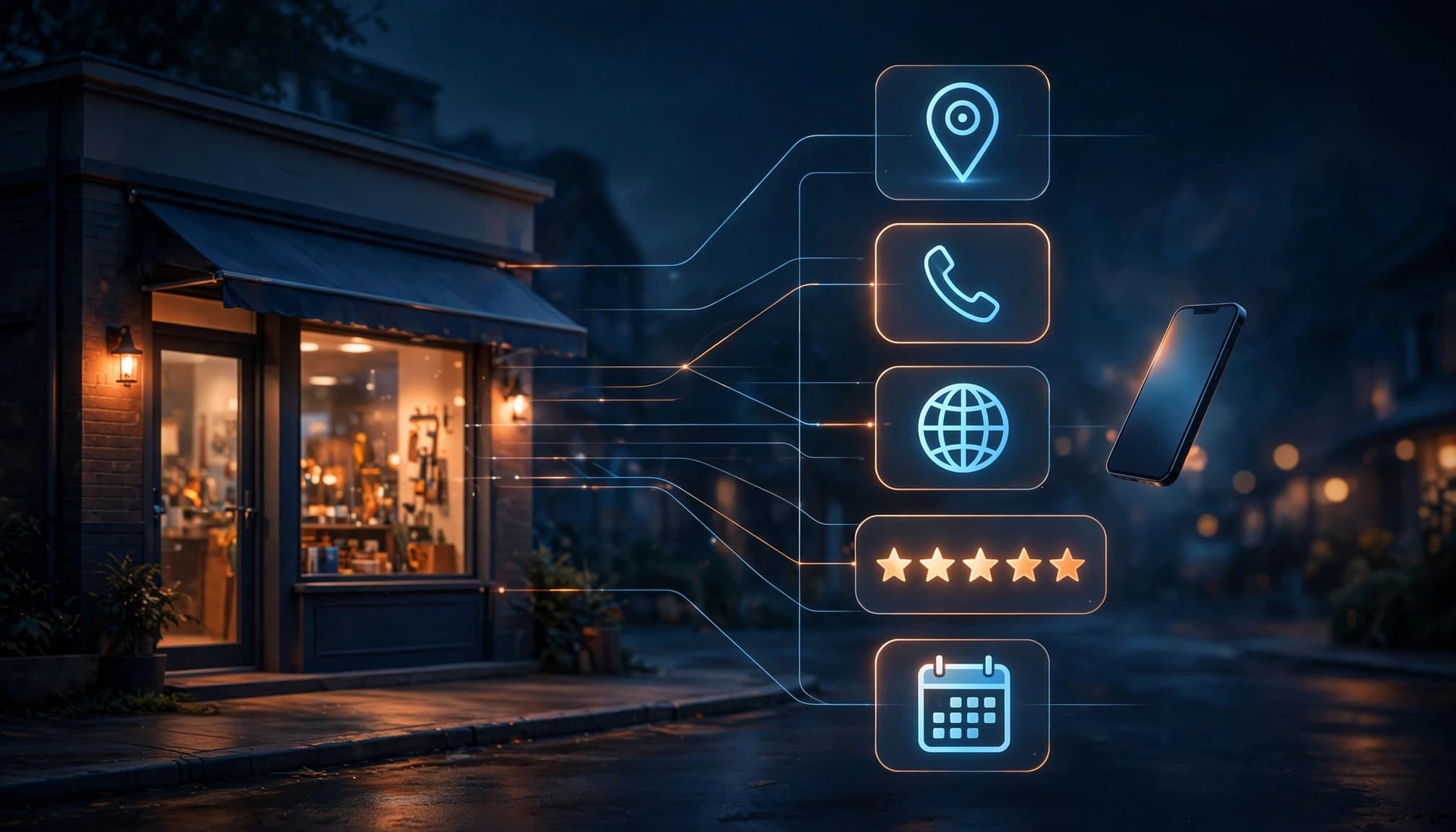
Review your main category, phone number, business hours, website link, services, photos, service area, and Google reviews. Use the real-world business name and an accurate location setup.
If you run a service-area business from home, hide the public address when customers don’t visit. The address still needs to be real for Google. A mailbox, vacant building, friend’s address, or made-up suite isn’t a legitimate substitute.
An online-only business that serves customers through shipping, Zoom, email, or a website may not qualify for a local profile. In that case, put more energy into your website, business listings, social profiles, and content for the areas you serve.
Send profile visitors to pages you control
Link to a domain you own, not a temporary social media page. Your landing page should match the service the customer expects to find.
A roofing company can link to a roof inspection or estimate page. A dental office can link to its appointment page. A restaurant can link to a reservation or ordering page.
Use our Google Business Profile SEO guide to review the remaining profile actions that can produce calls, website visits, direction requests, and bookings.
Measure Leads Instead of Missing the Old Inbox
Google Business Profile views offer useful context for customer engagement, but they don’t pay the bills. Track the actions that can become customers.
Add UTM tags to your profile’s website and booking links. Then review Google Analytics, call logs, form submissions, booked appointments, and CRM records together. A lead only becomes valuable when your team reaches the person and moves the conversation forward.
Review these numbers monthly:
- Clicks to call from your Business Profile and website.
- Form submissions and the percentage answered on time.
- Confirmed bookings, quote requests, and completed jobs.
- Direction requests for storefront locations.
- Lead source, service type, and final revenue.
A local SEO audit checklist can help you spot gaps between profile traffic and actual local leads.
Frequently Asked Questions
Does losing messaging hurt local SEO rankings?
No direct ranking penalty comes from the removal of Google Business Profile messaging. It was a contact feature, not a documented local ranking factor.
Your local search visibility can still suffer if customers find outdated hours, a broken website link, or a phone number nobody answers.
Can past chats and call history still be downloaded?
No. Google ended the export window on August 30, 2024. If records were not downloaded before that date, Google Takeout is no longer an option for those old chats and call history.
What is the best replacement for quote requests?
For most service businesses, use a short quote form with a click-to-call option nearby. SMS can be a helpful follow-up route when customers need to send photos or confirm details.
Keep the form focused on information your team needs to respond. Long forms often create more abandoned inquiries.
Can Google still help with bookings?
Yes, eligible businesses can use booking links and may receive automated Google calls or texts for certain customer requests. Your own scheduling page should remain the main booking destination because you control availability, customer details, and follow-up.
Keep the Contact Path Simple
Google Business Profile messaging is gone, but local customers can still find, call, visit, and book your business through Google. The strongest replacement is a reliable path from your profile to a phone call, useful landing page, quote form, or booking tool.
Focus on fast response, accurate information, and lead tracking. When those pieces work together, your business is less dependent on any single Google feature.