
A duplicate page on another domain can confuse search engines, split visibility, and make it harder for the right page to appear. Cross domain canonical tags give Google a clear preference when two pages are truly the same or very close.
This setup can work well for syndicated articles, product content shared with a partner, or a separate brand site that republishes approved copy. It is not a shortcut for moving a website, fixing thin content, or forcing rankings.
The right canonical setup is simple in code, but the business decision behind it needs care.
How Cross Domain Canonical Tags Work
A canonical tag is a line of HTML placed in a page’s <head> section. It tells search engines which URL you want treated as the main version of matching content.
With a cross-domain canonical, the duplicate page lives on one domain and points to the preferred page on another domain. For example, a supplier may publish a product guide on supplier.com, while an authorized local dealer republishes the same guide on yourbusiness.com.
The dealer’s copy can point back to the supplier’s original page.
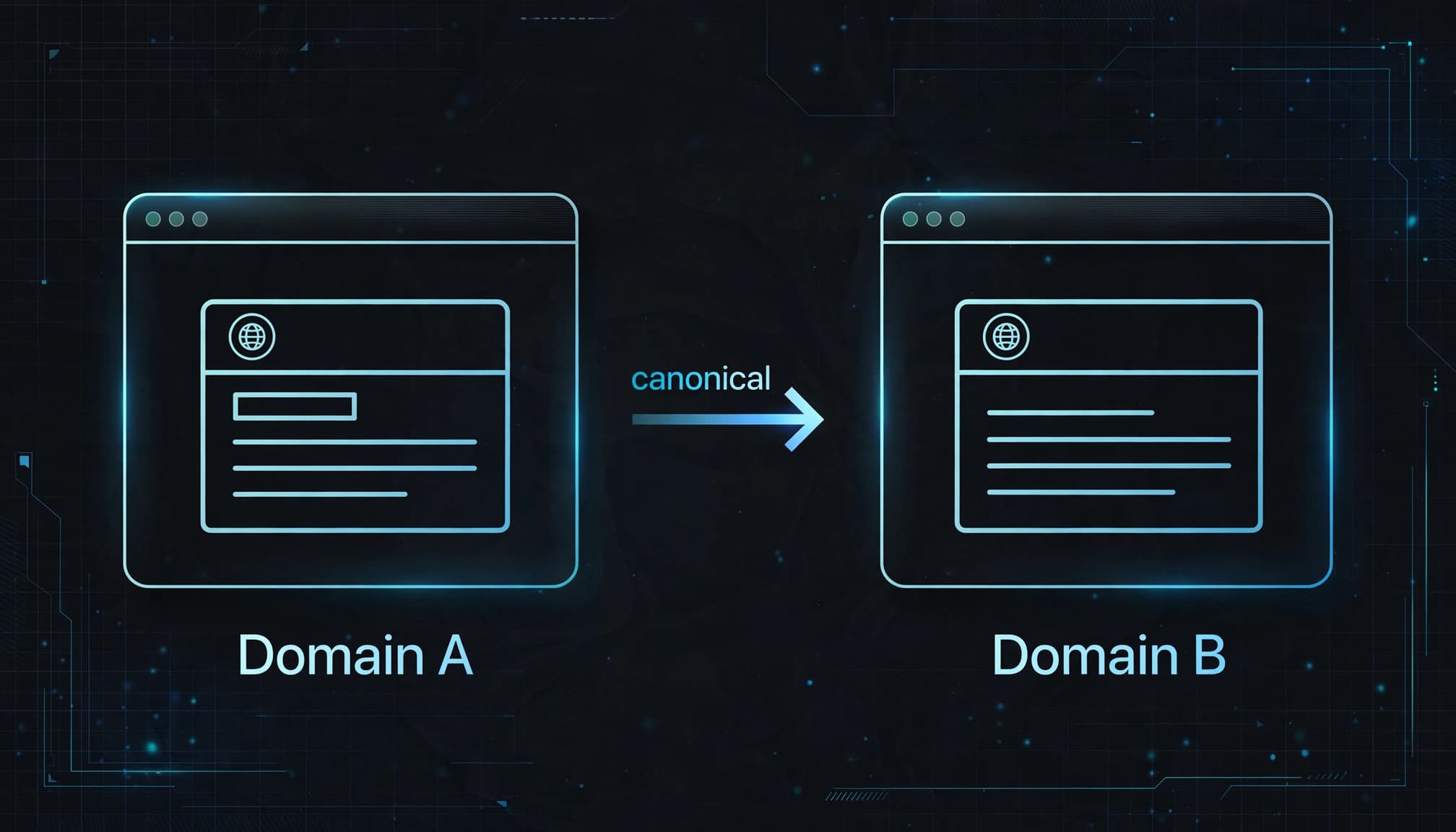
A canonical is a hint, not a command
Google treats the canonical as a strong suggestion, not a guaranteed instruction. It can choose a different canonical if the content differs too much, the target page is unavailable, or other signals disagree.
Google explains its approach in its documentation on consolidating duplicate URLs. Redirects carry the strongest signal. Canonical annotations are next, while sitemap inclusion provides weaker support.
A canonical works best when the page content, internal links, sitemap entries, and redirects all support the same preferred URL.
This is why a canonical tag should never be dropped in as a quick fix. Search engines look at the full picture.
What the tag looks like
If partnerdomain.com/service-guide is a duplicate of yourdomain.com/service-guide, the partner page would include this inside its <head>:
<link rel="canonical" href="https://yourdomain.com/service-guide">
Use the full, absolute URL. Include the correct protocol, hostname, path, and trailing-slash format. A small mismatch can create a new duplicate instead of resolving one.
When a Cross-Domain Canonical Makes Sense
Cross-domain canonicals are for legitimate duplicate or near-duplicate pages that need to remain public. They are most useful when both site owners understand the arrangement and can maintain it.
Syndicated articles and press content
A local business may write a helpful article that gets republished by a chamber of commerce, trade publication, franchise network, or industry partner. If the republished page is substantially the same, the partner can canonicalize its version to the original article.
That gives Google a clearer signal about where the source content lives. It also lets the partner share useful information without competing directly against the original page.
This is common with press releases, expert columns, research summaries, and educational buying guides. The key is that the content needs to be genuinely similar. A short excerpt with a link back does not need a canonical tag.
Shared product information
Manufacturers often provide descriptions, specifications, manuals, and images to dealers. A small retailer may need that material to sell a product accurately.
If the manufacturer hosts the full product page and dealers use the exact same copy, a canonical can help identify the manufacturer’s URL as the preferred source. However, that may not be the right business choice for every dealer.
If your local store needs to attract searches for that product, create a useful page of your own. Add local availability, delivery details, installation information, original photos, FAQs, and service notes. A page that is meaningfully different may stand on its own.
For related cleanup work, our duplicate content SEO guide explains when duplication needs a canonical, redirect, noindex tag, or stronger content.
When Not to Use a Cross-Domain Canonical
A canonical is not a way to tell Google that one site is more important than another. It is a declaration that two URLs contain essentially the same page.
Using it on pages that serve different audiences can remove visibility from a page you wanted to keep in search.
During a full domain move
If you are moving oldbusiness.com to newbusiness.com, use page-by-page 301 redirects. Update internal links, XML sitemaps, Google Search Console properties, and business profiles.
A cross-domain canonical can support duplicate content in limited cases, but it is not the primary tool for a permanent move. A redirect sends visitors and crawlers to the new address. A canonical leaves the old page accessible.
Our SEO site migration checklist covers the details that often get missed during a domain or CMS change.
For different locations, services, or products
Don’t canonicalize a Louisville service page to a Cincinnati service page because the layouts match. Don’t point one product to another because both products share a category. Don’t canonicalize franchise location pages if each location has its own address, team, service area, and reviews.
Those pages may look similar, but they answer different local searches. They need original, helpful details, not a canonical relationship.
Also avoid cross-domain canonicals when you don’t control the target site. If the other business changes its page, adds a noindex tag, redirects it, or removes it, your canonical signal becomes weak or broken.
Canonicals, Redirects, and Noindex Tags
These tools solve different problems. Picking the wrong one is like using a forwarding address when you meant to close an account.
| Situation | Best option | Why it fits |
|---|---|---|
| A page permanently moved to a new domain | 301 redirect | Visitors and search engines reach the new page |
| Identical article republished by a partner | Cross-domain canonical | The duplicate stays public while naming an original |
| Tracking URLs show the same page | Self-referencing canonical | The clean URL stays preferred |
| A useful internal page should not appear in search | Noindex | The page remains available but is not intended for indexing |
| Similar local service pages | Original content | Each page needs its own purpose and local value |
The practical rule is simple. Use a redirect when the old page should disappear. Use a canonical when duplicate pages must remain available. Use noindex when a page has a purpose for people but not for organic search.
For parameter URLs, filtered pages, and campaign links, our URL parameters SEO guide can help you choose the cleanest option.
Adding Cross Domain Canonical Tags Correctly
Before you add code, compare the source page and target page side by side. Headings, body copy, images, products, and primary purpose should closely match.
If one page is only loosely related, don’t canonicalize it.

Use one tag in the page head
Add one canonical tag to the duplicate page’s <head>. The target should be the final preferred URL, not an intermediate URL that redirects again.
A valid example is:
<link rel="canonical" href="https://www.example.com/original-guide/">
Do not place canonical code in the body content, footer, or JavaScript after the page loads. Search engines may miss it or handle it inconsistently.
Google also supports canonical URLs in HTTP response headers for files such as PDFs. The header format is Link: <https://www.example.com/original.pdf>; rel="canonical". This is useful when you cannot edit an HTML <head>.
Configure your CMS with care
WordPress SEO plugins, Shopify settings, and many website builders can output canonical tags automatically. That saves time, but it can also preserve old settings after a migration or template change.
Check the live page source. Don’t rely only on what a plugin screen says.
A page should have one canonical tag. If your theme adds one tag and an SEO plugin adds another, search engines get mixed signals. Review our canonical tag SEO guide before changing templates or plugin settings across a full site.
A Practical Implementation Checklist
A careful setup does not need to take all day. It does need a clear record of what each page is doing.
- List every duplicate URL and the one preferred target URL before changing code.
- Confirm that the pages are substantially the same in purpose and content.
- Choose the final HTTPS URL, including your preferred www or non-www version.
- Add one absolute canonical tag to each duplicate page.
- Keep the canonical target live, indexable, and accessible without a login.
- Update internal links on your own site to point straight to the preferred version when appropriate.
- Keep your XML sitemap focused on preferred, indexable URLs.
- Avoid redirect chains between the duplicate page and the canonical target.
- Record the launch date so you can compare indexing behavior later.
For a local business, this may mean reviewing old domains, landing pages created for a campaign, vendor product feeds, and articles sent to partner sites. A short spreadsheet is often enough to prevent a messy change.
If you manage domain records while moving hosting or changing site platforms, check your DNS settings for SEO as part of the same project. A canonical cannot help if the preferred domain fails to load reliably.
Testing the Canonical After Launch
Adding a tag is only the first step. Test the page in a browser, then check how search engines interpret it after they recrawl.
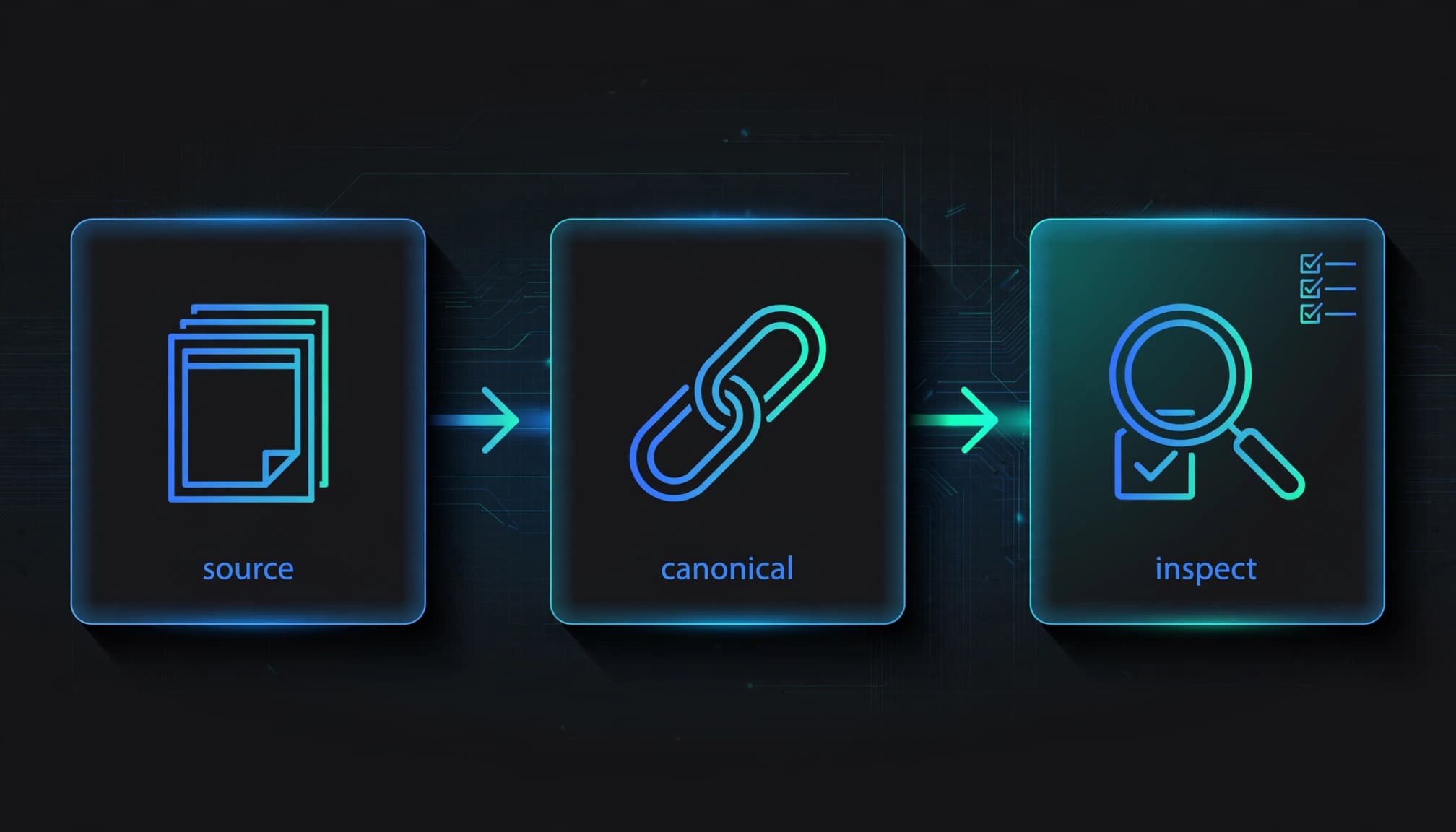
Check the live source and response
Open the duplicate URL in a browser. View the page source and search for canonical. Confirm there is one tag and its href matches the target exactly.
Next, load the target URL. It should return a normal 200 status, not a 404 error, soft 404, password prompt, noindex page, or redirect chain.
Tools such as Screaming Frog can crawl both domains and identify duplicate canonicals, missing tags, loops, and target pages that return errors. A basic crawl is often enough to catch template mistakes before Google finds them.
Review Google’s selected canonical
Use URL Inspection in Google Search Console on a page from each domain. Compare the “user-declared canonical” with the “Google-selected canonical.”
If both show the intended URL, your signals are aligned. If Google picks another page, don’t panic. Compare content, redirects, internal links, sitemap entries, and indexability before making more changes.
Google’s canonicalization overview explains why it may select a different URL. The usual cause is conflicting signals, not a mysterious penalty.
Bing has a narrower documented rule. Its canonical guidance treats a target on a different registered domain as invalid, though another subdomain can be acceptable. That means a Google-focused cross-domain setup may not work the same way in Bing.
Common Mistakes That We See
The code is short, but a few common mistakes can undo the benefit.
Pointing to a redirected or blocked URL
A canonical target should be the final page you want indexed. If Page A canonicalizes to Page B, then Page B redirects to Page C, you have added an unnecessary detour.
Point Page A directly to Page C. Then review links and sitemaps so every signal matches.
Do not point a canonical at a URL blocked by robots.txt, marked noindex, behind a login, or removed from the site. Search engines need to access the target to evaluate the relationship.
Treating different pages as duplicates
We have seen businesses canonicalize every city page to a main service page. The result is often fewer location pages eligible to appear in search, even though the business serves those areas.
Another mistake is using a cross-domain canonical on a rewritten article. If a partner changes the introduction, adds original research, uses different examples, and targets another audience, it may no longer be a duplicate.
Yoast’s explanation of rel=canonical is a helpful reference for the basics. Still, every decision should come back to one question: are these two pages truly meant to be the same result?
Managing Partner and Syndication Agreements
A canonical tag is technical, but content syndication is also a business agreement. Put the details in writing before a partner republishes your material.
Agree on the original URL, the exact publication date, whether the partner can edit the article, and whether the canonical tag must remain in place. Ask for a visible source link too. A reader should be able to find the original publisher without relying on search engines.
If you are the business republishing content, get permission to use it. A canonical does not grant copyright rights or replace a content license.
When the partner cannot add code, ask them to publish an excerpt with a clear link to your original page instead. That option is often cleaner than posting a full copy with no reliable canonical control.
Final Thoughts
Cross-domain canonicals can reduce confusion when the same content must appear on separate websites. They work best when the pages are truly alike and every technical signal points to the same preferred URL.
For a permanent domain move, use redirects. For unique local pages, build unique local content. For approved syndicated copies, use a carefully tested canonical tag and keep checking that the target page remains healthy.