

Change one URL the wrong way, and Google can keep following the wrong path. The good news is that 301 302 redirects are simpler than they sound.
If the move is permanent, we use a 301. If the move is temporary, we use a 302. That one choice shapes which URL search engines keep in mind, so it's worth getting right from the start.
What 301 and 302 redirects actually mean
A redirect is like mail forwarding for a web page. Someone asks for the old address, and the server sends them to a new one.
The key difference is intent. A 301 says, "this page moved for good." A 302 says, "this move is temporary, come back later."
Here's the quick side-by-side view:
| Redirect type | What it means | Best use | What search engines usually do |
|---|---|---|---|
| 301 | Permanent move | New URL replaces old one for good | Shift signals to the new URL over time |
| 302 | Temporary move | Short-term test, campaign, or brief swap | Keep the old URL as the main one |
A 301 redirect is for permanent moves
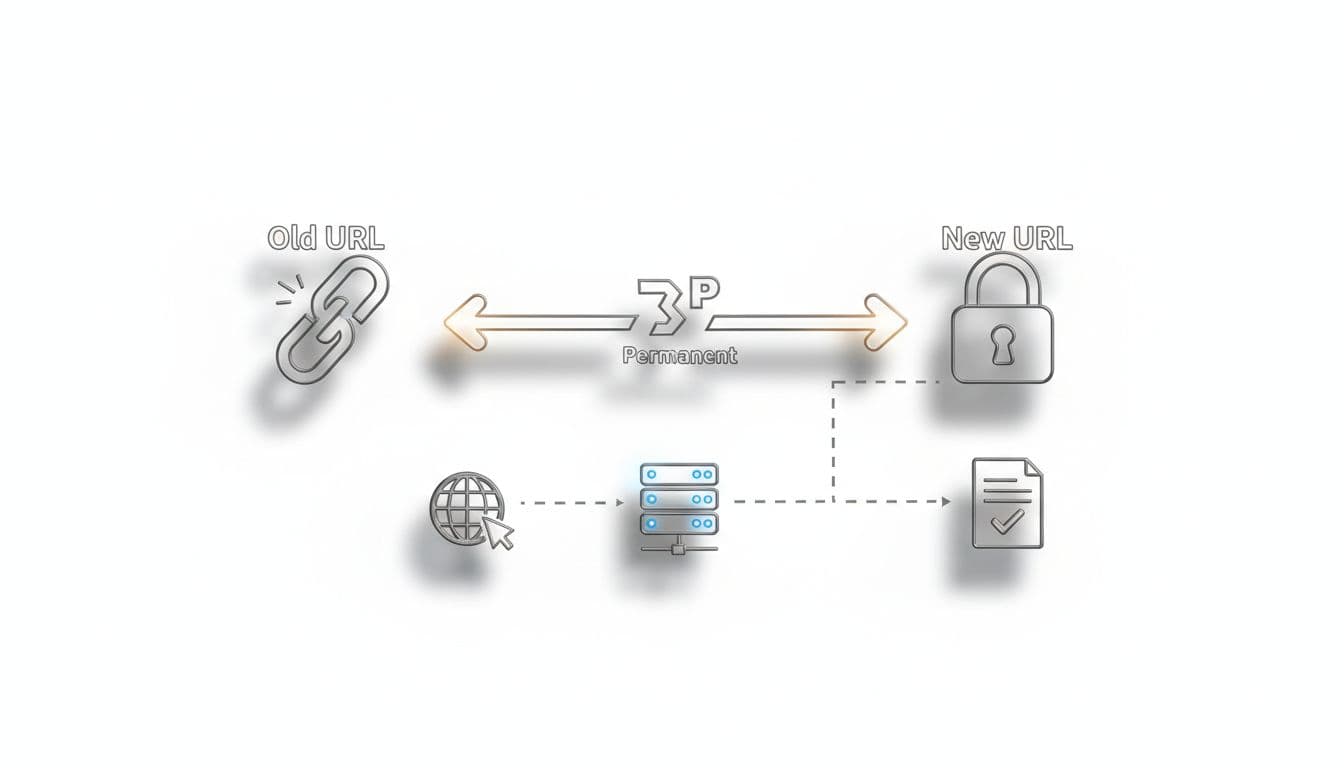
When we change a URL forever, a 301 is the clean signal. This is the right pick for site migrations, page mergers, HTTPS moves, and deleted pages with a clear replacement.
Over time, Google usually treats the new URL as the main destination. That's why a 301 is the safer choice when the old page isn't coming back.
A 302 redirect is for temporary moves
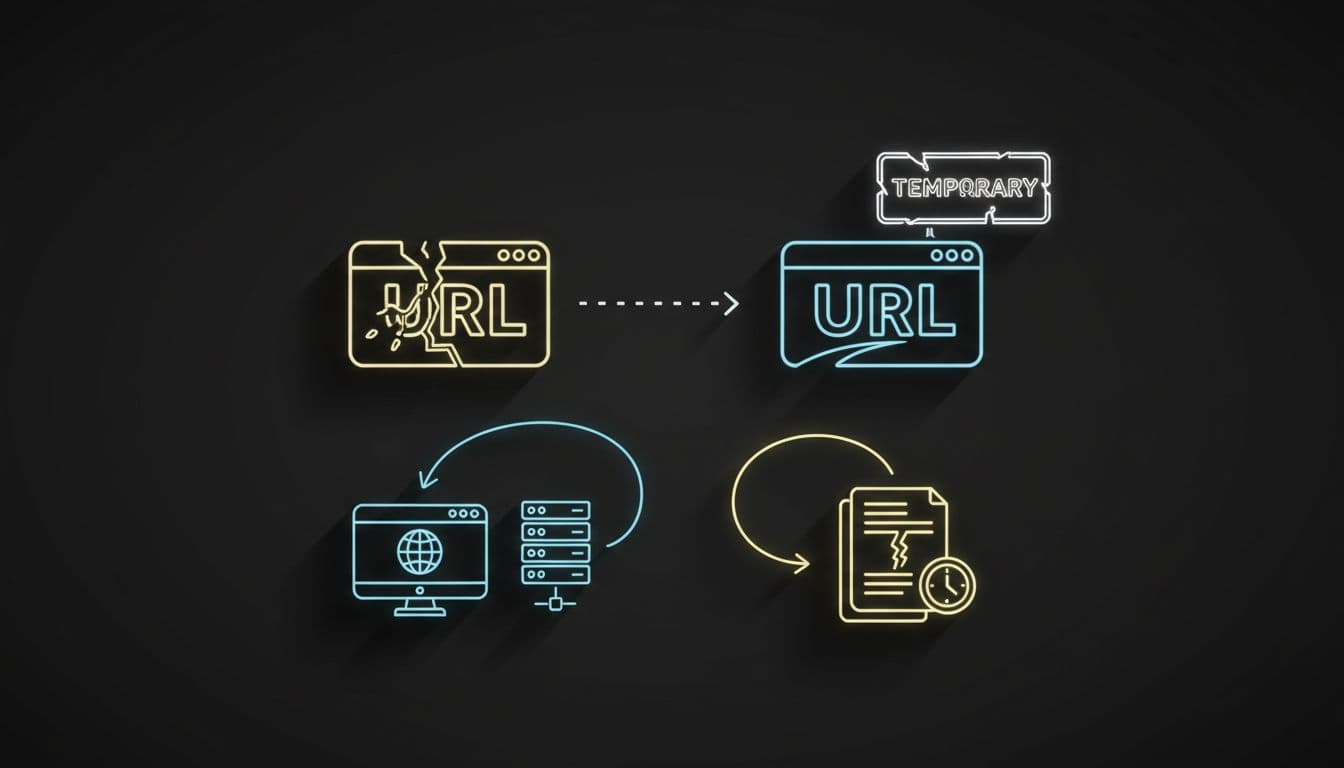
A 302 tells browsers and search engines that the old URL still matters. We use it when the original page should return soon, even if the timing isn't exact.
That makes 302s useful for short tests, limited-time promos, or a temporary product page swap. For a broader plain-English reference, this SEO redirects guide is a helpful companion read.
When to use each redirect, step by step
Most redirect mistakes happen when we pick a code before we decide whether the change is permanent. First, make that call. Then set the redirect to match.
Use a 301 when the old page is gone for good
A simple example helps. Say we rename /seo-audit/ to /technical-seo-audit/ and plan to keep the new version long term.
- We place a 301 from the old URL to the new URL.
- Next, we update menus, blog links, and breadcrumbs so they point straight to the final page.
- Then we keep the redirect live long term, because old links may still exist across the web.
- Finally, we check for chains, broken hops, and crawl issues.
If we're cleaning up those site-wide details, this technical SEO checklist for small businesses is a practical next step.

Use a 302 when the original page should return
Now picture a seasonal campaign. We want our regular product URL to send visitors to a holiday bundle page for two weeks, then go back to normal.
- We place a 302 from the regular URL to the temporary campaign page.
- Meanwhile, we keep the original URL in our long-term plans.
- After the campaign ends, we remove the 302.
- Then the normal page takes over again without acting like it moved forever.
Also, redirects don't solve every duplicate URL problem. If several near-identical pages need one preferred version, a canonical tag SEO guide can help us choose the right signal. And once redirects are live, this internal linking SEO beginner guide shows how to update links so visitors and crawlers stop hitting old URLs.
Common misconceptions that cause redirect problems
The biggest myth is that a 302 is always harmless. It isn't. If we use a 302 for a permanent move, Google may keep the old URL in focus longer than we want.
If the move is permanent, a 301 is the clearer and safer signal.
Another myth says a 302 never passes value. In real life, Google can sometimes treat a long-running 302 more like a permanent move when every other signal points there. Still, we shouldn't depend on Google to guess our intent. We should use the right redirect type from day one. This 301 vs 302 redirect guide gives more context on that point.
One more mistake is treating redirects like a full fix. They aren't. A redirect can move traffic, but it won't clean up messy internal links, long chains, or loops by itself. We still want one hop to the final page whenever possible.
Last, 301s and canonicals are not the same thing. A 301 moves users and bots to a different URL. A canonical keeps pages live but suggests which version search engines should prefer.
Most redirect choices are easier than they first appear. If the move is permanent, we use a 301. If the old page is coming back, we use a 302.
Then we keep the path clean, update internal links, and avoid extra hops. If we're planning a redesign, migration, or content cleanup, now's a smart time to audit our top URLs before small redirect mistakes turn into bigger SEO problems.







