
If your site feels slow with lagging Core Web Vitals, messy, or hard to crawl, rankings usually slide before you notice. A comprehensive site audit is crucial for spotting obstacles to a smooth user experience, including a mobile-friendly design essential for small business success. In 2026, that drop often shows up first as fewer impressions, then fewer calls, form fills, and sales.
This technical SEO checklist is built for small business sites on WordPress, Shopify, or Wix. It’s practical, prioritized, and written with pass or fail checks, plus quick fixes you can actually ship.
1) Core Web Vitals in 2026: pass LCP, INP, and CLS (or pay for it)
Google still judges page experience through Largest Contentful Paint (LCP), Interaction to Next Paint (INP), and Cumulative Layout Shift (CLS). Improving page speed through image optimization and managing JavaScript SEO is key to a positive user experience. The difference in 2026 is that interaction quality matters more across real sessions, not just the first click.

Use this as your baseline. (You can confirm in Google Search Console’s Core Web Vitals report and in PageSpeed Insights, which includes Lighthouse lab data.)
| Check | Pass | Fail | Quick fix that usually works |
|---|---|---|---|
| LCP (load) | Main content shows within 2.5s | Big hero image or slider loads late | Compress to WebP/AVIF, preload hero image, reduce render-blocking CSS |
| INP (interactions) | Under 200ms | Buttons feel sticky, menus lag | Remove heavy apps/plugins, split long JS tasks, defer non-critical scripts |
| CLS (stability) | Under 0.1 | Layout jumps when images/ads load | Set image dimensions, reserve ad space, avoid late font swaps |
If your site “loads fast” but still feels annoying, it’s usually INP. It tracks real interaction delay, not vibes.
Pass: You can click, type, filter, and add to cart without lag on mobile.
Fail: A tap triggers a pause, then a sudden UI update.
Implementation note: Start by reducing JavaScript work. Shopify apps and WordPress plugin bundles are common culprits. For a deeper look at what changed and why it breaks sites, see this INP-focused Core Web Vitals update summary.
Pass: Your caching is doing real work. Repeat visits load noticeably faster.
Fail: Every page view re-downloads the same heavy assets.
Implementation note: Turn on full-page caching where your platform allows it. Add a CDN for images, CSS, and JS. If your host supports HTTP/3 (or at least HTTP/2), enable it because it helps on lossy mobile networks.
2) Crawl, index, and index bloat: keep Google focused on the pages that matter
Small business sites often have the opposite problem of big brands. It’s not “Google won’t crawl me.” It’s “Google crawled a bunch of junk URLs and ignored my money pages.”
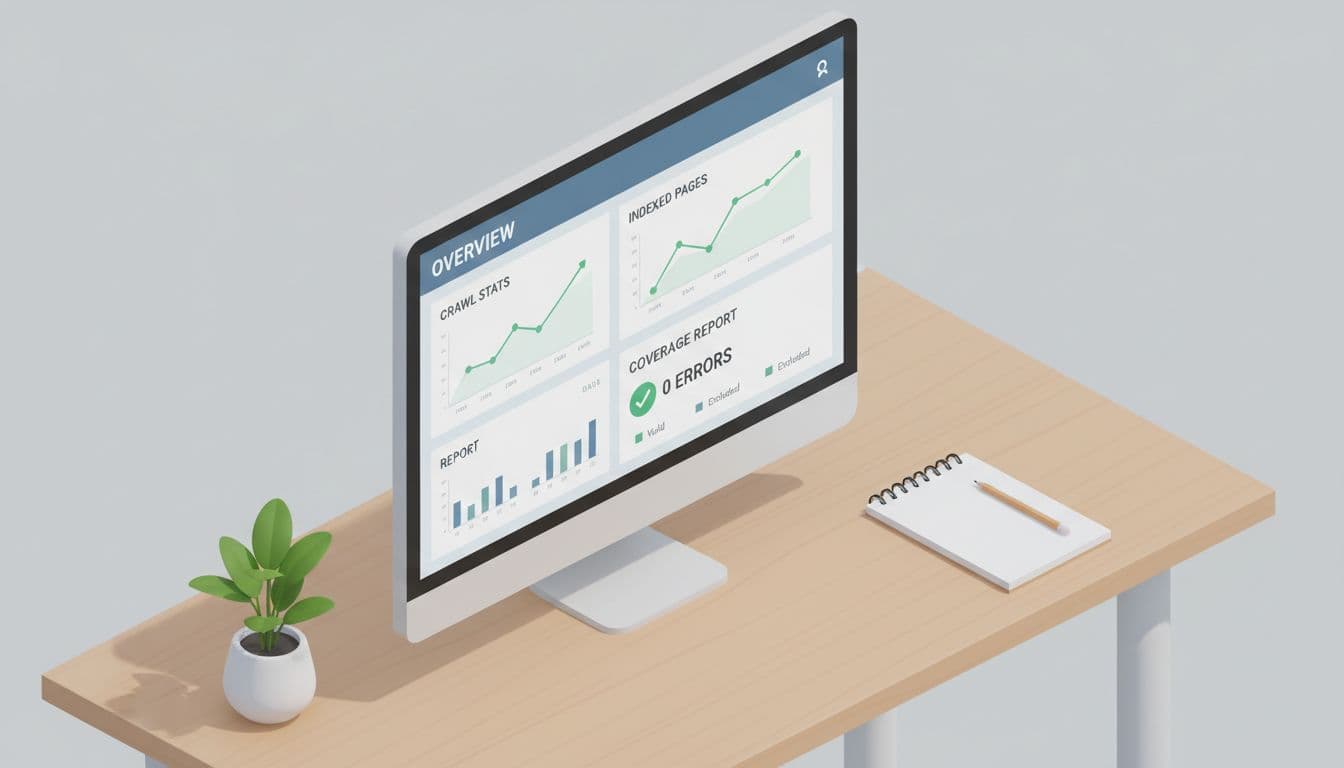
Pass: Google Search Console shows a stable count of indexed pages, and your sitemap pages mostly index.
Fail: Indexed pages jump suddenly, or “Crawled, currently not indexed” grows every week.
Implementation note: In Google Search Console, open Indexing, then Pages. Watch trends, not one-day spikes. If you want a guided tour of the reports that matter, use this Google Search Console walkthrough as a map.
Index bloat is like leaving every drawer open in a workshop. Nothing is “lost,” but you waste time finding the tools.
A logical site structure and strong internal links help optimize your crawl budget while preventing indexing issues related to duplicate content.
Robots.txt and XML sitemaps (simple, but easy to mess up)
Pass: robots.txt blocks only true low-value areas (admin, cart steps, internal search), while your XML sitemap lists only canonical, indexable URLs.
Fail: robots.txt blocks CSS/JS folders, or the sitemap includes parameter URLs, tag archives, or filtered pages.
Implementation note: A sitemap should be a “best of” list, not a full inventory. If you need examples of what a clean sitemap looks like in 2026, reference these sitemap best practices.
Crawl waste from filters and faceted navigation
This hits e-commerce and service sites with lots of categories. Think: ?color=blue&size=m&sort=price.
Pass: Filter pages either (1) stay noindex, (2) canonical to the main category, or (3) only index a small, intentional set (like top filters).
Fail: Google indexes thousands of near-duplicate filter combinations.
Implementation note: Don’t rely on robots.txt alone for faceted cleanup. Use noindex for pages you don’t want indexed, and make sure canonicals point to the preferred version.
3) Canonicals, duplicates, and hreflang basics (the “quiet” technical wins)
Duplicate URLs steal attention from your main pages. They also confuse links and reporting.
Pass: You have one preferred version of every page (HTTPS, one hostname, one trailing-slash style).
Fail: Both http:// and https:// work, or both www and non-www resolve without a clear preference.
Implementation note: Fix with 301 redirects in a single path (one hop), plus self-referencing canonical tags. This preserves link equity and site structure.
Pass: Product and service pages don’t multiply into thin variants.
Fail: You have separate URLs for every minor variation, each with copy-pasted duplicate content.
Implementation note: If the variation isn’t search-worthy, consolidate. Use one strong page and handle options on-page.
Hreflang (only if you truly serve multiple languages or countries)
Pass: Each language version points to its alternates and to itself, and each page returns 200 status.
Fail: You have language folders, but no hreflang tags, or hreflang tags point to redirected pages.
Implementation note: Keep it simple. Only implement hreflang tags when you have distinct language or country targeting, not just “we ship everywhere.”
4) Structured data that helps small businesses in 2026 (without getting spammy)
Structured data won’t fix a slow site, but it can help Google understand your business fast, especially with mobile-first indexing where schema markup aids search engines in parsing mobile content more effectively. It also supports rich results when you qualify.

Pass: Your site uses JSON-LD schema markup with Schema.org types that match your business.
Fail: You copied markup from another site, or you marked up things users can’t see.
Implementation note: For local companies, start with Organization or LocalBusiness schema markup, then add address, phone, hours, and sameAs profiles as structured data metadata. A practical reference is this LocalBusiness schema implementation guide.
Pass: E-commerce pages include Product schema markup with price and availability that match the page.
Fail: Product markup shows “InStock” while the page says sold out, or reviews are marked up without visible reviews.
Implementation note: Keep structured data aligned with the on-page truth. Mismatches are a common small business pitfall, especially after theme edits.
Pass: BreadcrumbList schema matches your internal breadcrumb navigation.
Fail: Breadcrumb markup exists, but users don’t see breadcrumbs, or categories don’t match your site structure.
Implementation note: Breadcrumbs help crawlers and users. They also reduce “orphan feeling” pages in big catalogs.
5) Monitoring and alerts: catch technical problems before they tank revenue
Most SMB sites don’t need daily SEO work. They do need a simple tripwire system.
Pass: Google Search Console email alerts are on, and someone reads them.
Fail: Indexing issues sit for months, then rankings drop “mysteriously.”
Implementation note: Check Google Search Console monthly for indexing issues, server errors, Pages (indexing), Core Web Vitals, and Crawl stats. Include a recurring site audit to check for broken links, review internal links or robots.txt changes, and ensure the user experience remains consistent. After site changes (new theme, new plugins, migration), check weekly for a month.
Common quick fixes that save hours:
- If indexed pages spike, audit parameter URLs and internal search pages first.
- If INP worsens, remove or replace the last plugin or app you installed.
- If CLS worsens, look for injected banners, chat widgets, or late-loading fonts.
Conclusion
A strong technical SEO checklist is a living document that doesn’t add busywork; it removes friction. Maintain page speed, a mobile-friendly layout, and secure HTTPS protocols as non-negotiables. Get performance stable, keep indexing clean with clean internal links and fixed broken links, and mark up your business honestly with structured data. Then set alerts so you hear about problems early, not after leads dry up. This provides long-term stability.