A local landing page can bring in plenty of traffic and still produce few real leads. If visitors can’t quickly see the service, location, proof, and next step, they leave.
Improving local landing page conversions means making it easier for a nearby person to call, request a quote, book an appointment, or visit your location. The page doesn’t need clever copy. It needs to answer the right questions before hesitation wins.
Start by looking at the page through the eyes of someone who needs help today.
Build Local Landing Page Conversions Around One Clear Action
Every local page should have a primary job. A plumber may want phone calls. A dentist may need appointment bookings. A retail store may care more about direction requests and in-store visits.
Problems start when one page tries to push every possible action with equal weight. A visitor sees “Call,” “Email,” “Get a Quote,” “Chat,” “Subscribe,” and “Learn More.” Then they do nothing.
Match the page to the searcher’s intent
The search that brought someone to the page should match the page’s opening message. A person searching “emergency furnace repair near me” doesn’t want a general company history.
Put the service, city or service area, and key benefit near the top.
Weak copy:
We offer dependable HVAC services for residential and commercial customers.
Clearer copy:
Need emergency furnace repair in Florence, KY? Call now for fast help from a local HVAC technician.
The second version tells visitors what you do, where you do it, and what they can do next. This same clarity supports search visibility. Google’s local ranking guidance explains that relevance, distance, and prominence affect local results. Your page should make its relevance obvious to both people and search engines.
Use one primary call to action
Keep the main action visible at the top, after the main proof section, and near the bottom. Use direct button copy that matches the visitor’s need.
“Submit” is weak because it doesn’t explain what happens next. Better options include:
- “Call for Same-Day Service” for urgent home services.
- “Request a Free Estimate” for contractors and professional services.
- “Book Your Appointment” for clinics, salons, and consultants.
- “Get Directions” for stores, restaurants, and showrooms.
A strong call to action reduces the small moment of confusion that costs a lead. For more examples of pages built around real local intent, see our guide to local service page SEO.
Make the Local Offer Easy to Trust
A local page should feel connected to the business and the area. Swapping a city name into the same generic paragraph on dozens of pages rarely gives visitors a reason to choose you.
Local details make a page believable. They also help people decide if you are the right fit.
Show proof close to the decision point
Place trust signals near your call to action, not buried in the footer. A visitor deciding whether to call should see reasons to feel comfortable.
Useful proof can include:
- A short customer review that mentions the service or area.
- Photos of your team, storefront, vehicles, or completed local work.
- Years in business, license details, certifications, or warranty information.
- A clear service-area list for businesses that travel to customers.
For example, a roofing page could say, “Licensed and insured roofing contractor serving Boone, Kenton, and Campbell counties.” Then show a local project photo and a short review nearby.
Avoid broad claims like “the best service in town.” They sound like advertising. A real customer quote or a clear service policy carries more weight.
Keep business details consistent
Your business name, phone number, address, hours, and service area should match your Google Business Profile and contact page. If a visitor sees one phone number on Google and another on your landing page, trust drops fast.
For a multi-location business, each branch should have its own address, hours, local photos, directions, and staff or review details when possible. Our location page SEO guide shows how to build location pages that support both local traffic and local action.
A visitor should never need to guess whether you serve their neighborhood, offer the service they need, or have a way to reach you today.
Choose the Right Conversion Path for the Business
A conversion is not one thing. A click on a phone number, a completed form, an appointment, and a direction request all have different value.
The best local landing page conversions come from matching the path to the buying decision. Someone with a burst pipe acts differently than someone comparing three remodeling companies.
Phone calls work best for urgent needs
Calls are usually the main goal for emergency services, towing, locksmiths, HVAC repair, and other time-sensitive work. Make the phone number click-to-call on mobile. Add hours or availability beside it.
Try copy such as, “Call now for emergency service,” instead of “Contact us.” If calls go unanswered, the landing page cannot fix the problem. Review call coverage, voicemail, and response times with the same care you give the page.
Forms, bookings, and store visits need different prompts
Forms work well when people need an estimate, have a larger project, or want to compare options. Keep them short. Name, phone, email, and a brief project description are often enough.
Bookings fit appointment-based businesses. Show the appointment type and what happens after booking. A medical office may use “Schedule a new patient visit.” A salon may use “Choose your service and time.”
For a store, restaurant, or showroom, directions can be the most useful action. Include the address, parking information, hours, map, and a clear “Get Directions” button.
| Business type | Primary conversion | Helpful page element |
|---|---|---|
| Emergency plumber | Phone call | Click-to-call button and service hours |
| Remodeling contractor | Form fill | Short quote form and project photos |
| Dental office | Appointment booking | Booking button and insurance information |
| Furniture showroom | In-store visit | Directions, hours, parking, and local inventory highlights |
The goal isn’t more button clicks. The goal is more actions that can turn into revenue.
Make the Mobile Page Fast and Simple
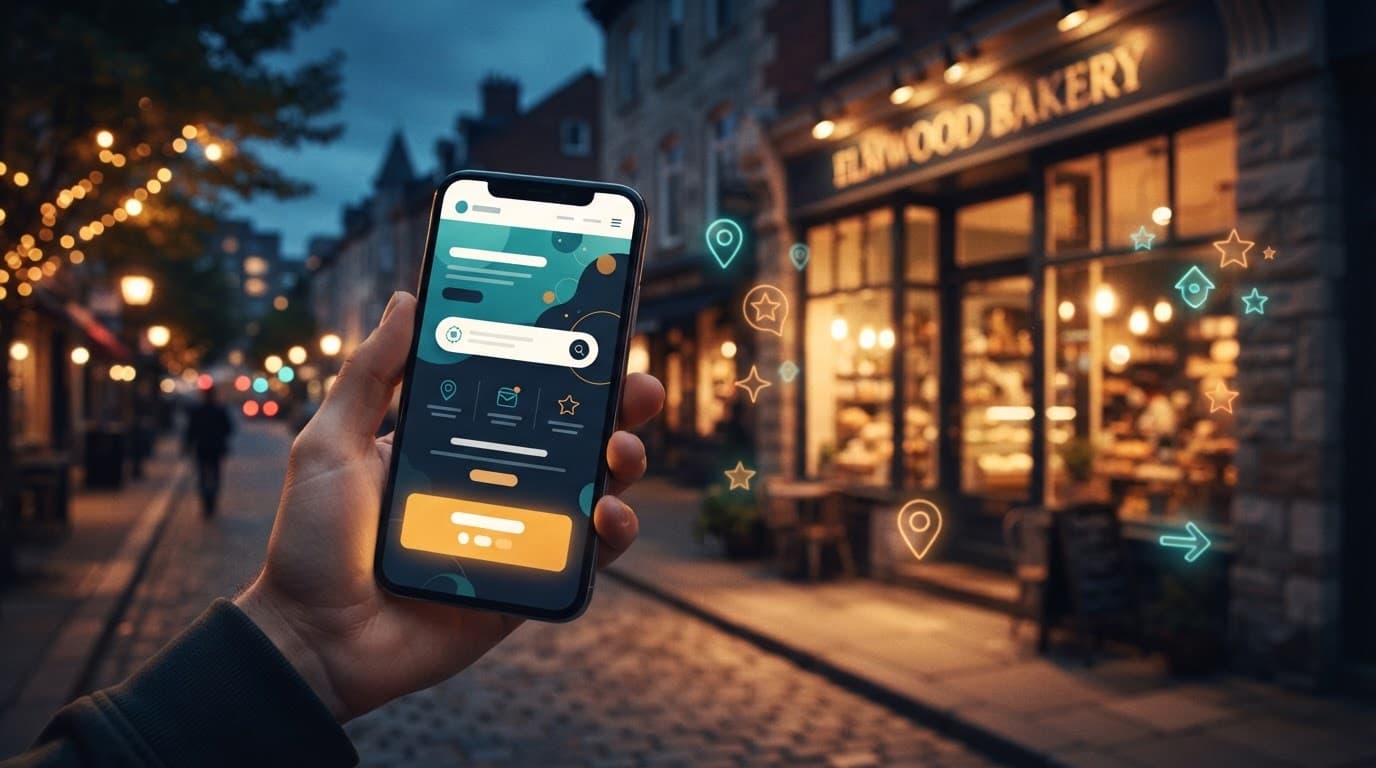
Local search often happens on a phone, while someone is in a car, at work, or standing in a store parking lot. A page that feels fine on a desktop can be frustrating on a smaller screen.
Remove friction before people see the offer
Test the page on an actual phone. Can you find the service, location, phone number, and next step without pinching, zooming, or scrolling through a giant banner?
Large images, autoplay video, too many popups, and heavy tracking scripts can slow the page. Speed is not a vanity detail. When the page lags, intent cools off.
Review the basics:
- Put the main call to action in the first screen view.
- Use readable type and buttons with enough space around them.
- Compress oversized images and remove scripts that add no value.
- Keep forms easy to complete with a thumb.
A solid hosting setup also helps keep the site dependable when traffic increases. Our guide to managed WordPress hosting covers the performance basics that support lead-generating sites. For a practical review of page speed and Core Web Vitals, see this guide to website speed for small businesses.
Measure Qualified Leads, Not Vanity Conversions
A page can show impressive numbers and still fail to bring in good business. Ten form fills from people outside your service area are not better than two calls from customers ready to buy.
We recommend separating activity metrics from qualified leads. Button clicks, page views, and form starts can help diagnose a problem. They are not the final score.
Track each conversion event separately
Set up tracking for the actions that matter on each page. Google Analytics 4 can record events such as phone-link clicks, form submissions, booking confirmations, and direction-button clicks.
Use distinct thank-you pages or confirmation events when possible. That makes it easier to see which page, channel, or campaign brought in the lead.
Track these actions separately:
- Click-to-call taps on mobile and desktop.
- Completed contact or estimate forms.
- Confirmed online appointments.
- Direction requests for a physical location.
- Revenue or booked jobs tied back to the lead, when your systems allow it.
Google Business Profile actions should be part of the picture too. Our Google Business Profile SEO guide can help you connect calls, website clicks, bookings, and direction requests to your local visibility work.
Review lead quality with the sales team
Ask simple questions every month. Did the caller need the service? Were they inside the service area? Did the job get booked? What was the average value?
A $10 click can be a great result for a lawyer or a roofing contractor if it becomes a qualified consultation. That same click may have little value for a low-margin retail offer.
Results vary by industry, location, season, price point, and audience. There is no universal conversion rate that tells you whether a page is healthy. Your own lead quality and close rate are the numbers that matter.
Test Changes Without Breaking What Works
Conversion improvement is usually a series of small, informed changes. Changing the headline, form, offer, and layout at the same time makes it hard to know what helped.
Start with the largest source of friction. If mobile visitors rarely call, make the phone action more visible. If many people begin a form but abandon it, reduce the fields or explain the response time.
Test one meaningful change at a time
Run a test long enough to gather useful data. Then compare qualified calls, booked appointments, and sales, not only clicks.
Good first tests include:
- Replacing a vague headline with a service-and-location promise.
- Changing “Contact Us” to “Request Your Local Estimate.”
- Moving reviews and licensing proof closer to the form.
- Reducing a nine-field form to four fields.
- Adding clear service-area language above the first call to action.
Paid search pages often give faster testing feedback because the traffic and intent are easier to isolate. This PPC landing page testing guide offers useful testing ideas that also apply to organic local traffic.
Don’t chase cosmetic changes first. Fix the message, trust, contact path, and follow-up process before you worry about a different button color.
Final Thoughts
Higher local landing page conversions come from a simple promise, local proof, and one clear next step. The page should help visitors act while their need is still fresh.
Measure calls, forms, bookings, and visits based on the leads they produce. When a landing page brings in qualified local customers, it is doing the work that rankings alone cannot do.